
A Small iPad Upgrade That Could Change Daily SME Work
For many Malaysian SME owners, an iPad is no longer just a device for watching videos or checking email. It can become a mobile sales tool, design workstation, meeting notebook, inventory screen, training device and customer presentation platform. That is why a new paper-like writing accessory from Astropad is worth watching, even though the giveaway itself is not open to Malaysian residents.
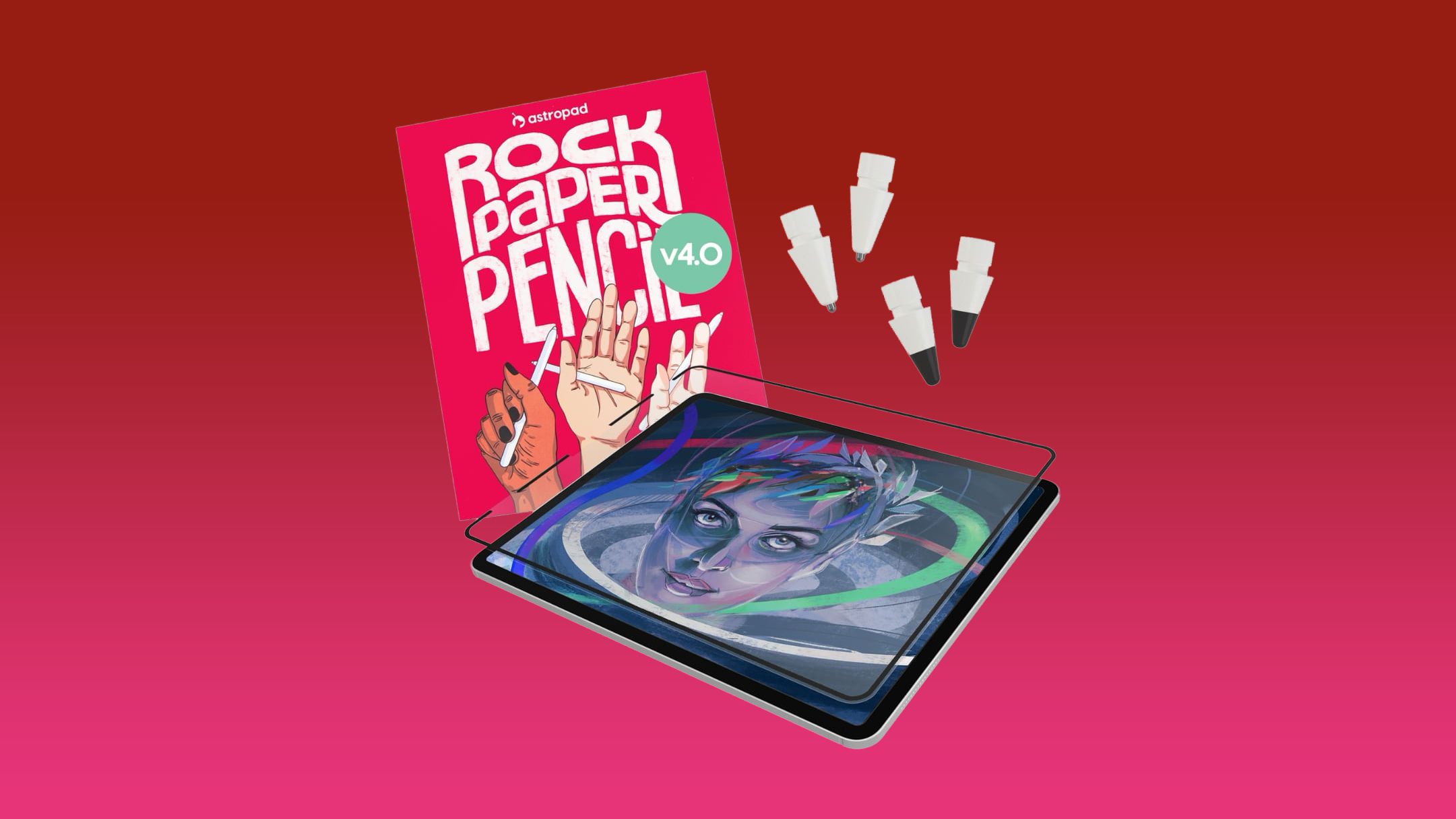
Astropad has introduced the fourth generation of its Rock Paper Pencil kit, designed to make writing and drawing on an iPad feel more like using paper. The update includes two types of Apple Pencil tips: a graphite-style tip intended for sketching and shading, and a ballpoint-style tip designed for smoother writing and linework. According to the source article, the kit also includes a removable textured screen protector that uses microscopic surface friction rather than adhesive.
For a business owner, the important story is not the giveaway. It is the broader shift towards more natural digital work. When a tablet feels easier to write on, you may be more likely to use it for quotation approvals, delivery notes, floor plans, product sketches, customer signatures and staff checklists instead of returning to paper.
What Happened
MacRumors and Astropad announced a giveaway featuring an M4 iPad Air, an Apple Pencil Pro and the latest Rock Paper Pencil kit. The promotion is limited to eligible residents in the United States, the United Kingdom and Canada, according to the published giveaway details. Malaysian readers therefore should not treat the contest as an available local promotion.
The accessory combines a non-adhesive, paper-textured screen protector with customised Apple Pencil tips. The screen protector can be removed and stored in a sleeve when you want to use the iPad for videos or games. Astropad says its new graphite tip is aimed at a pencil-like feel for sketching and shading, while the ballpoint tip is better suited to writing and precise linework. The product information and specifications are reported by MacRumors.
| Feature | Potential SME use |
|---|---|
| Paper-textured screen protector | More controlled handwriting, annotations and signatures |
| Graphite-style tip | Sketching, product concepts, layouts and visual planning |
| Ballpoint-style tip | Forms, notes, quotations and line-based work |
| Removable design | Switch between work mode and normal tablet use |
| Apple Pencil compatibility | Supports digital handwriting on compatible iPad models |
Why This Matters for Malaysian SMEs
Malaysian SMEs often operate across several environments in the same day. You may begin with a planning discussion at your office, visit a customer in Shah Alam or Johor Bahru, inspect stock at a warehouse, and finish by reviewing documents from home. A tablet that supports comfortable handwriting can reduce the need to carry printed forms, notebooks and product catalogues between locations.
Consider a renovation, interior design or construction business. During a site visit, you could open a digital floor plan, mark changes directly on the drawing, record measurements and show the customer proposed adjustments. A pencil-like surface may make those annotations feel less awkward than writing on a smooth glass display. The file can then be shared with your team rather than being photographed from a paper notebook.
The same approach applies to retail and distribution. A sales representative can use an iPad to present products, update a customer order and capture follow-up notes during a visit. A warehouse supervisor can annotate a stock discrepancy, while a restaurant operator can mark changes to a menu layout or outlet checklist. The value comes from reducing repeated data entry and keeping information in one digital workflow.
Service businesses can also benefit. A cleaning company, maintenance provider or air-conditioning contractor could create digital inspection forms with checkboxes, photos and handwritten remarks. A customer can review the completed record on the screen. Whether the signature is legally sufficient depends on your process and the relevant requirements, so you should confirm the appropriate method before replacing formal documentation.
For a small business, the best technology is not necessarily the device with the most features. It is the one your team will actually use consistently during real work.
How to Evaluate This Type of Tool
Before adopting a paper-like screen accessory, you should test your most common tasks rather than judging the product only by its feel. Handwriting that feels pleasant for short notes may not suit detailed drawing, and a textured protector may affect screen clarity or cleaning routines. The reported product design and removable setup are described in MacRumors’ coverage.
- Identify the main workflow: Decide whether your priority is note-taking, design, signatures, customer presentations or inspections.
- Check device compatibility: Astropad’s stated compatibility covers various iPad generations, but you should verify your exact model before purchasing, as noted in the source article.
- Test with existing software: Try the accessory with your current note-taking, PDF, drawing, CRM or inventory applications.
- Plan document storage: Keep files in an organised cloud folder with clear naming rules and access permissions.
- Protect customer information: Use device passwords, account controls and suitable backup procedures.
- Train staff on one workflow: Start with a single form or process before expanding across the business.
The Bigger Picture
The movement from paper to digital work is not simply about buying newer hardware. It is about making digital processes comfortable enough for staff to adopt. If employees dislike typing on a tablet or find digital drawing unnatural, they may continue using paper and later re-enter information manually. That creates delays and increases the chance of missing details.
Paper-like accessories show how user experience can influence business automation. A familiar writing sensation may help bridge the gap between traditional methods and digital records. For Malaysian SMEs, this can be especially relevant where the owner still approves documents personally, sales staff work outside the office, or operational teams need to record information quickly at customer sites.
You do not need to replace every paper process immediately. Start by choosing one repetitive activity, such as site inspection reports, delivery confirmation or customer consultation notes. Measure whether the new process improves retrieval, reduces duplicate work and makes follow-up faster. If it works, connect it to your wider system for document management, customer records or internal approvals.
The Astropad giveaway may be overseas-only, but the underlying lesson is relevant locally: digital tools succeed when they fit the way people already work. For your SME, the opportunity is to combine practical hardware with clear processes, secure storage and staff training. A tablet that feels natural to use could become a useful part of that transition.
Ready to Streamline Your Operations?
Technology moves fast. Your operations should keep up. AutoRunBiz builds AI systems that run your daily workflows — from WhatsApp order capture to accounting. Book a free 15-min ops audit →