
Why New Phone Features Matter to Your Business
If you run a Malaysian SME, your phone is probably more than a device for calls. You may use it to approve payments, reply to customers, check stock, send quotations, manage social media and coordinate staff while travelling between outlets or meeting clients.
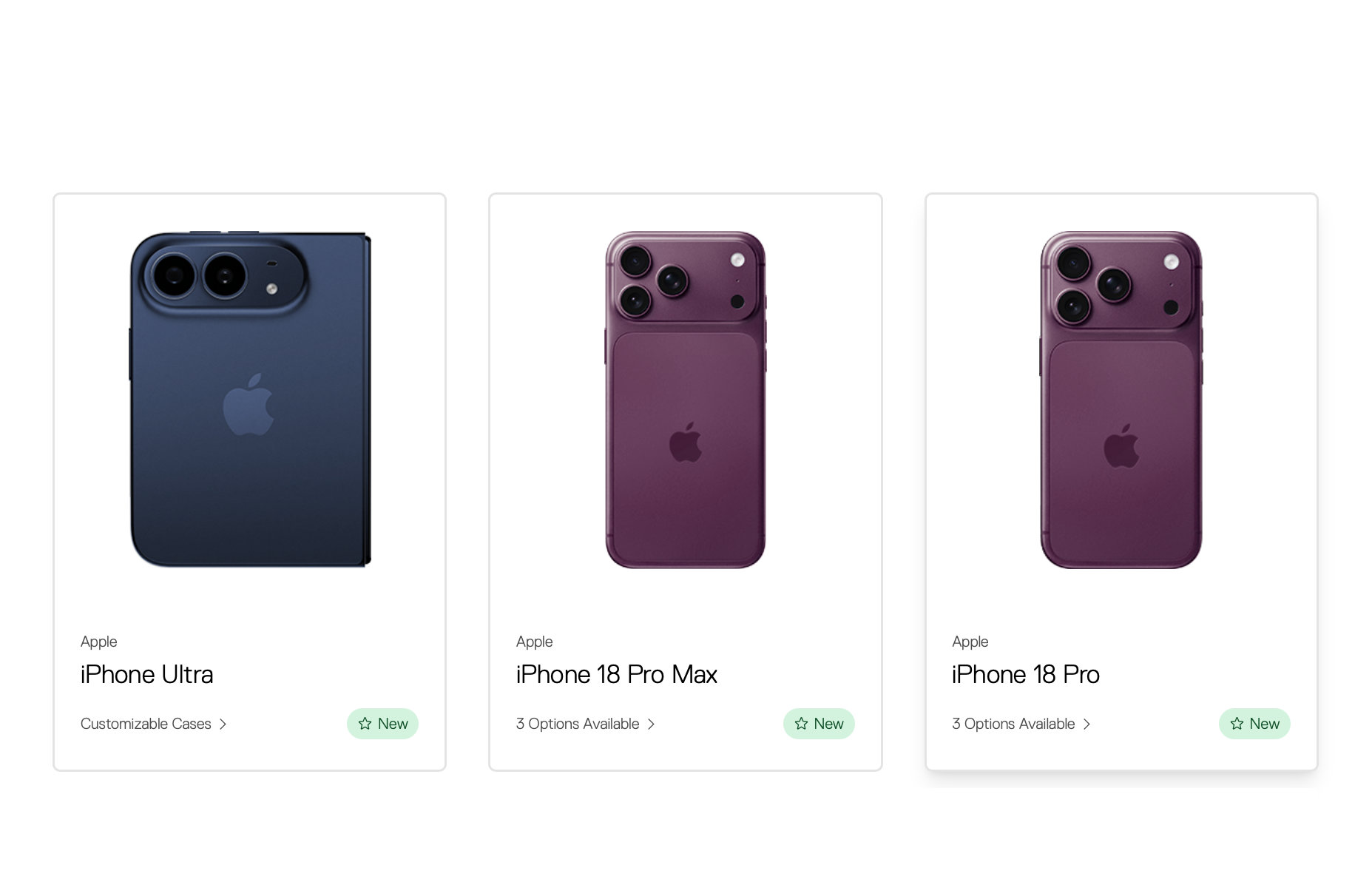
That is why reports about the next iPhone generation deserve attention beyond technology circles. The reported iPhone 18 Pro and a possible foldable iPhone “Ultra” could bring changes to screen design, portability, cameras and how people interact with mobile apps. You do not need to buy a new device to benefit from the discussion. The useful question is: are your business systems ready for staff and customers using more capable mobile devices?
The source report is based on leaks ahead of the expected launch, so specifications may change. Treat the details as signals about where mobile work is heading, rather than confirmed product commitments. Source: SoyaCincau
TL;DR
Rumoured iPhone upgrades point towards larger, more flexible screens and stronger mobile capabilities. For your SME, the practical priority is not the phone model—it is making sure your forms, dashboards, sales tools and customer channels work smoothly on mobile.
Use this trend as a reason to review your mobile workflows, test them on different screen sizes and reduce the manual steps that slow your team down.
What This Means
The reported iPhone 18 Pro and foldable iPhone “Ultra” suggest two different directions for mobile work. A Pro model may focus on improving the familiar smartphone experience, including camera performance, display technology and device design. A foldable model could offer a larger working area that folds into a more portable form.
For a business owner, the important concept is screen flexibility. Employees may increasingly move between a compact phone view and a larger, tablet-like view without carrying another device. That could make it easier to review a sales pipeline, compare product information, complete a stock form or read a detailed customer conversation.
However, a larger screen does not automatically improve productivity. If your business relies on long WhatsApp messages, spreadsheets sent as attachments or paper forms photographed and shared in group chats, staff will still spend time searching, copying and checking information. The phone is only the front end. Your process determines whether the device helps or creates more work.
| Reported mobile direction | Possible SME use | What to prepare |
|---|---|---|
| More capable Pro smartphone | Better product photos, field updates and customer communication | Standardise photo naming, approval steps and file storage |
| Foldable, larger mobile display | Review dashboards, quotations and forms with less scrolling | Make systems responsive and easy to use on different screen sizes |
| Stronger mobile app experience | More work completed outside the office | Set access permissions, backups and clear staff procedures |
How This Applies to Malaysian SMEs
Retail and multi-outlet businesses can use mobile devices for opening checks, replenishment requests and outlet reporting. A staff member could scan or select an item, enter the quantity needed and submit a request from the shop floor. A manager could then review the same information on a larger screen while travelling. Whether the device is a standard phone or a foldable model, the process works best when the form shows only the fields the employee needs.
Food and beverage operators can apply the same approach to daily checklists. Instead of sending separate photos and messages in a staff group, your team could record cleaning checks, equipment issues and supply shortages in one structured workflow. Photos can be attached to the relevant task, while supervisors receive a clear list of exceptions. A newer phone camera may help capture clearer evidence, but the real improvement comes from linking each photo to the right outlet, date and checklist.
Service businesses and contractors can benefit from mobile job records. Your technician or salesperson could open a customer record, view the latest instructions, upload site photos, record completed work and request approval before leaving the location. A larger foldable display may make it easier to compare a job brief with a checklist, but your system must still be designed for quick use with one hand when conditions are busy.
Wholesalers and distributors can prepare for more mobile sales activity by improving product information. Your team should be able to search a catalogue, confirm stock status, create a quotation and follow up without relying on multiple files. If customers use newer phones to view product images, catalogues and order forms, your content should load quickly and remain readable at different screen sizes.
Professional firms, including agencies, consultants and small accounting practices, can focus on secure document workflows. Staff may review briefs, approve drafts and respond to clients from mobile devices. This makes it important to use controlled access rather than forwarding sensitive files through personal chats. A bigger screen can make document review more comfortable, but permissions and audit records remain essential.
The business advantage is not owning the newest phone. It is removing the unnecessary steps between a customer request and a completed action.
Practical Takeaways for Your Business
- Audit your mobile tasks. List the activities your team completes by phone, such as lead follow-up, stock checks, approvals, delivery updates and customer support.
- Test your key systems on different screens. Check a small phone, a larger phone and a tablet-sized display. Look for buttons that are difficult to tap, tables that require excessive scrolling and forms that lose information.
- Reduce repeated data entry. If staff copy a customer name, order number or address between systems, identify whether the information can flow automatically from one step to the next.
- Design for poor connectivity. For field teams, decide what should happen when mobile coverage is weak. Important forms should save progress where possible and clearly show whether a submission was successful.
- Use role-based access. Sales staff do not need the same access as administrators. Give each person only the information and actions required for their role.
- Set a device policy. Clarify screen locks, operating system updates, approved business applications and what staff should do if a phone is lost.
- Standardise photos and documents. Create simple rules for file names, required photos and where records should be stored. This prevents useful evidence from disappearing in chat histories.
- Measure completion time. Record how long common tasks take before and after a workflow change. Use your own operational records rather than assuming a newer device will solve the problem.
A Simple Readiness Checklist
- Choose three mobile workflows that cause the most delays.
- Ask the employees who perform them where errors and repeated work occur.
- Convert each workflow into clear steps with a defined owner.
- Replace free-text messages with structured fields where practical.
- Test the workflow on the devices your team already uses.
- Review the workflow again when new phone formats become common among your staff or customers.
The Bigger Picture
Foldable phones and stronger smartphones may gradually blur the line between phone, tablet and lightweight work terminal. That does not mean every SME should change its hardware immediately. It means your digital tools need to adapt to different ways of viewing and completing work.
Customers are also likely to expect faster responses across more channels. They may submit enquiries from a phone, review a quotation on a larger display and complete a form while travelling. If your business information is trapped in separate spreadsheets, inboxes and chat threads, a better device will not remove the friction.
The longer-term lesson is to build processes around reliable information rather than a particular phone model. Keep customer records consistent, make approvals visible, protect business data and ensure each task has a clear next step. Then your team can benefit from new mobile capabilities without rebuilding the business every time a device changes.
Before considering a hardware upgrade, review the experience you give your staff. If a worker can find the right customer, complete the correct form and notify the next person without duplicate entry, your SME is already preparing for the next stage of mobile work.
Ready to Streamline Your Operations?
Your business should run itself. AutoRunBiz deploys AI agents to automate your daily operations — WhatsApp orders, invoicing, customer follow-ups, and accounting. Book a free 15-min ops audit to see where automation fits your business →