
Your Customers’ Phones Are Becoming Business Tools
If you run a Malaysian SME, you may see smartphones mainly as devices your staff use for calls, WhatsApp messages and taking photos. Your customers see them differently. For many people, a smartphone is now the main way they discover businesses, compare options, make enquiries, complete payments and decide whether to trust a company.
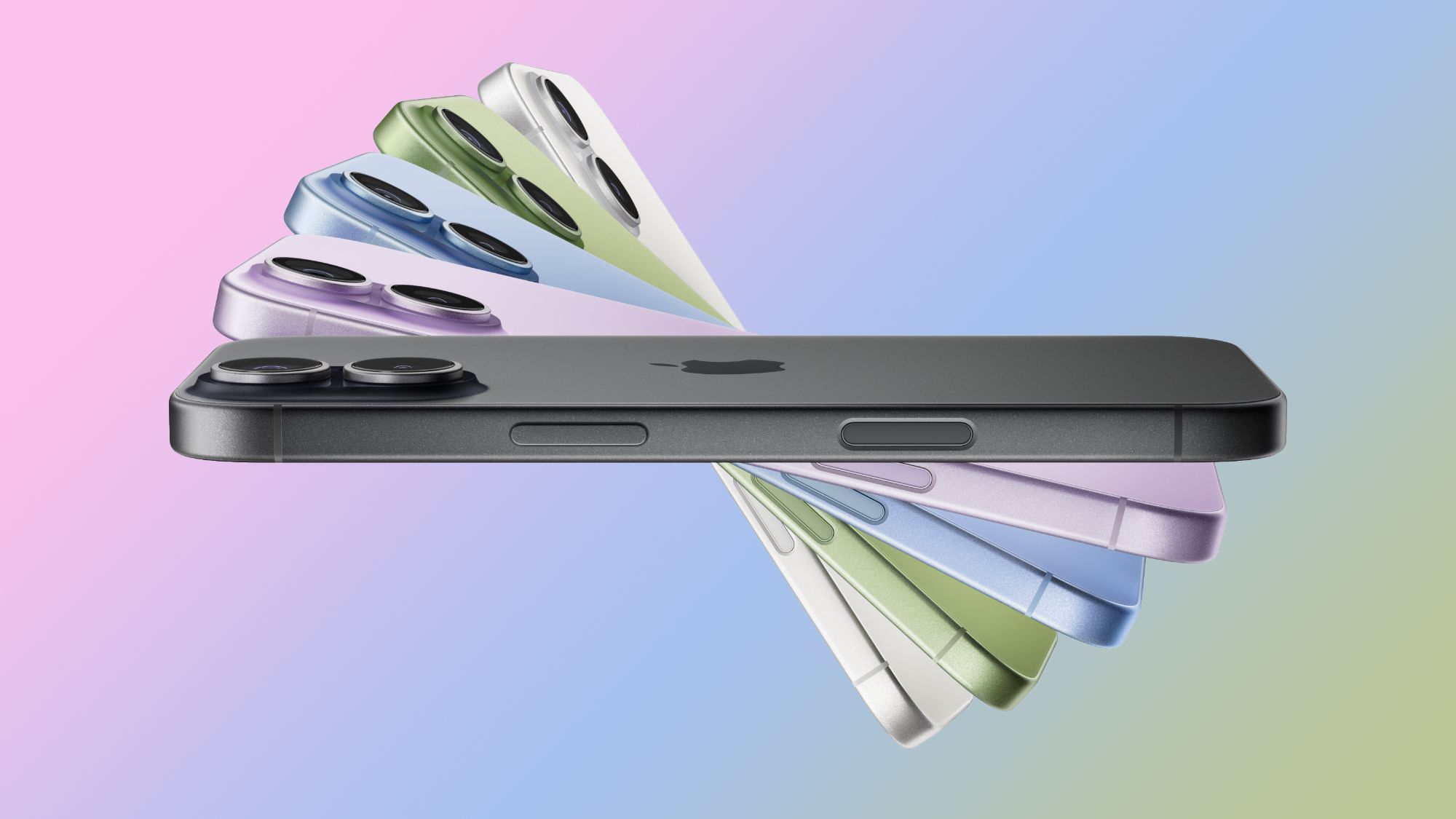
That makes the latest smartphone sales pattern relevant to you, even if you do not sell electronics. The standard iPhone 17 was ranked the world’s best-selling smartphone in the second quarter of 2026, taking 6% of global smartphone unit sales, according to Counterpoint Research data reported by MacRumors. The iPhone 17 Pro Max and iPhone 17 Pro followed in second and third place.
TL;DR: Your customers are increasingly using a smaller number of popular, capable phones to interact with businesses. Make your website, forms, booking process, payment journey and customer support work smoothly on mobile first. Also prepare for staff workflows that depend on reliable smartphones.
What This Means
The smartphone market is not simply about which manufacturer sells the most devices. Sales rankings reveal which screens, operating systems and user habits are becoming common among your audience.
Counterpoint’s second-quarter ranking placed Apple and Samsung in all ten top positions, with the two brands combining for 26% of worldwide smartphone unit sales. That share was two percentage points higher than a year earlier, according to the source report. The overall smartphone market shrank by 11% during the quarter, while Apple and Samsung still increased unit sales, as reported by MacRumors citing Counterpoint’s Global Handset Model Sales Tracker.
| Reported indicator | Figure | Why it matters to your business |
|---|---|---|
| iPhone 17 share of global smartphone unit sales | 6% | Many customers may use a similar high-capability device |
| Apple and Samsung share across the top ten models | 26% | Testing on leading devices can cover a meaningful audience |
| Overall smartphone market change in the quarter | Down 11% | Device replacement may be more selective, so mobile experiences must remain dependable |
| Apple models in the top ten | Five | iPhone users represent an important customer and staff segment |
These figures do not mean every Malaysian customer owns an iPhone. They do mean you should stop treating mobile compatibility as a secondary concern. Your customers may be using newer cameras, faster connections, larger screens and built-in security features to interact with you throughout the day.
Key insight: The phone your customer carries is part of your customer experience. If your process is awkward on that phone, the problem feels like your company’s problem.
How This Applies to Malaysian SMEs
1. Make enquiries effortless on mobile. A customer looking for a caterer in Shah Alam, an air-conditioning contractor in Johor Bahru or a tuition centre in Penang may find you through Google, Instagram or a shared WhatsApp link. They are unlikely to tolerate a form that is difficult to read or complete on a phone. Use short forms, large tap targets and clear calls to action. Ask only for information you need at the first stage, such as name, contact number, service required and preferred date.
When a customer submits an enquiry, your team should receive it immediately in one organised place. A simple automation can notify the right person, create a follow-up task and send a polite acknowledgement. This reduces the chance that a message disappears inside a busy WhatsApp group or personal inbox.
2. Treat mobile payments and confirmations as part of service. Restaurants, workshops, clinics, wholesalers and home-service businesses often depend on customers confirming appointments or orders from their phones. Your confirmation message should be easy to understand and should include the appointment time, location, contact person and next step. If you use QR-based payment or digital receipts, check the complete journey on both iPhone and Android devices.
A customer may be standing in your shop, driving between appointments or managing a family responsibility while dealing with your business. A confusing confirmation creates unnecessary back-and-forth. Clear automated messages help you serve customers consistently, even when your team is handling several requests at once.
3. Prepare your staff for phone-based operations. Field salespeople, delivery teams, property agents, technicians and event crews often depend on smartphones to access customer details, upload photographs and update job status. A newer phone can make these tasks smoother, but the device alone does not create a reliable process. You need clear rules for what staff record, where they record it and who receives the update.
For example, a technician completing an installation could use a mobile form to record arrival time, work completed, parts used and customer approval. The office team can then see the status without calling the technician repeatedly. Photos can be linked to the correct job instead of remaining in a personal gallery. This is especially useful when your business has a small office team supporting workers across several locations.
4. Test the customer journey on popular devices. You do not need to test every smartphone model. Start with the devices your team and customers most commonly use. Check your website, booking form, product catalogue, online payment page and customer portal on a recent iPhone and a current Samsung Android device. Confirm that text is readable, buttons work, pages load properly and documents can be viewed without unusual steps.
Apple’s sales strength also extends beyond its usual core markets. Counterpoint linked gains to regions including India, Japan, and the Middle East and Africa, while South Korea saw sales nearly double, according to the reported research. For Malaysian businesses serving tourists, exporters, international students or overseas customers, this reinforces the need for a mobile journey that works across different users and languages.
Practical Takeaways
- Review your website and enquiry forms on a recent iPhone and Samsung device.
- Remove unnecessary fields from mobile forms.
- Send automatic acknowledgement messages after an enquiry, booking or order.
- Keep customer records in a shared system rather than individual staff phones.
- Give field staff a standard mobile checklist for every job.
- Make appointment confirmations, directions and payment instructions easy to scan.
- Track unanswered enquiries and follow-ups so no lead depends on memory.
- Check that your business phone numbers, links and QR codes work correctly.
- Review mobile performance after every major website or software update.
A Simple Mobile Readiness Check
- Open your website using mobile data, not only office Wi-Fi.
- Find your main service or product within three taps.
- Submit an enquiry as if you were a first-time customer.
- Measure how long your team takes to respond.
- Check whether the follow-up is recorded for future reference.
- Repeat the test on both iPhone and Android.
If any step feels slow or unclear, ask whether the process depends too much on one employee remembering what to do. That is usually a sign that a small amount of automation could improve consistency.
The Bigger Picture
The smartphone market’s 11% contraction, combined with stronger performance from leading premium models, suggests that manufacturers are concentrating resources on devices they expect to sell well. The source report also linked premium demand to trade-in programmes, promotions and financing options, while rising industry prices encouraged some buyers to move towards more expensive tiers, according to Counterpoint’s analysis as reported by MacRumors.
For your SME, the long-term lesson is not that you should buy the most expensive phones for everyone. It is that customers and employees increasingly expect dependable digital experiences on the devices they already use. A slow mobile form, missing confirmation or poorly organised message can make a small business appear less reliable than it really is.
Start with one customer journey, such as a booking, quotation request or delivery update. Make it simple on mobile, automate the repetitive notifications and record every handover clearly. Once that process works, apply the same thinking to another part of your business. That practical approach will help you keep up with changing devices without constantly rebuilding your operations.
Ready to Streamline Your Operations?
Your business should run itself. AutoRunBiz deploys AI agents to automate your daily operations — WhatsApp orders, invoicing, customer follow-ups, and accounting. Book a free 15-min ops audit to see where automation fits your business →