
Why Seasonal Deals Should Start with Your Business Problems
When a major online sale arrives, it is easy to scroll through pages of headphones, cameras, monitors, tablets and smart-home devices and feel that your business should buy something. The real question is not whether a product is discounted. It is whether the product will remove a daily obstacle for you or your team.
As an SME owner, you may be dealing with slow customer replies, messy stock records, weak security at your premises, unreliable presentation equipment or staff sharing one outdated computer. A seasonal sale can be a useful trigger to review those problems, but only if you connect every purchase to a clear business task.
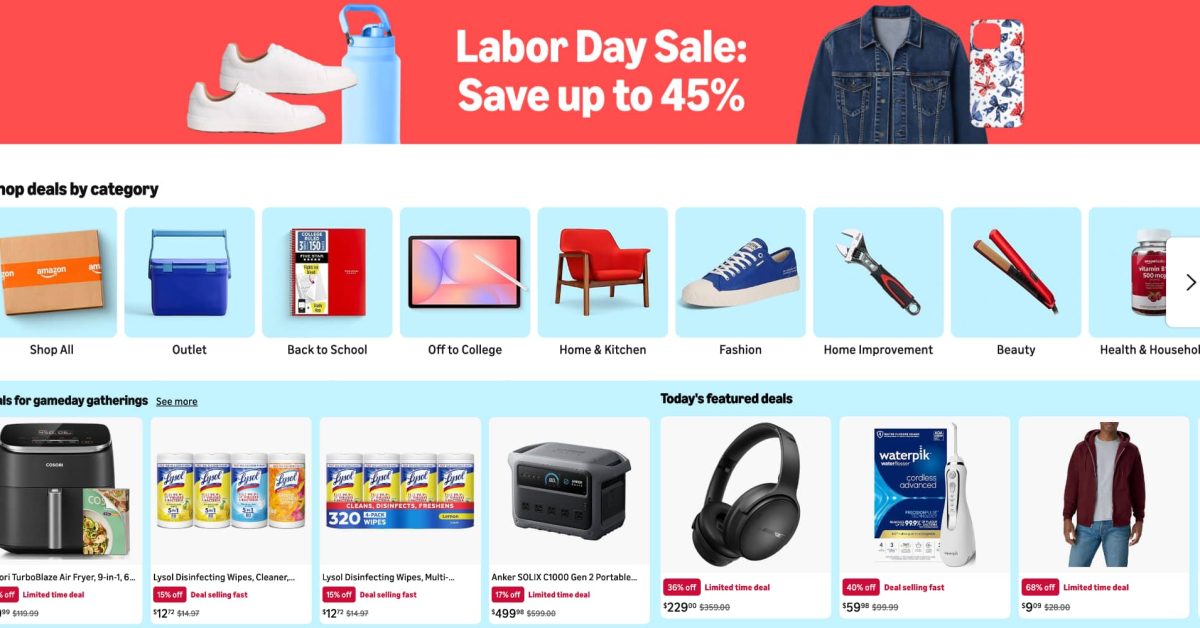
The source article reports that Amazon’s 2026 Labor Day sale runs for 10 days until September 7 and includes thousands of product discounts across technology, office equipment, security devices and household supplies. Source: 9to5Toys The event is based on the United States market, so Malaysian businesses must still check shipping, warranty coverage, plug types, taxes, compatibility and seller reliability before ordering.
TL;DR
Use seasonal promotions as a prompt to improve a specific business process, not as a reason to collect gadgets. Start with one operational problem, check compatibility and assign an owner for each new device.
For Malaysian SMEs, affordable monitors, cameras, microphones, tablets and networking accessories may support sales, remote work, content creation and security—but only when they fit your workflow.
What This Means
A large technology sale creates an opportunity to refresh the tools your business uses every day. The useful concept here is purpose-led purchasing: you identify a bottleneck first, then choose equipment that helps solve it.
For example, a café owner might need a reliable tablet for digital ordering or stock checks. A property agency may benefit from a better microphone and camera for virtual viewings. A small manufacturer could need a monitor for production dashboards, while a retail shop may require a more dependable security camera system.
The article lists examples such as security cameras, portable monitors, microphones, power banks, smart displays, tablets and monitor arms. It also highlights a sale period with featured deals changing daily. Source: 9to5Toys That changing inventory means you should prepare a buying checklist instead of making rushed decisions based on an attractive product page.
Do not assume a lower listed price automatically means a better business decision. A device can create more work if it requires unfamiliar software, does not connect to your existing systems or cannot be supported locally. For Malaysian businesses, local availability and after-sales support may matter more than a headline discount.
The best business purchase is not the device with the biggest discount; it is the device that reliably removes a repeated task or prevents a recurring problem.
How This Applies to Malaysian SMEs
Retail and food businesses: If you operate a shop, café, bakery or small restaurant, your team probably moves between sales, stock checking, customer service and social media. A tablet can support digital menus, order capture, inventory checks or customer registration. A small monitor can give staff a clearer view of sales and fulfilment information. A compact security camera may help you review incidents around the cashier, entrance or storage area. Before buying, confirm that the device works with your point-of-sale platform and that your internet connection can handle connected devices.
Professional services: Accountants, consultants, tuition centres, recruitment agencies and small legal practices often depend on video calls and document-heavy work. A second monitor can reduce the need to switch repeatedly between a spreadsheet, email and client documents. A good microphone can improve online meetings, webinars and recorded explanations. The article includes examples of portable monitors, wireless headphones and microphones in its technology selection. Source: 9to5Toys For your team, the goal should be clearer communication and fewer interruptions, not simply newer equipment.
Construction, property and field services: If your staff work across sites, portable technology can improve reporting. A phone-compatible microphone may help with property walkthroughs or progress updates. A power bank can keep a device active during a long site visit. A tablet can be used for checklists, customer sign-offs, photos and job updates. However, you should test durability, battery performance, weather exposure and mobile connectivity before deploying equipment to field workers. A product designed for home use may not survive daily site conditions.
Manufacturing and small warehouses: Your biggest issue may not be purchasing equipment at all. It may be the lack of a consistent process. A monitor mounted at a workstation can display order queues, dispatch status or production targets. A camera can support safety reviews and access monitoring, subject to appropriate privacy practices. A barcode scanner or mobile device may help staff update stock records at the point of activity. Pair any hardware purchase with a simple standard operating procedure so employees know what to record, when to record it and who checks the information.
Marketing and online selling: Malaysian SMEs increasingly create product videos, livestreams and short-form content. A microphone, lighting accessory, portable monitor or action camera can make content production easier. The article highlights products such as a DJI wireless microphone and an Insta360 action camera as examples of sale-category equipment. Source: 9to5Toys Still, your content process should come first: decide whether you need product demonstrations, customer testimonials, site tours or training videos, then select equipment that suits that format.
A Simple Decision Framework
| Business need | Possible equipment category | Check before buying |
|---|---|---|
| Online meetings and training | Microphone, webcam, monitor | Connection type, software compatibility and room acoustics |
| Shop or office monitoring | Indoor or outdoor security camera | Data storage, privacy, Wi-Fi range and local support |
| Mobile field work | Tablet, power bank, portable monitor | Battery life, weight, durability and mobile access |
| Content creation | Wireless microphone, camera, display | File transfer, editing workflow and staff capability |
| Staff productivity | Second monitor, monitor arm, keyboard | Desk space, ports, ergonomics and warranty |
The table is a planning guide rather than a product recommendation. Your existing software, internet setup and work environment should determine the final choice.
Practical Takeaways
- Write down the problem first: Describe the repeated task, delay or error you want to reduce.
- Measure the current situation: Track how often the problem occurs during a normal week before choosing a device.
- Check Malaysian compatibility: Confirm plug type, voltage, language support, mobile bands, warranty terms and shipping conditions.
- Review data protection: Cameras, microphones and smart displays may collect sensitive information. Limit access and set clear retention rules.
- Test one unit: Pilot the equipment with one employee or location before rolling it out across the business.
- Assign responsibility: Name the person who maintains the device, updates software and reports faults.
- Connect the device to a process: A camera should support an incident or safety procedure; a tablet should support a defined form or checklist.
- Check the full operating requirement: Include cables, mounts, storage, connectivity and staff training in your planning, without relying on the sale listing alone.
- Keep records: Record the serial number, assigned location, user and warranty information.
- Set a review date: After 30 days, check whether the purchase actually improved the task you identified.
How to Avoid Common Buying Mistakes
First, avoid buying based on brand familiarity alone. A recognised brand may still have region-specific limitations. Check whether the seller ships to Malaysia, whether the warranty is valid locally and whether replacement parts or accessories are available.
Second, avoid buying equipment that depends on a personal account. If a business camera or tablet is registered to an employee’s private email address, you may face access problems when that person leaves. Use business-controlled accounts and keep recovery details documented.
Third, do not add connected devices without reviewing your network. A busy shop with several cameras, tablets and smart displays may experience connection issues if the router is old or poorly positioned. Ask your IT provider or automation partner to review the setup if you are unsure.
Finally, remember that hardware alone does not automate a business. The improvement comes from connecting the device to a repeatable workflow. For example, a camera becomes more useful when alerts are routed to the right person, incidents are logged and follow-up actions are tracked.
The Bigger Picture
Seasonal online sales are becoming useful moments for SMEs to review their operational toolkit. Instead of replacing everything at once, you can gradually improve the areas that create the most friction: customer response, stock visibility, team communication, site reporting and workplace security.
The long-term direction is not simply having more devices. It is having fewer disconnected tasks. A tablet should feed information into your records. A camera should support a clear security process. A monitor should help staff see the information they need without searching through multiple applications. A microphone should make communication clearer and reduce repeated explanations.
As your business grows from a small team to a larger operation, these connections become more important. You cannot rely on one person remembering every order, customer request or follow-up. The right combination of simple hardware, clear procedures and business automation can help you standardise work without making your team more technical than necessary.
Use the sale described in the source article as a reminder to inspect your operations, not as a shopping deadline. Choose one problem, test one practical improvement and measure the result. That approach gives you a better chance of turning a new device into a dependable part of your business.
Ready to Streamline Your Operations?
Your business should run itself. AutoRunBiz deploys AI agents to automate your daily operations — WhatsApp orders, invoicing, customer follow-ups, and accounting. Book a free 15-min ops audit to see where automation fits your business →