
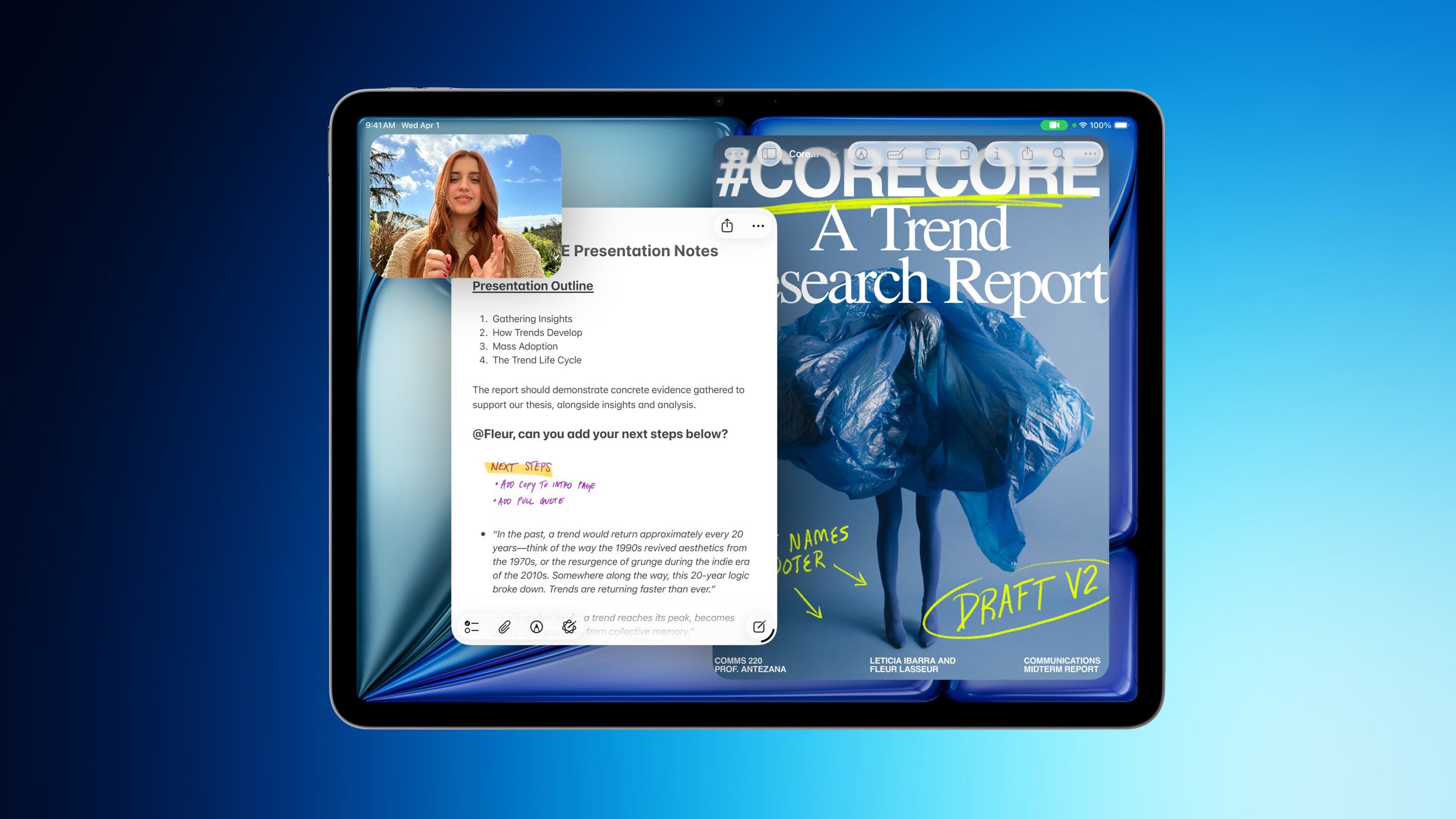
Why This iPad Deal Matters to Your Business
Apple’s latest M4 iPad Air is receiving its strongest discounts since Apple’s summer price increases, with Amazon and Best Buy offering selected models at US$100 off, according to MacRumors. For a Malaysian SME owner, the important story is not simply that an Apple tablet is cheaper in the United States. It is that powerful, portable devices are increasingly becoming practical work tools for small teams.
You may already use a laptop at the office, but daily business does not always happen at a desk. You may need to approve a quotation while visiting a customer, show a product catalogue at a trade fair, check inventory from a storeroom, or let a sales representative update a customer record immediately after a meeting. A capable tablet can support these tasks without requiring every employee to carry a full-sized computer.
What Happened
According to MacRumors, Amazon and Best Buy are offering US$100 discounts on several 2026 M4 iPad Air models. The reductions apply mainly to 128GB and 256GB Wi-Fi versions in both the 11-inch and 13-inch sizes. The listed offers are automatically applied and do not require a coupon code or special membership, although availability and final terms can change.
The discounted configurations reported by MacRumors include the 11-inch 128GB Wi-Fi model at US$649 and the 11-inch 256GB Wi-Fi model at US$749. The 13-inch versions are listed at US$849 for 128GB and US$949 for 256GB, while a 13-inch 1TB Wi-Fi version is listed at US$1,449. These figures are United States listings, not Malaysian retail prices, so you should not assume the same pricing, warranty terms, tax treatment, or availability locally. See the original MacRumors report before making a purchasing decision.
The new iPad Air includes Apple’s M4 chip, C1X modem, and N1 networking chip, with support for Wi-Fi 7 and Bluetooth 6, according to MacRumors. The external design remains similar to the previous generation, with an edge-to-edge display, slim bezels, and an aluminium chassis. That means the upgrade is mainly about internal capability rather than a visibly different form factor.
Why This Matters for Malaysian SMEs
For your business, a tablet should not be judged by its processor alone. The real question is whether it helps staff complete work faster and with fewer handovers. A café operator could use it for digital ordering, staff checklists, supplier communication, and daily sales review. A contractor could use it to display plans, capture site notes, complete inspection forms, and obtain customer acknowledgement. A boutique retailer could use it to manage product information, process customer enquiries, and demonstrate items without returning to a counter.
The M4 chip may be more performance than some basic administrative tasks require, but extra capability can be useful when one device runs several workflows. You might use a browser-based accounting platform, video calls, document signing, inventory software, customer relationship management, and image editing during the same working day. The 13-inch option may be more suitable for reviewing spreadsheets, floor plans, menus, or presentation slides, while the 11-inch model is easier to carry between outlets, vehicles, customer sites, and events.
Connectivity also deserves careful consideration in Malaysia. The source report says the device supports Wi-Fi 7 and Bluetooth 6 through Apple’s N1 networking chip, but the benefit depends on your existing network equipment and workplace environment, as reported by MacRumors. If your office router does not support newer Wi-Fi standards, you may not experience the full networking benefit immediately. For mobile work, verify whether the exact model is Wi-Fi only or supports cellular connectivity. The discounted configurations listed in the report are Wi-Fi models.
Do not buy a tablet because it has a powerful chip. Buy it when you can name the business process it will improve, the person responsible for using it, and the result you will measure.
Practical SME Use Cases
- Sales visits: Show product catalogues, prepare quotations, and update customer records immediately after meetings.
- Retail operations: Check stock, access supplier information, and support queue management at busy periods.
- Field services: Complete digital forms, attach photographs, record job status, and collect customer confirmation.
- Hospitality: Manage reservations, review shift instructions, and coordinate front-of-house activities.
- Training: Deliver onboarding materials, product demonstrations, and short internal learning sessions.
- Management: Review dashboards, approve documents, and monitor key operational updates while away from the office.
How to Evaluate the Device Before Buying
Start with the workflow, not the specification sheet. List the tasks your employees currently perform on paper, through messaging apps, or by repeatedly returning to an office computer. Identify which tasks need a camera, keyboard, stylus, barcode scanner, cellular connection, or integration with your existing software. This prevents you from purchasing a device that looks impressive but does not fit the way your team works.
| Decision area | Questions for your business |
|---|---|
| Screen size | Will users review documents and spreadsheets, or carry the device between locations? |
| Storage | Will the tablet mainly use cloud applications, or store videos, images, and offline files? |
| Connectivity | Is Wi-Fi reliable at your premises and customer sites, or is mobile connectivity necessary? |
| Accessories | Will employees need a keyboard, stylus, protective case, stand, or scanning equipment? |
| Software | Do your accounting, inventory, CRM, and document systems work properly on iPadOS? |
| Management | Can you control user accounts, app installation, data access, and lost-device procedures? |
The Bigger Picture
The discount story highlights a wider change in business technology. Devices once treated as personal electronics are now becoming front ends for cloud-based business systems. Your employees do not necessarily need all company data stored locally. They need secure access to the right workflow at the right moment. That makes portability, battery life, authentication, collaboration, and software compatibility just as important as raw processing performance.
However, a tablet is not an automation strategy by itself. If your team still copies customer details manually between forms, spreadsheets, and chat messages, a new device may only make the old process more convenient. The stronger approach is to connect the device to structured digital workflows. For example, a field worker could submit a form that automatically notifies the office, updates a job record, and creates a follow-up task. A sales representative could enter meeting notes once, allowing the information to reach your customer database and management dashboard without repeated typing.
You should also plan security before deployment. Assign individual user accounts instead of sharing one login, require strong authentication, use approved cloud storage, and establish a process for reporting lost devices. Keep business and personal data separate where possible. For Malaysian companies, review how your chosen applications handle customer information and align your practices with applicable personal-data responsibilities.
The reported M4 iPad Air discounts may be attractive, but the bigger opportunity is operational. If you can pair a suitable device with clear processes, reliable applications, staff training, and sensible security controls, a tablet can help your small team respond more quickly and work more consistently. Before you purchase, check Malaysian availability, local warranty coverage, keyboard and accessory compatibility, and whether your preferred business applications support the model. The best device for your SME is not necessarily the newest one; it is the one that removes a real bottleneck in your daily work.
Ready to Streamline Your Operations?
Technology moves fast. Your operations should keep up. AutoRunBiz builds AI systems that run your daily workflows — from WhatsApp order capture to accounting. Book a free 15-min ops audit →