
A tablet discount is useful only if it solves a business problem
If you run a Malaysian SME, you probably do not need another device sitting in a drawer. You need faster approvals, clearer customer communication, better sales follow-up and fewer tasks trapped in WhatsApp messages or paper forms.
That is why the latest M4 iPad Air discounts deserve attention beyond the headline price. The real question is not whether the tablet is cheaper. It is whether a portable device can help you and your team complete daily work with less friction, especially when you move between a shop, office, warehouse, client site or event.
According to MacRumors, Amazon and Best Buy are offering discounts of up to $100 on selected 2026 M4 iPad Air models, with the 11-inch and 13-inch versions among the affected devices. Source: MacRumors
TL;DR
The M4 iPad Air may suit SMEs that need a lightweight device for sales presentations, digital forms, stock checks, approvals and mobile customer service.
Before you buy, match the model to your workflow, check app compatibility and set clear rules for security, device access and business data.
What This Means
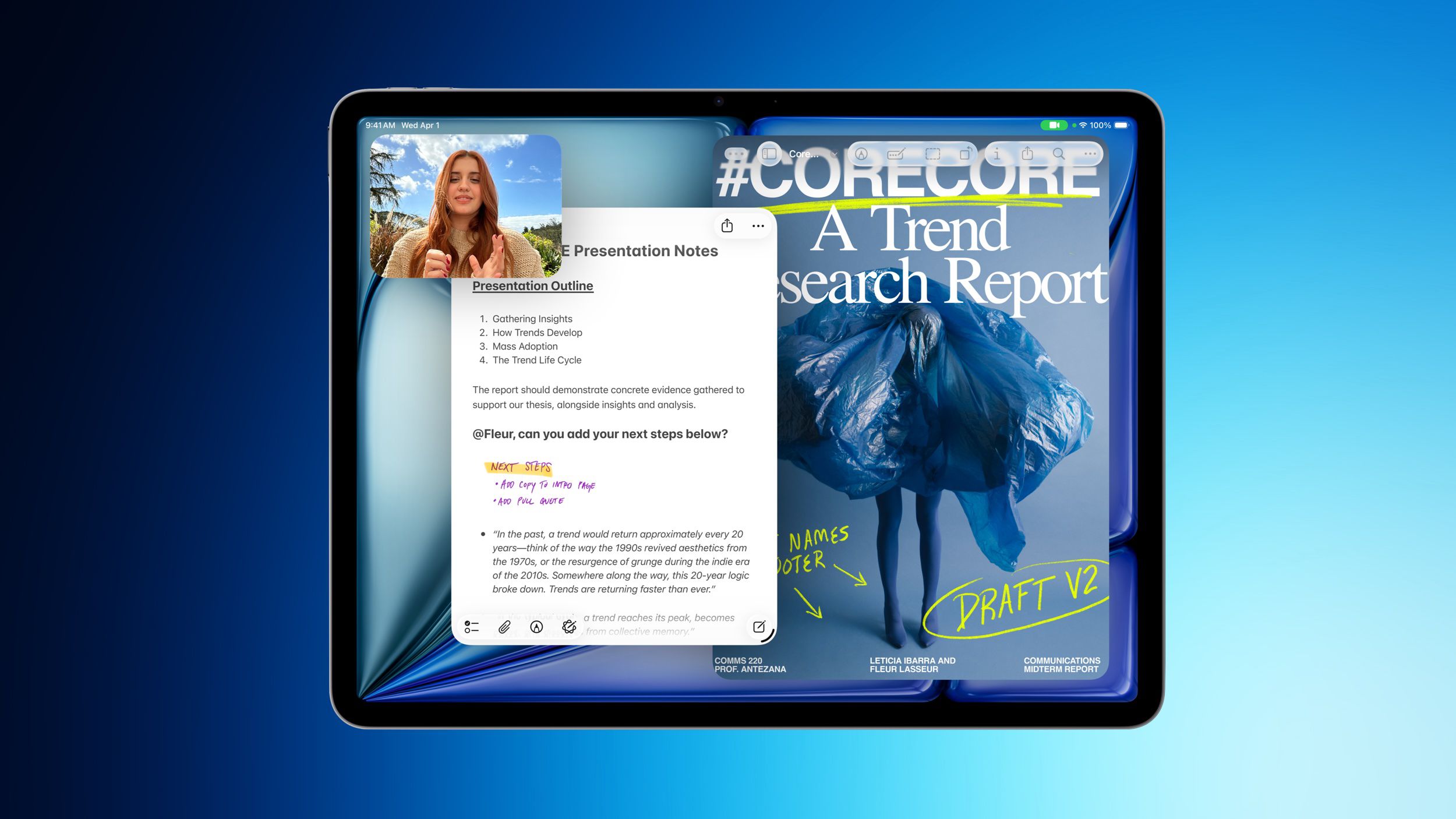
Apple’s M4 iPad Air is a tablet designed to sit between a smartphone and a laptop. The 2026 model includes the M4 chip, C1X modem and N1 networking chip, with support for Wi-Fi 7 and Bluetooth 6. Source: MacRumors
In plain language, this means you get a portable touchscreen device that can handle business applications, video calls, documents, web dashboards, digital signatures and customer-facing presentations. Its aluminium body, slim bezels and edge-to-edge display are largely unchanged from the previous design, according to the source article. Source: MacRumors
The reported discounts apply mainly to Wi-Fi models with 128GB and 256GB storage. The 11-inch 128GB model is listed at $649 after a $100 discount, while the 13-inch 128GB model is listed at $849 after the same discount. Source: MacRumors
| Model | Storage | Reported discount | Reported price | Possible SME use |
|---|---|---|---|---|
| 11-inch M4 iPad Air | 128GB Wi-Fi | $100 | $649 | Mobile forms, approvals and sales visits |
| 11-inch M4 iPad Air | 256GB Wi-Fi | $100 | $749 | More local document and media storage |
| 13-inch M4 iPad Air | 128GB Wi-Fi | $100 | $849 | Presentations, dashboards and shared counters |
| 13-inch M4 iPad Air | 256GB Wi-Fi | $100 | $949 | Heavier files and broader team use |
| 13-inch M4 iPad Air | 1TB Wi-Fi | $100 | $1,449 | Large design, video or catalogue files |
All figures in this table come from the MacRumors report and are shown in US dollars, so you should verify Malaysian availability, local taxes, warranty terms and actual retailer listings before making a decision. Source: MacRumors
The best business device is not the one with the strongest specifications. It is the one that fits a repeatable workflow your team will actually use.
How This Applies to Malaysian SMEs
For retail and food businesses, an iPad Air can act as a front-counter tool for product catalogues, customer orders, loyalty registration and digital forms. A boutique owner could use it to show product combinations, record customer preferences or check stock while speaking with a customer. A café or catering operator could use it for event enquiries, menu approvals and function details without relying on printed documents.
For service businesses, portability is often more useful than raw computing power. A cleaning company, renovation firm, maintenance provider or air-conditioning contractor could use the tablet to display service packages, capture site notes, attach photographs and obtain customer confirmation. A structured form can reduce incomplete information when staff return from a client visit.
For wholesalers and distributors, the device can support sales representatives who visit shops, restaurants or business customers. Your team could access a current product catalogue, check available stock through a cloud system, record an order and send a follow-up summary before leaving the premises. The main benefit is having one consistent process instead of handwritten notes that must later be re-entered.
For professional and creative firms, the larger 13-inch screen may be useful when reviewing layouts, proposals, floor plans, campaign materials or presentation decks. An architect, interior designer or marketing agency could use it in a client meeting to annotate files and collect decisions. The smaller 11-inch version may be easier for frequent travel and on-site work.
For management and administration, the iPad can provide access to dashboards for sales, outstanding tasks, appointments and approvals. However, it should not become another disconnected system. If your business already uses separate spreadsheets, chat messages and paper forms, adding a tablet without improving the process may simply move the confusion to another screen.
Where Automation Fits
A tablet becomes more valuable when it connects to the rest of your operation. For example, a completed customer form could trigger a task for your admin team, update a customer record and send a confirmation message. A sales visit could create a follow-up reminder automatically. A stock request could reach the person responsible for purchasing without requiring a separate phone call.
This is where a business automation approach matters. Start by identifying the repeated action, the information required, the person responsible and the next step. Then choose applications that work together. The iPad is the front end your staff touch; automation handles the movement of information behind the scenes.
Practical Takeaways
- List three daily workflows where staff repeatedly copy information between paper, WhatsApp, spreadsheets or email.
- Choose the screen size by usage: select the 11-inch model for mobility and the 13-inch model for presentations, dashboards and shared counters.
- Check your applications first. Confirm that your accounting, CRM, inventory, form and communication tools work properly on iPadOS.
- Decide whether Wi-Fi is enough. The reported discounted models are Wi-Fi versions, so plan how staff will connect away from the office. Source: MacRumors
- Start with one workflow. Test digital site forms, sales quotations or approval requests before issuing devices across the company.
- Set access rules. Use individual accounts, screen locks, device management and clear instructions for lost or shared devices.
- Measure the outcome. Track incomplete forms, approval delays, response times and repeated data entry before and after the pilot.
- Verify local conditions. Confirm Malaysian warranty coverage, keyboard options, accessories, app availability and retailer terms before ordering.
Questions to Ask Before You Buy
Ask whether the device will replace a specific manual step or simply provide another way to do the same work. If your staff already complete tasks efficiently on existing phones or laptops, the tablet may not add much value.
Next, consider who will use it. A customer-facing tablet may need a different setup from a manager’s device. Shared devices require stronger sign-out procedures, while field staff may need protective cases, reliable connectivity and offline access.
Finally, consider your information flow. If a staff member enters an enquiry on the tablet but someone still has to manually copy it into a spreadsheet, you have improved the input method but not the process. Connect the form to the next action wherever practical.
The Bigger Picture
The longer-term trend is not simply that tablets are becoming faster. It is that smaller businesses can put practical digital tools directly into frontline workflows. A device at the counter, in a vehicle or during a client meeting can collect accurate information at the moment work happens.
That creates an opportunity for Malaysian SMEs to standardise service without making every employee sit at a desk. Your business can give staff clearer forms, current product information and defined approval steps while management receives better visibility.
But technology alone will not fix an unclear process. Before purchasing, write down what happens from customer enquiry to completion. Remove unnecessary handoffs, decide what information must be captured and automate the routine notifications. Then assess whether an M4 iPad Air supports that workflow.
The reported discount makes the device more interesting, but the business case still depends on fit. If you can connect the tablet to a well-designed process, it may become a useful operating tool. If you cannot, it is only another screen for your team to manage.
Ready to Streamline Your Operations?
Your business should run itself. AutoRunBiz deploys AI agents to automate your daily operations — WhatsApp orders, invoicing, customer follow-ups, and accounting. Book a free 15-min ops audit to see where automation fits your business →