
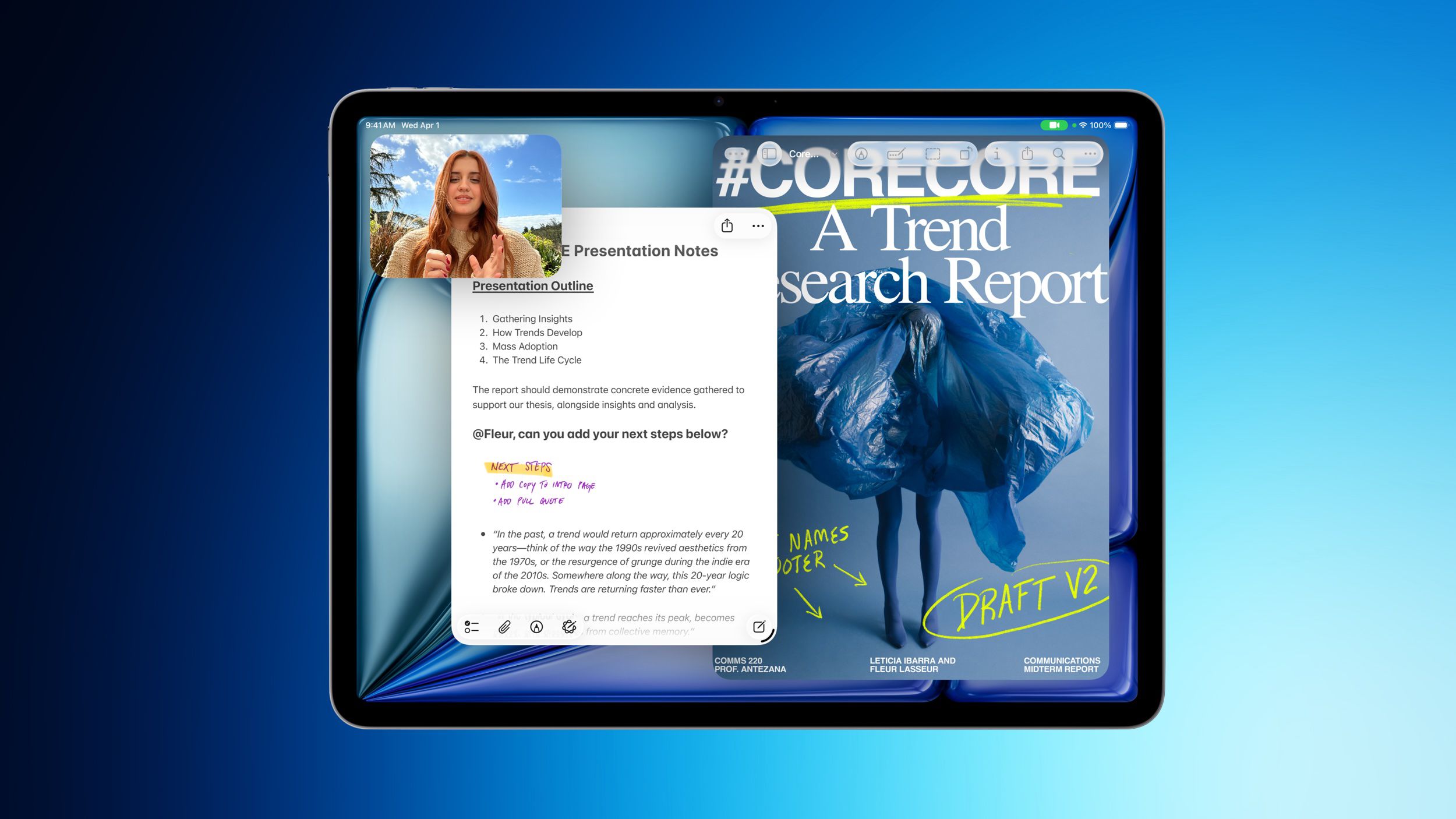
Why the M4 iPad Air Deal Matters to Your Business
For a Malaysian SME, a tablet is no longer just a device for browsing, presentations or entertainment. It can become a mobile sales counter, digital form station, inventory screen, customer-service tool and management dashboard. That is why the latest discounts on Apple’s M4 iPad Air deserve attention—not because every business needs an iPad, but because the right mobile device can simplify work across shops, offices, warehouses and client locations.
MacRumors reports that Amazon and Best Buy are offering discounts of up to $149 on selected 2026 M4 iPad Air models, described as the best prices seen after Apple’s summer price increases. The reported promotions cover both 11-inch and 13-inch Wi-Fi versions, with selected 128GB, 256GB and 1TB configurations receiving automatic discounts without a coupon code or special membership. Source: MacRumors
However, you should treat the reported figures as an international market reference rather than a direct Malaysian retail offer. Availability, warranty coverage, taxes, local pricing and authorised distribution can differ significantly in Malaysia. The more useful question is this: could a modern tablet improve a specific business process you currently handle through paper, phone calls or several disconnected apps?
What Happened
Apple’s M4 iPad Air is receiving discounts on several configurations through Amazon and Best Buy. The reported reductions include $100 off the 11-inch 128GB Wi-Fi model, $100 off the 11-inch 256GB Wi-Fi model, $100 off the 13-inch 128GB Wi-Fi model and $100 off the 13-inch 256GB Wi-Fi model. A 13-inch 1TB Wi-Fi model is reported to receive a $149 reduction. Source: MacRumors
The 11-inch models are listed at $649 for 128GB and $749 for 256GB after the reported discount. The 13-inch models are listed at $849 for 128GB, $949 for 256GB and $1,399.99 for 1TB after the reported promotions. These figures are published in US dollars and should not be assumed to represent Malaysian selling prices. Source: MacRumors
According to the report, the 2026 iPad Air includes Apple’s M4 chip, C1X modem and N1 networking chip, with support for Wi-Fi 7 and Bluetooth 6. The exterior is described as similar to the 2025 iPad Air, featuring an edge-to-edge display, slim bezels and an aluminium chassis. Source: MacRumors
Why This Matters for Malaysian SMEs
Your business may not need a laptop for every employee. A tablet can be more practical when staff work on the move or need a simple interface for one defined task. A café supervisor could use it to check stock and update daily operations. A retail salesperson could display product catalogues, collect customer details and confirm orders. A property agent could present listings during site visits. A small logistics team could use a tablet for delivery checklists, proof-of-delivery records and route updates.
For Malaysian SMEs, the strongest use cases are usually connected to customer-facing work. A salon, clinic, tuition centre or repair business could use a tablet at the reception counter for digital registration and appointment management. A renovation company could bring a larger-screen model to a client meeting to show floor plans, material selections and progress photos. A wholesale business could use shared tablets for sales orders while staff move around a showroom or warehouse.
The device itself will not automate these processes. The value comes from connecting it to the software you already use. Depending on your operations, that could include cloud accounting, inventory management, customer relationship management, online forms, shared documents, digital signatures and business messaging. If the tablet simply replaces a desktop screen without improving how information moves through your business, the upgrade may not justify itself.
Do not ask, “Should my business buy the newest tablet?” Ask, “Which repeated task would become faster, clearer or more accurate if staff had a reliable mobile workstation?”
Practical SME use cases
| Business area | Possible tablet workflow | What to check first |
|---|---|---|
| Retail | Product catalogue, order capture and customer follow-up | POS compatibility, barcode support and internet reliability |
| Food and beverage | Stock checks, staff checklists and daily sales review | Durability, cleaning procedures and secure user access |
| Services | Digital forms, appointment records and customer signatures | Data privacy, account permissions and document storage |
| Field work | Job photos, checklists, quotations and proof of completion | Mobile connectivity, battery life and offline access |
| Management | Dashboards, approvals and team communication | Whether existing business apps work well on the device |
The Bigger Picture
The important trend is not simply that Apple hardware is being discounted. It is the continuing move towards flexible, cloud-connected workstations. SMEs increasingly need staff to access the same information from a shop floor, customer site, home office or warehouse. A tablet can support that model, provided your business has clear processes, reliable accounts and sensible security controls.
The M4 specification may be attractive for businesses that need demanding applications, frequent multitasking or a longer usable life. Yet performance should be matched to the job. A team that only completes basic forms may not benefit from premium processing power. On the other hand, businesses handling high-resolution product media, large documents, design reviews or several browser-based systems may appreciate additional headroom.
Screen size also affects workflow. The 11-inch version is easier to carry between meetings, counters and customer sites. The 13-inch version provides more room for spreadsheets, design layouts, dashboards and side-by-side documents, but may be less convenient for mobile staff. Storage should be considered alongside your use of cloud services. If staff regularly save videos, product images or offline files, a higher-capacity model may be more suitable; if most information remains online, a smaller capacity may be adequate.
Before purchasing in Malaysia, verify the seller, local warranty terms, keyboard and stylus compatibility, business-app support, cellular requirements and device-management options. Also decide whether each device will have an individual account or a controlled shared account. Shared devices need a clear sign-in and sign-out process so customer information is not left exposed.
A Sensible Evaluation Plan
- Choose one repeated process, such as stock counting or customer registration.
- Measure how long the current process takes and where errors occur.
- Test the exact business applications your staff will use.
- Check Wi-Fi coverage at every work location, including warehouses and shop floors.
- Set rules for passwords, screen locking, backups and lost-device reporting.
- Run a small pilot with one or two staff members before expanding deployment.
The reported M4 iPad Air discounts may create an opportunity to evaluate a capable mobile device, but a deal alone is not a business strategy. Your best decision will come from linking the hardware to a measurable workflow improvement. If it helps your team capture information once, share it immediately and reduce manual re-entry, it can support a more organised operation. If it adds another isolated screen to an already fragmented process, the discount will not solve the underlying problem.
For Malaysian SME owners, the practical takeaway is simple: monitor the local market, confirm the total business suitability and start with a specific use case. Choose technology that fits how your people actually work—not just what appears in the latest product headline.
Ready to Streamline Your Operations?
Technology moves fast. Your operations should keep up. AutoRunBiz builds AI systems that run your daily workflows — from WhatsApp order capture to accounting. Book a free 15-min ops audit →