
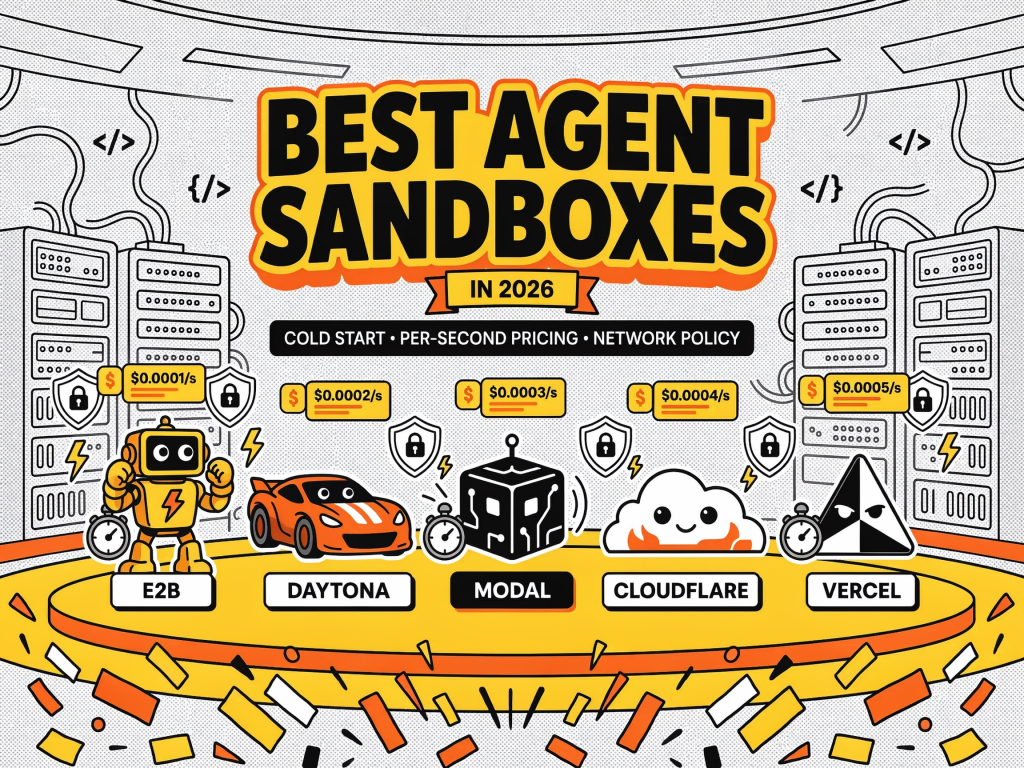
Your AI Agent Needs a Safe Place to Work
If you are exploring AI agents for customer support, reporting, document processing, or internal software tasks, you may have focused on the model first. That is understandable. However, the model is only one part of the system.
An AI agent that writes code, installs software, reads files, or runs calculations needs an isolated environment where those actions can happen safely. This environment is commonly called an agent sandbox. Choosing one affects response speed, reliability, data controls, and how much computing capacity your business consumes.
The difficult part is that platform comparisons often use different measurements. A “fast” sandbox may only measure the time until an API responds, rather than the time until the first useful command runs. A low hourly rate may become less attractive if your agent keeps a sandbox open while waiting for the next model response.
TL;DR
For your business, compare sandboxes using the time to complete a real task, not just the advertised cold start. Pay close attention to idle behaviour, filesystem persistence, network controls, and performance under concurrent requests.
For short-lived jobs, several platforms may work well. For agent workflows that pause between turns, choose a platform with automatic suspension or active-CPU billing, and test it using your own workload.
What This Means
An agent sandbox is an isolated computing environment created for an AI agent. The agent can run commands, manipulate files, install dependencies, and produce an output without directly operating inside your main business systems.
For example, an agent could receive a spreadsheet, create a temporary Python environment, calculate sales trends, generate a chart, and return the result. The sandbox gives the agent somewhere to perform those actions while reducing the risk that a faulty command affects your main server or customer database.
Four practical questions matter more than a long feature checklist:
- How quickly is the environment ready? This is usually measured as Time to Interactive, or TTI: the time from creation until the first command successfully runs.
- Does it remember previous turns? A persistent filesystem can keep installed packages, downloaded files, and generated outputs between agent interactions.
- Can you control network access? You may want an agent to download a public library, but not send customer records to an unknown website.
- What happens while the agent is waiting? A sandbox that remains active while a model thinks can consume resources even though no command is running.
Public benchmark results from ComputeSDK, based on 100 concurrent attempts from a 4-vCPU host in Northern Virginia on August 21, 2026, showed very different outcomes across providers. Source data and methodology
| Platform | Median TTI | P95 TTI | Success rate |
|---|---|---|---|
| Vercel Sandbox | 0.67 seconds | 1.04 seconds | 100% |
| Modal | 0.88 seconds | 1.00 second | 100% |
| Runloop | 0.89 seconds | 3.27 seconds | 100% |
| E2B | 1.61 seconds | 1.77 seconds | 100% |
| Cloudflare Sandbox | 5.06 seconds | 6.04 seconds | 100% |
| Daytona | 0.27 seconds | 0.43 seconds | 37% |
These figures are useful, but they are not a guarantee for your environment. The test used one region, one host configuration, one workload, and concurrent creation. Daytona’s low median came with only 37 successful attempts, so reliability and retry handling matter as much as raw speed.
A fast median is not enough if your agent cannot reliably create the sandbox when several users request help at once.
How This Applies to Malaysian SMEs
Suppose you operate an online retailer in Malaysia and want an AI agent to review product spreadsheets, identify slow-moving items, and prepare a weekly report. The agent may need to install a data-processing library, read a CSV file, generate a chart, and save a PDF. If a new sandbox is created for every small action, startup time can make the workflow feel slow. A persistent sandbox may be more suitable because the environment can retain the installed dependencies between turns.
Now consider a service business such as an accounting practice, recruitment agency, or logistics operator. Your agent may handle documents containing customer names, identification details, addresses, or business records. Network policy becomes important. You should be able to restrict outbound access, allow only approved services, and decide whether the agent can download packages or transmit files. A sandbox should not be treated as a complete data-protection programme, but it can provide an important boundary between experimental automation and your core systems.
For a Malaysian manufacturer or wholesaler, the main issue may be concurrency rather than individual response speed. Imagine several staff members asking an internal agent to analyse stock levels, prepare quotations, or check delivery records at the same time. A platform that performs well in a sequential test may struggle during a burst. You should test 20, 50, or 100 simultaneous requests if that resembles your busiest period. Measure successful completions, retry rates, and the slowest responses—not only the median.
Idle time is also relevant to SMEs. An agent workflow often follows this pattern: the sandbox starts, a command runs, the language model thinks, the user reviews a result, and another command runs later. If the environment remains active throughout the waiting period, resource usage continues even when the CPU is doing very little. Platforms that support suspension, automatic sleeping, or active-CPU billing may suit these stop-and-start workflows better.
For example, a property agency may use an agent to summarise tenant enquiries and draft replies. The agent could remain open while a staff member checks the draft. If the sandbox automatically pauses and resumes while preserving its files, the workflow can remain practical without keeping the full environment active during every waiting period.
Pricing Models You Need to Understand
Sandbox providers use different billing methods, so comparing one headline rate against another can be misleading. The source article’s normalized rate table lists the following published CPU and memory figures as of August 27, 2026. Source pricing comparison
| Platform | CPU basis | Memory basis | Billing behaviour |
|---|---|---|---|
| E2B | $0.0504 per vCPU-hour | $0.0162 per GiB-hour | Wall-clock, per second |
| Daytona | $0.0504 per vCPU-hour | $0.0162 per GiB-hour | Wall-clock, per second |
| Modal | About $0.0710 per vCPU-hour | $0.0240 per GiB-hour | Request or actual usage, per second |
| Vercel Sandbox | $0.128 per vCPU-hour | $0.0212 per GB-hour | Active CPU plus wall-clock memory |
| Cloudflare Sandbox | $0.072 per vCPU-hour | $0.009 per GiB-hour | Active CPU plus provisioned resources |
| Northflank | $0.01667 per vCPU-hour | $0.00833 per GB-hour | Allocated resources, per second |
These figures are quoted in US dollars by the source article and exclude factors such as plan requirements, data transfer, region selection, and your application’s wider architecture. Source assumptions
The important lesson is that the sandbox’s lifetime matters. In one model using 1,000 executions, each lasting 90 seconds with 50% average CPU usage, the listed totals ranged from $1.67 for Northflank to $7.92 for Runloop. In an idle-heavy model lasting 10 minutes with only 5% average CPU use, the figures ranged from $11.11 to $52.80. Source workload scenarios
Do not copy those totals directly into your planning. Instead, use the principle behind them: waiting time can become a major part of the workload. A design that suspends the sandbox between agent turns may perform very differently from one that keeps it running continuously.
Practical Takeaways
- Define the real task first. Test the same workflow your staff will use, such as reading a spreadsheet, generating a report, or processing a document.
- Measure four checkpoints. Record creation time, first-command time, dependency setup time, and complete-task time.
- Test sequential and concurrent traffic. Run one request at a time, then test a burst that reflects your busiest working period.
- Measure P95 and P99. These show how slow the less fortunate requests become. A median alone can hide operational problems.
- Check persistence. Confirm whether files, installed libraries, and environment settings remain available between turns.
- Set network rules before production use. Decide which domains, APIs, package repositories, and internal systems are allowed.
- Use automatic suspension where possible. This is especially relevant when users review outputs or models pause between steps.
- Separate sensitive data. Start with test records and anonymised files before allowing customer or employee information.
- Build retry handling. Sandbox creation can fail during bursts, so your workflow should retry safely without duplicating actions.
- Review the region and service limits. Response time and capacity may differ depending on where your workloads run and what limits apply to your account.
Questions to Ask Before You Choose
- Can the platform prevent the agent from reaching the public internet unless approved?
- Can you change network permissions during a session?
- How long does a suspended sandbox take to resume?
- Does the environment preserve files and installed dependencies?
- What happens if 20 or more users create sandboxes at once?
- Can you see failed starts, retries, execution time, and idle time?
- Can your team delete or expire temporary files automatically?
- Does the platform support the programming languages and tools your agent needs?
The Bigger Picture
Agent sandboxes are becoming part of the practical infrastructure behind AI automation. The best choice will not always be the platform with the fastest advertised cold start or the lowest published rate. It will be the platform whose behaviour matches your workflow.
For a small business, that may mean choosing reliability over a tiny median-latency advantage. It may mean prioritising network controls over a broad feature list. It may also mean redesigning the agent so it creates a sandbox only when needed, pauses it during human review, and destroys it after the task is complete.
Start with one contained use case. Use sample data, define the acceptable response time, test normal and busy periods, and record what happens when a command fails. Once the process is dependable, you can connect it to broader business workflows through your automation tools.
The central decision is simple: give your AI agent enough room to work, but do not leave that room active when nobody is using it. That principle will help you compare providers more sensibly and build automations that are safer, easier to manage, and better suited to the way your Malaysian SME actually operates.
Ready to Streamline Your Operations?
Your business should run itself. AutoRunBiz deploys AI agents to automate your daily operations — WhatsApp orders, invoicing, customer follow-ups, and accounting. Book a free 15-min ops audit to see where automation fits your business →