
Why AI Agent Sandboxes Matter to Your Business
AI agents are moving beyond answering questions. They can now inspect files, write software, run calculations, test ideas and produce business-ready outputs. For a Malaysian SME, that could mean an agent that cleans sales data, prepares a monthly report, checks a product catalogue or tests a website update.
But an agent cannot safely run code on your laptop, office computer or main production server. It needs a controlled environment—a temporary computer in the cloud where it can work without putting your customer records, accounting system or website at unnecessary risk. These environments are called agent sandboxes.
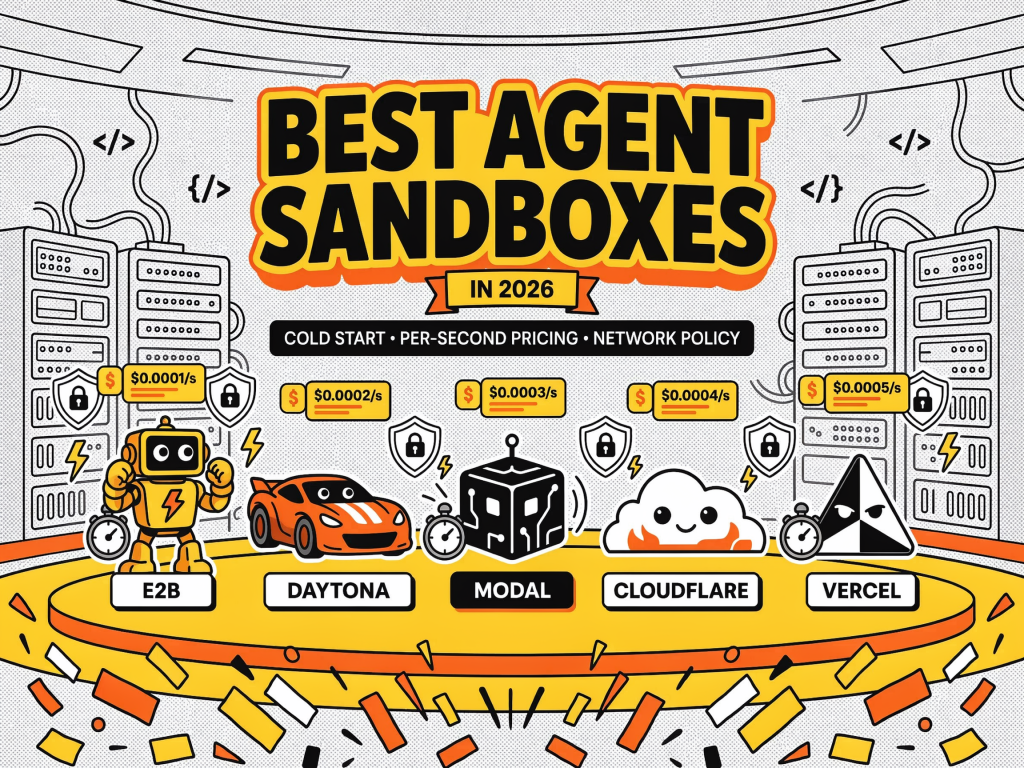
A recent comparison examined E2B, Daytona, Modal Sandboxes, Cloudflare Sandbox SDK and Vercel Sandbox, with additional comparisons involving Runloop, Fly.io Sprites and Northflank. The article measured cold starts, persistence, network controls and billing behaviour across these platforms. You can read the full comparison at MarkTechPost.
The important lesson is simple: the fastest platform is not automatically the best platform for your business. You should choose based on what your agent does, how long it waits, what it needs to access and how safely it can be stopped.
What Happened
The comparison focused on five questions that affect the design of an AI-powered workflow: how quickly a sandbox becomes usable, whether files and installed software remain between turns, whether internet access can be controlled and whether you are charged while the sandbox is waiting for the AI model.
Cold-start results varied significantly. In an August 21, 2026 public benchmark from ComputeSDK, Vercel Sandbox recorded a median time to interactive of 0.67 seconds, Modal recorded 0.88 seconds, Runloop recorded 0.89 seconds and E2B recorded 1.61 seconds. Cloudflare recorded 5.06 seconds. Daytona recorded 0.27 seconds, but its success rate in that burst test was 37%, compared with 100% for Vercel, Modal, Runloop and E2B. The benchmark methodology and results are available in the source comparison.
These figures do not represent every business situation. The test used 100 concurrent launches from a 4 vCPU host in Northern Virginia and measured the time from sandbox creation to the first successful command. Region, image size, concurrency and the first actual business task can all change the result. The article therefore recommends measuring a realistic workflow, such as installing data libraries, reading a CSV file, creating a chart and returning a PNG, rather than testing only a simple “hello world” command.
For your business, the useful question is not “Which sandbox has the best headline speed?” It is “Which sandbox completes my actual workflow reliably, securely and predictably?”
Why This Matters for Malaysian SMEs
Many Malaysian SMEs operate with small technology teams. You may have one internal administrator, an outsourced developer or no dedicated software engineer at all. An AI agent can help fill that gap, but giving it unrestricted access to your systems creates avoidable risks.
Consider a wholesaler in Shah Alam using an agent to review inventory data. The agent might need to read a spreadsheet, identify slow-moving products and create a reorder recommendation. A sandbox allows the agent to process a copy of the file in an isolated environment. It can install the required software, run calculations and produce a report without receiving direct permission to modify your live inventory database.
The same principle applies to a Penang manufacturer that wants an agent to analyse production logs, or a Johor service business that wants to generate customer reports. You can give the sandbox selected files, limited network access and a defined task. When the task ends, you can destroy the environment and retain only the approved output.
Network policy is especially important. If an agent can freely access the internet, it may download unapproved packages, send data to an external service or connect to a system that it should never see. Your implementation should begin with outbound internet access restricted by default. Allow only the domains and services required for the task, such as an approved document store, internal API gateway or software repository.
Persistence also affects your design. If an agent needs several turns to complete a task, you should know whether the second turn can see files and software created during the first. Rebuilding the environment for every step may make the workflow slower and less reliable. On the other hand, retaining an environment too long may preserve sensitive files. For customer data, payroll information and business documents, a short-lived sandbox with explicit file handling is usually easier to govern.
Practical Use Cases for Your Company
| Use case | Sandbox requirement | Control to apply |
|---|---|---|
| Sales report generation | Spreadsheet and chart libraries | Read-only source files; approved output folder |
| Website testing | Temporary application environment | No access to live databases or payment systems |
| Document classification | File processing and text extraction | Mask identity numbers and customer details |
| Inventory analysis | Python or similar data tools | Use a data export rather than live system credentials |
| Internal automation prototype | Package installation and code execution | Allowlisted repositories and automatic deletion |
Cold Starts Are Only One Part of the Decision
A fast cold start matters when your agent creates a fresh sandbox for every task. It matters less when your company keeps one environment active for a longer workflow. You should measure four separate stages: sandbox creation, first usable command, dependency installation and completion of the real task.
This distinction is important because vendors may publish creation time while your users experience the full workflow. Installing data libraries, cloning a project or preparing a browser can take much longer than starting the container or virtual machine. The comparison notes that Cloudflare’s own general-availability discussion described a roughly 30-second process for booting a sandbox, cloning a repository and running npm install, while restoring a saved environment took about two seconds. The relevant source article explains this difference.
For an SME, reliability may be more valuable than a low median. A platform that reports 0.27 seconds but succeeds in only 37% of concurrent attempts may require retries, queues and fallback handling. That additional engineering can make a simple automation project harder to operate.
Billing Behaviour Changes with Waiting Time
Agent workflows often pause while an AI model considers the next action. During that pause, nothing may be running inside the sandbox, but some platforms continue charging for the allocated environment. This is why a short test can look inexpensive while an interactive, idle-heavy workflow behaves very differently.
The comparison model used a sandbox with 2 vCPUs and 4 GiB of memory across 1,000 executions. In a short-burst scenario, each execution remained alive for 90 seconds with average CPU use of 50%. In an idle-heavy scenario, each remained alive for 10 minutes with average CPU use of 5%. The figures and assumptions are documented in the original analysis.
| Platform | Pricing behaviour highlighted in the comparison | Operational question |
|---|---|---|
| E2B and Daytona | Wall-clock billing per second | Can the environment pause between agent turns? |
| Modal | Billing based on the requested or actual resource level | Are you requesting more capacity than the task needs? |
| Vercel | Active CPU and provisioned memory are treated separately | How much time is spent waiting versus computing? |
| Cloudflare | Active CPU, provisioned memory and disk are considered | Can you use its controls without keeping unused resources allocated? |
| Fly.io Sprites and Runloop | Suspension can reduce active resource use | Can your orchestration suspend automatically? |
Do not treat published rates as a complete forecast. The comparison points out that per-second rates are not the same as the total amount used by your workflow. Your test should include memory, disk, execution duration, idle time, retries and any required storage or network activity. It should also use the deployment region closest to your users and systems.
The Bigger Picture
Agent sandboxes are becoming a core layer for software automation. They sit between an AI model and the systems that your business depends on. That makes them more than a developer convenience: they are part of your security, governance and operations design.
Start with one low-risk workflow. Use sample or masked data, restrict network access, define the commands the agent is allowed to run and log every action. Keep the first project narrow, such as producing a weekly sales summary or checking a product data file. Measure completion time, failed launches, retry frequency and the amount of manual correction required.
Next, decide whether your workflow needs a fresh sandbox for each request or a persistent environment for a multi-step task. Fresh environments reduce leftover data. Persistent environments can avoid repeated setup. Neither option is universally correct; the decision depends on your data sensitivity, task duration and operational controls.
Finally, assign ownership. Someone should review sandbox permissions, approved domains, retained files and failure handling. Your staff should know what an agent may do automatically and what requires human approval. If the agent can write to a live accounting, customer or inventory system, place an approval step before the final change.
The technology is advancing quickly, but the business principle is steady: let AI work in a controlled workspace, give it only the access it needs and test the complete job rather than one attractive benchmark number. For a Malaysian SME, that approach can turn agent experimentation into a safer, more dependable automation programme.
Ready to Streamline Your Operations?
Technology moves fast. Your operations should keep up. AutoRunBiz builds AI systems that run your daily workflows — from WhatsApp order capture to accounting. Book a free 15-min ops audit →