
The AI decision Malaysian SMEs should not overlook
When you explore AI for customer support, document processing, coding or operations, it is tempting to begin with one question: which model should you use? Recent agent engineering research suggests a more practical question: how should the agent run its work?
This distinction matters for your business. An AI agent that responds while you are watching it has different technical requirements from one that processes hundreds of documents overnight. A system that reviews purchase orders, updates records and sends a summary later should not necessarily use the same operating pattern as a live chat assistant.
A source article reviewing the open-source course Building a Coding Agent From Scratch describes three agent modes: interactive online, remote offline and asynchronous online. Each mode changes how the agent handles waiting, human input, computing resources and provider selection. The original discussion also cites a LangChain Terminal-Bench experiment in which changing only the harness moved a coding agent from roughly 30th place into the top five, showing that workflow design can materially affect results (source article).
What Happened
The open-source course from Decoding AI builds a Python coding agent called Decode. At its centre is a headless harness: a control layer that manages the agent loop without being tied to a particular screen or interface. The loop is straightforward. A language model selects an action, a tool executes that action, the system observes the result and feeds the observation back into the context window.
The important engineering work sits around that basic loop. Memory, permissions, sandboxing, skills, tool feedback, interruption handling and context management determine whether an agent behaves reliably. In Decode, the agent itself is described as a small Pydantic AI definition that combines a model, tools and an output type. The harness then determines how a user or automated process interacts with it (source article).
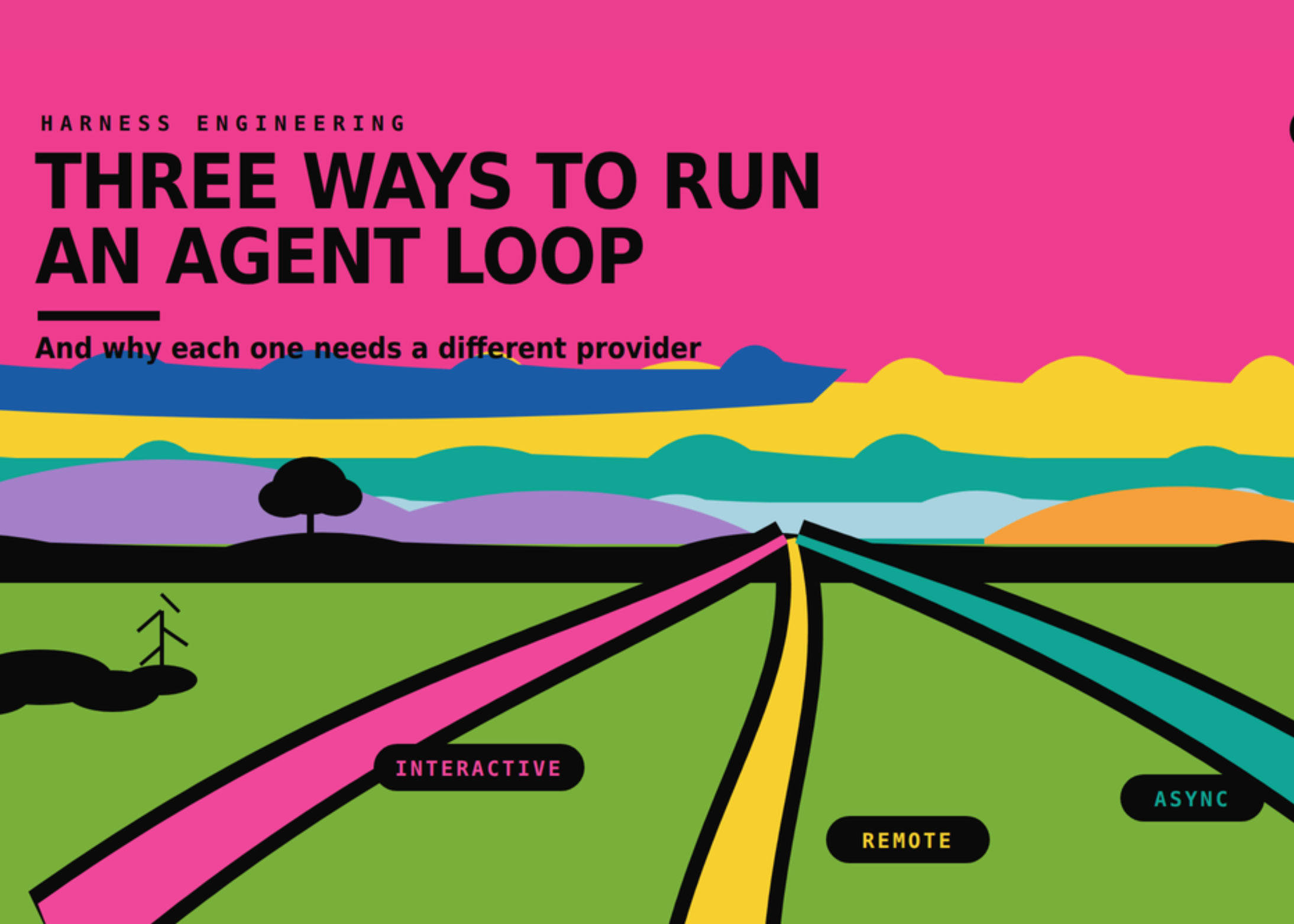
The course maps this design into three operating modes:
- Interactive, online: a person watches the agent work in a live session and may provide guidance.
- Remote, offline: work is sent to a server, processed without continuous supervision and resumed when necessary.
- Asynchronous, online: a user starts a task through a live channel, but the agent continues in the background and reports back later.
Interactive mode needs careful steering. If a person sends an instruction while a tool call is still running, the system can damage the current turn or create confusing history. Decode addresses this with queues and safe boundaries, including points before the next model request and when the agent is about to stop. This makes live interaction safer because new instructions are not injected at an unsafe moment (source article).
Remote offline mode works differently. A backlog of tasks can be distributed across several agent runs. The runtime records progress step by step, allowing a task to resume after a sandbox failure rather than starting again. If a job needs human approval, it can pause instead of continuously consuming computing resources. Async online mode sits between the two: a Slack message, form submission or internal request starts a background job, while the user continues with other work.
Why This Matters for Malaysian SMEs
For a Malaysian SME, this framework gives you a clearer way to plan automation. Suppose you run a trading company in Shah Alam and receive supplier quotations through email and WhatsApp. An employee may need to extract item codes, compare quantities, identify missing information and prepare a draft purchase order. This is not necessarily a live conversation. It can be an asynchronous workflow that collects the files, performs the checks and sends a result to a staff member for approval.
Similarly, a construction subcontractor in Johor may need to review site reports, delivery notes and safety documents. A remote offline agent could process a batch of files after office hours, flag missing signatures and produce a list of exceptions. The agent does not need to stream every token to a manager. It needs reliable task tracking, document access controls and a clear approval step.
For a clinic, tuition centre or professional services firm, the interactive mode may be more suitable for frontline questions. A staff member could ask an internal assistant to find a policy, draft a reply or locate a customer record while remaining in control. Here, response speed and safe steering matter because the user is waiting. A system that takes several minutes to complete every small request may interrupt the working day even if the final answer is accurate.
The same principle applies to local language requirements. If your customers communicate in Bahasa Malaysia, English, Mandarin or mixed forms of conversation, you need to test the entire workflow rather than only the model. Can the agent identify the correct customer? Does it preserve reference numbers? Does it escalate uncertain requests? Does it avoid sending an unapproved reply? Those controls belong to the harness and operating process, not just the language model.
| Business task | Suitable mode | What to prioritise |
|---|---|---|
| Staff asking for an instant policy summary | Interactive online | Fast response, interruption controls and human review |
| Processing a large folder of invoices | Remote offline | Batch throughput, retry handling and exception reports |
| WhatsApp request that generates a report later | Asynchronous online | Queue reliability, status updates and approval workflows |
| Automated code or spreadsheet checks | Remote offline or asynchronous | Sandboxing, audit logs and controlled access |
The provider question follows the workflow
The source article argues that provider selection should follow the latency requirement. Interactive work is latency-bound because a person is waiting. Background and batch work are throughput-bound because the objective is to complete many tasks efficiently and consistently (source article).
Do not choose an AI provider before deciding whether your work is live, queued or batch-based.
The article illustrates the difference with a document-processing example involving 1,000 documents, each with about 30,000 input tokens and roughly 500 output tokens. It reports an estimated total of about US$97 at stated frontier API rates, compared with about US$13 in batched GPU time under the example’s assumptions. These are scenario figures, not guarantees for your workflow, but they demonstrate why volume and operating mode can change the infrastructure decision (source article).
The reverse situation is also important. If you keep a dedicated GPU running while an interactive agent waits for a person to confirm an action, idle capacity becomes wasteful. The article cites Modal’s published H200 SXM rate of US$0.001261 per second, or approximately US$4.54 per hour, and notes that ten idle hours would be about US$45.40 under that published rate (Modal pricing). The practical lesson is simple: do not leave batch-oriented infrastructure running continuously for occasional human-led tasks.
A practical checklist for your business
Before introducing an agent, document the workflow in plain language. Identify who starts the task, which systems the agent can access, where a human must approve an action and what should happen if a tool fails. You should also decide whether the user needs to watch the process or only receive the result.
- Classify each task as live, queued or batch-based.
- Define the maximum acceptable waiting time for a user.
- Separate low-risk drafting from high-risk actions such as sending, deleting or approving.
- Require confirmation before the agent changes customer, finance or inventory records.
- Keep an audit trail showing inputs, tool actions, approvals and outputs.
- Design retries so a failed task resumes from a known step.
- Test Bahasa Malaysia, English and mixed-language instructions where relevant.
- Review access permissions before connecting email, accounting or CRM systems.
The Bigger Picture
AI agents are moving from isolated chat windows into business processes. That shift means reliability will depend less on an impressive demonstration and more on the surrounding system. A useful agent must know when to act, when to wait, when to ask you for approval and how to recover from failure.
The source article also discusses serverless versus reserved capacity. Its summary is that serverless capacity can suit workloads with large peaks and low average usage, while reservations become more suitable when demand is steady. It cites typical serverless discounts of two to five times against peak-to-average ratios of five to ten times, alongside industry survey figures reporting reservation utilisation below 30%, and sometimes below 10% (Modal pricing analysis). These figures should be checked against your actual usage, but the planning principle is useful: measure demand patterns instead of assuming constant utilisation.
For you as an SME owner, the best starting point is not an ambitious autonomous system. Choose one repeatable workflow with clear inputs, limited permissions and an observable result. Decide whether it needs a live assistant, a background queue or a batch processor. Then measure completion time, error rates, human corrections and failed handoffs.
Once you understand the workflow, the model and provider decision becomes easier. The winning setup may use different models for different modes, but its foundation will be the same: a controlled harness, sensible queues, safe tool access and a clear path for human judgement.
Ready to Streamline Your Operations?
Technology moves fast. Your operations should keep up. AutoRunBiz builds AI systems that run your daily workflows — from WhatsApp order capture to accounting. Book a free 15-min ops audit →