
AI Security Is Now a Business Responsibility
You may already be using AI to draft emails, answer customer questions, summarise documents, qualify leads, or help your team work faster. The tools are easy to adopt, often starting with one employee testing an application before others follow.
That convenience can hide a practical problem: once AI connects to your business data, software, and daily workflows, it can create new ways for information to leak, instructions to be manipulated, or automated actions to go wrong. You do not need a large technology department to face these risks. A small business using shared documents, cloud applications, and customer databases can be affected too.
TL;DR: AI security is moving beyond protecting the model itself. You also need to control the data, prompts, connected tools, user permissions, and automated actions around it. Start with an inventory, clear rules, human approval, and regular checks.
The growing attention on AI security reflects how quickly businesses are deploying AI systems. Gartner estimates that companies will spend $2.83 billion on AI security products in 2026, an 83% increase from 2025, with spending expected to reach nearly $4.78 billion in 2027. Source
What This Means
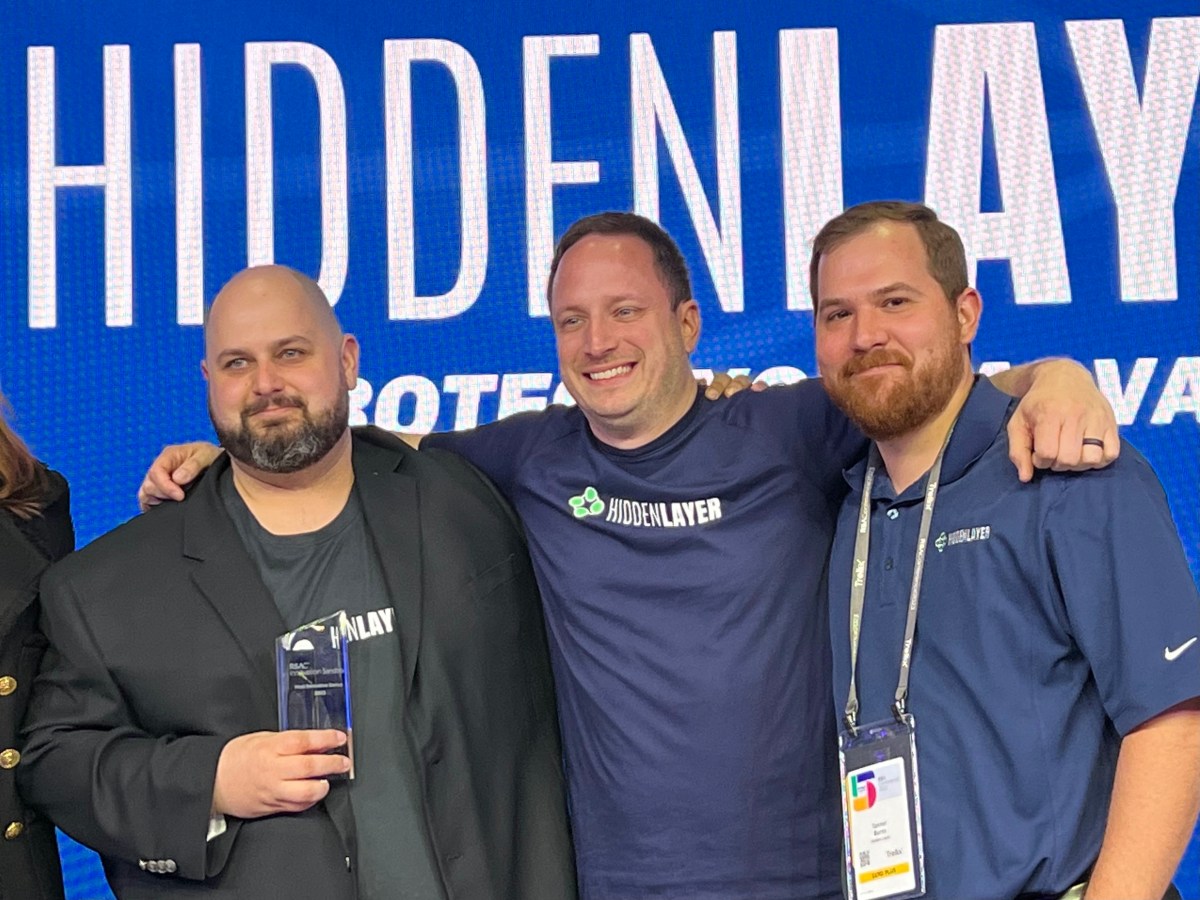
The article focuses on HiddenLayer, a company that protects AI models, agents, and workflows from attacks, vulnerabilities, and malicious code injections. Its products cover discovery, runtime protection, attack simulation, and supply chain security. The company has also expanded its focus to prompt injection, agent manipulation, and malicious tool use. Source
In plain language, AI security means making sure an AI system does only what you intend, using only the information it should access, while giving you a way to detect and stop unusual behaviour.
A prompt injection happens when someone places instructions inside content that an AI reads, causing it to ignore its original task or reveal information. For example, an AI assistant reviewing an uploaded document might encounter hidden text telling it to disclose internal records. An agent manipulation issue occurs when an automated system is persuaded to take an unauthorised action, such as sending a message, changing a record, or accessing a connected application.
There is also a supply chain concern. Open-source models and third-party AI components may not always be what they claim to be. HiddenLayer says it scans around 50 AI file frameworks to check whether a model is genuine and whether hidden models are embedded inside other models. Source
If an AI tool can read your business information or act on your behalf, treat it like a staff member with system access—not like a simple search box.
How This Applies to Malaysian SMEs
1. Customer service and WhatsApp enquiries. You may connect an AI assistant to frequently asked questions, product information, or customer records. This can help your team respond more quickly, but the assistant should not automatically expose another customer’s order details, internal notes, or contact information. Set rules for what it may read and require a staff member to approve sensitive replies.
For example, an AI assistant can explain delivery options or collect an enquiry. It should not independently promise a refund, change a customer’s account, or share personal information simply because a message includes an instruction. Keep the system focused on defined tasks, and make escalation to a human clear.
2. Accounting, payroll, and administration. Many SMEs use AI to summarise invoices, classify expenses, draft payment reminders, or organise documents. These tasks involve confidential information, including employee records, supplier details, bank information, and business documents. Before uploading anything, check where the data is stored, who can access it, and whether the provider uses it to improve its service.
You should also separate preparation from approval. An AI tool may suggest an expense category or draft a supplier email, but a responsible employee should verify the details before anything is submitted or sent. This simple division reduces the chance of an incorrect instruction becoming an official business action.
3. Sales and marketing workflows. AI can help draft social media posts, segment leads, personalise follow-ups, and summarise sales calls. The main risk is not only inaccurate content. It may also use information in a way that is inappropriate, reveal confidential plans, or contact the wrong person. Create a short list of approved data sources and define what claims require human checking before publication.
For Malaysian businesses, this is particularly relevant when customer information is spread across spreadsheets, messaging platforms, CRM systems, and cloud storage. If an AI tool can connect to several of these systems, review its permissions carefully. It should have access only to the information needed for its specific role.
4. Open-source tools and downloaded models. Your team may install an AI application because it appears useful or free to use. That does not automatically make it safe. Unverified software, plug-ins, browser extensions, and models can introduce harmful code or create unexpected data access. Keep an approved tools list, restrict installations on company devices, and ask staff to involve the person responsible for technology before connecting a new AI service to business systems.
Practical Takeaways for Your Business
- List every AI tool in use. Ask each department what applications, plug-ins, chatbots, and automated features they use.
- Classify your information. Mark data as public, internal, confidential, or highly restricted, and prohibit staff from entering sensitive information into unapproved tools.
- Control permissions. Give an AI system the minimum access needed. Avoid connecting it to your entire file storage or customer database.
- Keep a human approval step. Require review before AI sends external messages, changes records, approves transactions, or makes decisions affecting customers or employees.
- Test unusual instructions. Try prompts that ask the system to ignore its rules, reveal hidden instructions, or access unrelated information. Record what happens.
- Check connected tools. Review whether the AI can call email, payment, CRM, calendar, or inventory functions, and remove connections you do not need.
- Train your team. Teach employees not to upload customer records, contracts, passwords, identity documents, or confidential plans into unapproved services.
- Monitor activity. Keep logs where available, review unusual access, and define who investigates a suspected data leak or incorrect automated action.
- Review vendors. Ask providers about data handling, access controls, retention, breach notification, and the ability to delete your information.
A Simple AI Risk Review
| Area | Question to ask | Action |
|---|---|---|
| Data | What information can the tool read? | Remove unnecessary access and restrict sensitive data. |
| Actions | What can the tool change or send? | Require approval for external or irreversible actions. |
| Users | Who can use or configure it? | Limit administrator access and review users regularly. |
| Vendors | How is submitted information handled? | Read the provider’s security and privacy terms. |
| Monitoring | Would you know if it behaved incorrectly? | Enable logs, alerts, and a clear reporting process. |
The security market is expanding because AI deployments are becoming more complex. HiddenLayer reported that its annual recurring revenue grew more than tenfold over the previous year, with more than 90% of that growth coming from new customers during that period. Source The exact scale of your business may be very different, but the lesson is relevant: organisations are beginning to treat AI protection as an ongoing operational requirement rather than a one-time configuration.
The Bigger Picture
AI security will increasingly become part of ordinary business controls. Just as you manage user accounts, software updates, backups, and access to company files, you will need to manage AI identities, prompts, model sources, connected tools, and automated decisions.
This does not mean you need to buy a complex security platform immediately. For many SMEs, the best starting point is disciplined governance: know what you use, know what it can access, limit its permissions, review its output, and prepare a response when something goes wrong.
The article also points to a wider direction in the industry. AI infrastructure is expected to include governance features such as discovery, identity, and policy controls, while specialist providers continue to focus on runtime protection and attack detection. Source For you, this means security controls may gradually appear inside the business software you already use.
Do not wait for a serious incident before asking which tools your team has connected to company information. Choose one AI workflow, map its data and permissions, add a human checkpoint, and document the rules. Then repeat the process for the next workflow. That practical habit will help you gain the benefits of AI while keeping responsibility firmly with your business.
Ready to Streamline Your Operations?
Your business should run itself. AutoRunBiz deploys AI agents to automate your daily operations — WhatsApp orders, invoicing, customer follow-ups, and accounting. Book a free 15-min ops audit to see where automation fits your business →