
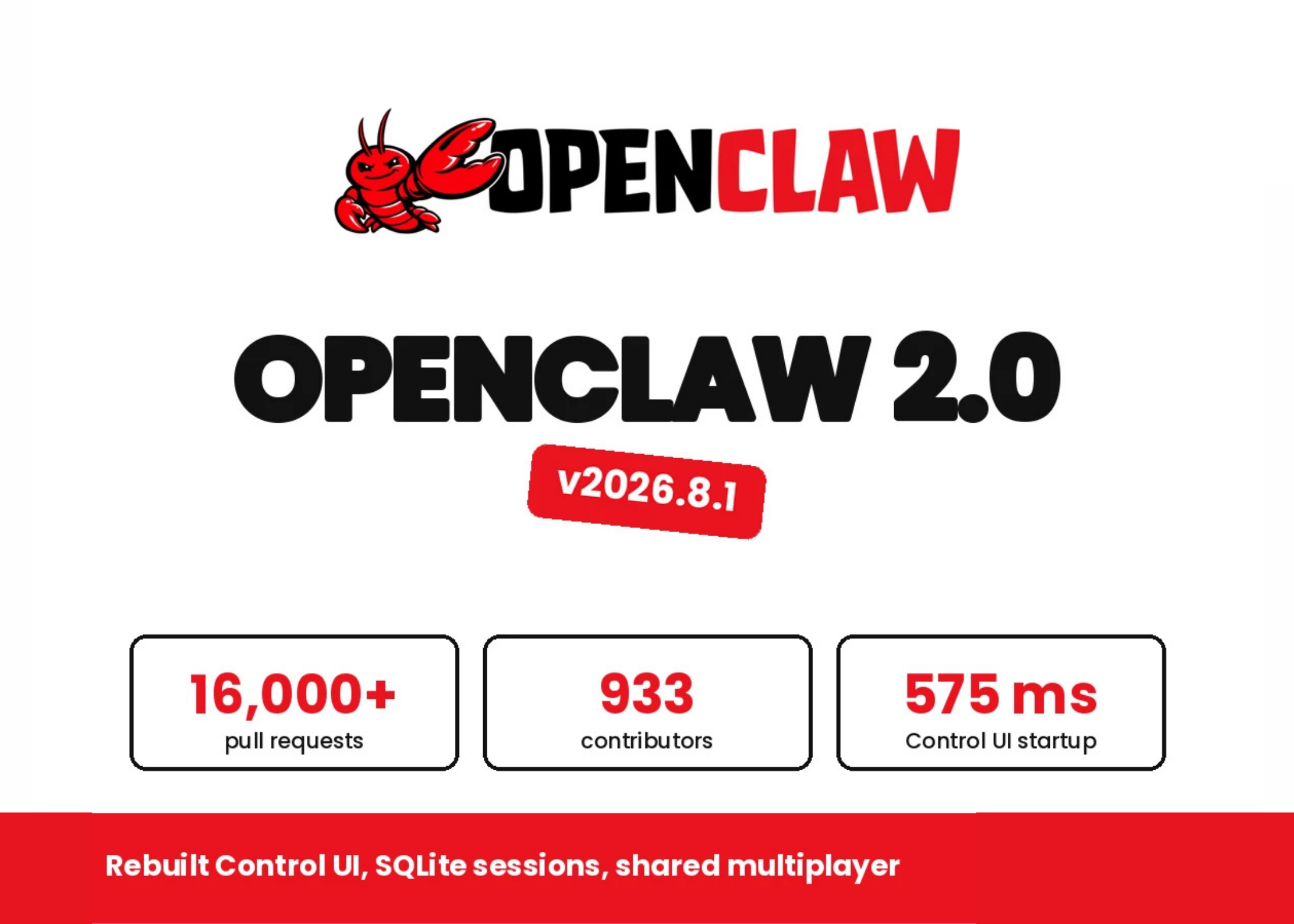
OpenClaw 2.0 Makes AI Agents Easier to Control
You may already be experimenting with AI for customer replies, document processing, research, coding, or internal administration. The difficult part is rarely getting an AI model to produce an answer. The harder questions are: Which model is being used? What can the agent access? Who approved an action? Where are conversations stored? Can another employee safely continue the work?
For a Malaysian SME, these questions matter because one AI assistant can quickly touch sales records, supplier documents, shared folders, customer conversations, and business systems. A convenient setup is useful, but convenience without clear boundaries can create operational and security problems.
OpenClaw 2.0 addresses several of these practical issues with guided model setup, a redesigned browser Control UI, SQLite-based session storage, shared cloud sessions, and one trust boundary per gateway. The release is presented as suitable for single-operator and single-team deployments, but not for multi-tenant products.
TL;DR
OpenClaw 2.0 can help you set up AI access, review agent activity, and collaborate on live work more clearly. Its test Control UI startup fell from about 1.6 seconds to 575 milliseconds, while JavaScript requests dropped from 140 to 45 in a simulated environment. Source
However, shared sessions are not tenant isolation or a security boundary. You should treat OpenClaw as a controlled workspace for a person or team, not as a ready-made foundation for separating unrelated customers.
What This Means
OpenClaw is an open-source platform for working with AI agents through a gateway and browser-based control surface. Instead of using a model only through a chat box, you can give the agent access to tools, files, approvals, browser functions, and work sessions.
OpenClaw 2.0’s guided setup searches for AI access already available on your computer. It can reuse verified Codex, ChatGPT, or Claude CLI sign-ins, accept an API key, run a provider sign-in, or detect local models from Ollama and LM Studio. It then checks whether the selected model can respond before saving the model and credential configuration. Source
This is important for a non-technical owner because setup errors often appear only after a workflow is already being used. A verification step gives you a basic confirmation that the selected provider, credential, and model are working together.
The browser Control UI is now the main working surface. Conversations sit at the centre, with files, approvals, changes, browser activity, and live work available beside the chat. The release also includes a file editor, a git-backed Changes panel, a browser panel, and a web terminal. Some permissions remain limited: the file editor cannot create or delete files, Changes is read-only, and creating a pull request hands the task to GitHub rather than completing it inside OpenClaw. Source
The practical lesson: an AI agent should be judged not only by the quality of its answers, but also by how clearly you can see, approve, restrict, and review its actions.
How This Applies to Malaysian SMEs
Imagine you operate a small trading company in Shah Alam. Your sales team receives product enquiries through WhatsApp, email, and a website form. An AI agent could summarise enquiries, identify missing information, draft replies in English or Bahasa Malaysia, and prepare a follow-up list. OpenClaw’s conversation-centred interface could keep the draft, related files, approval requests, and ongoing context in one workspace. Your sales manager can review the draft before anyone sends a commitment to a customer.
For an accounting or professional services firm, the main benefit may be controlled document work. You could ask an agent to compare two versions of a proposal, identify missing attachments, or prepare a checklist for a client onboarding file. The important safeguard is to separate “prepare” from “send” or “submit”. Let the agent draft and highlight issues, while a named employee approves any external communication or regulatory submission.
A manufacturer in Penang or Johor could use an agent to support production administration. It might review maintenance notes, search standard operating procedures, or summarise quality records. Browser inspection and file access may help an employee find the right information faster, but the agent should not automatically alter production data, approve a rejected batch, or issue a supplier instruction without human confirmation.
Shared cloud sessions may also help a small team continue work without repeating the entire conversation. For example, an owner could start a customer complaint investigation, then allow an operations manager to take over with the context intact. OpenClaw describes permission levels such as reading, suggesting changes, drafting, or participating directly. Source
But you should not place unrelated client work into one shared environment and assume the platform will provide full separation. The documentation explicitly states that shared session controls are not tenant isolation and not a security boundary. Source If you serve multiple customers, use separate gateways, separate workspaces, or a properly designed multi-tenant system with independent access controls.
Key Numbers to Understand
| Area | Reported detail | Why it matters to you |
|---|---|---|
| Control UI startup | About 1.6 seconds to 575 milliseconds in a simulated test | Faster access can make frequent internal use less frustrating |
| JavaScript requests | 140 to 45 in the same test setup | A leaner interface may reduce unnecessary browser activity |
| Transcript storage | Moved to SQLite | Plan backups and migration checks before upgrading or rolling back |
| Approval history | Rolling 30-day history | Gives you a recent record of approval activity to review |
| Context setting | llama.cpp default context raised to 64K | Longer documents and instructions may fit more comfortably in one session |
Each figure comes from the OpenClaw 2.0 release coverage and technical information. Source
Security and Data Handling Considerations
OpenClaw binds the Gateway to loopback by default, meaning it is designed to listen locally unless you change the configuration. Many chat channels also respond to an unknown direct-message sender with a pairing code. Its security audit checks inbound access, tool exposure, network exposure, browser control exposure, and plugin allowlists. Source
These defaults are useful, but they do not replace your own operating rules. Decide which staff may use the agent, which folders it may read, whether it can access a browser, and which actions require approval. Keep customer data, employee information, contract documents, and confidential business plans out of broad shared workspaces unless your access design is clear.
Model selection also matters. The source reports attack success rates of 0.5% for Claude Opus 4.5, 1.0% for Sonnet 4.5, 1.3% for Haiku 4.5, and 8.5% for Gemini 2.5 Pro in a 2026 crowdsourced arena covering 272,000 attacks across 41 agent scenarios. Source These figures are not a guarantee for your workflow. Prompt injection, malicious documents, and unsafe tool access still require approvals, sandboxing, and restricted permissions.
Practical Takeaways
- Start with one low-risk workflow: choose summarising, drafting, or internal searching before allowing external actions.
- Create a named owner: one person should approve setup, permissions, model selection, and staff access.
- Separate drafting from execution: require approval before sending messages, changing records, or running commands.
- Use separate workspaces: do not treat shared sessions as customer or tenant isolation.
- Back up before upgrading: sessions and transcripts now use SQLite, and older releases may not display sessions created after migration. Source
- Run the security audit: review inbound access, tools, browser control, network exposure, and plugins.
- Keep an approval record: use the 30-day history to review unusual requests and recurring mistakes.
- Test with safe sample data: confirm what the agent can read, edit, browse, and remember.
The Bigger Picture
OpenClaw 2.0 points towards a more practical form of AI adoption for small businesses. The focus is moving from simply asking a chatbot questions to managing an agent that works across files, conversations, browsers, and business processes.
That change makes governance part of everyday operations. You do not need a large technology department to begin, but you do need clear rules: who can use the system, what information it may access, which actions need approval, and how you recover if an upgrade or automation causes a problem.
For Malaysian SMEs, the sensible path is gradual. Begin with a single team and a measurable workflow. Keep sensitive actions behind human approval. Document the boundaries. Review the logs. Only then consider expanding to more departments or connecting additional systems.
The strongest benefit of a platform like OpenClaw is not that it removes people from the process. It can give your people a clearer workspace for preparing work, checking information, and coordinating tasks. Your advantage comes from combining that capability with disciplined permissions and sensible business processes.
Ready to Streamline Your Operations?
Your business should run itself. AutoRunBiz deploys AI agents to automate your daily operations — WhatsApp orders, invoicing, customer follow-ups, and accounting. Book a free 15-min ops audit to see where automation fits your business →