
Should Your Malaysian SME Upgrade to the 2026 Mac Studio?
You may not need a faster computer. You may need fewer delays.
For a small studio, agency, architecture firm, software team, video-production house, or research business, one slow workstation can hold up an entire workflow. Large files take longer to open, local AI tools struggle, video exports occupy the machine, and staff begin working around the technology instead of using it confidently.
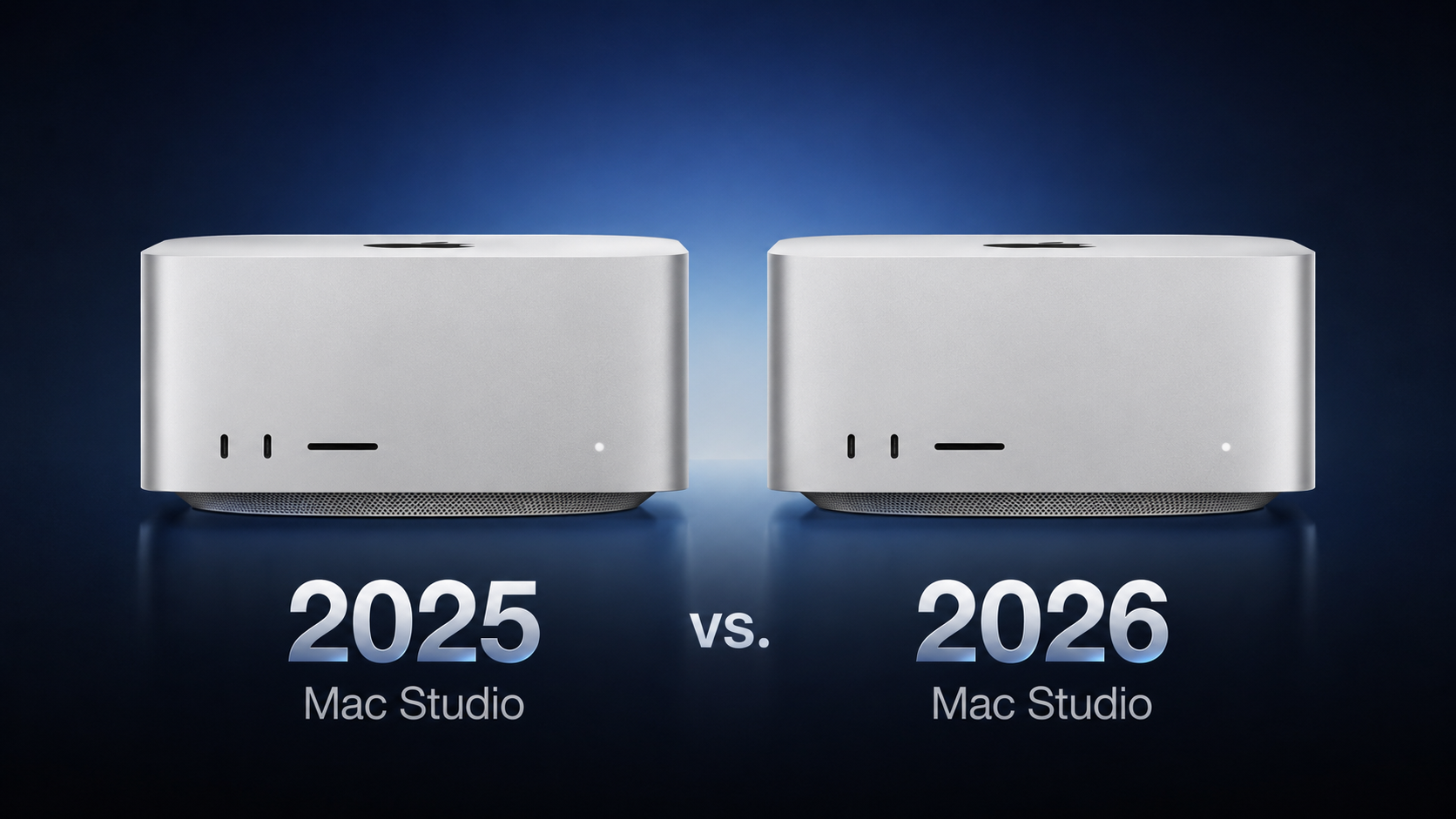
The 2026 Mac Studio addresses those bottlenecks with internal upgrades rather than a new exterior. Apple has replaced the previous M4 Max and M3 Ultra models with M5 Max and M5 Ultra versions, adding faster processors, improved graphics capability, faster storage architecture, Wi-Fi 7, and Bluetooth 6. The design remains unchanged for a fifth consecutive year, so the decision is mainly about workload rather than appearance. Source
TL;DR
The M5 Mac Studio is most relevant if your business handles local AI, 3D rendering, high-resolution video, machine learning, or several demanding applications at once.
If your team mainly uses browser-based software, accounting systems, documents, email, and cloud collaboration, the upgrade may not materially improve daily work. Owners of M1 or M2 Mac Studio models are more likely to see a meaningful improvement than owners of the 2025 generation. Source
What This Means
The Mac Studio is a compact desktop computer designed for demanding professional work. The 2026 version keeps the same physical design and focuses on components inside the machine.
The M5 Max model has an 18-core CPU, compared with a 14-core starting CPU in the 2025 M4 Max. It supports up to 614GB/s of memory bandwidth, compared with up to 546GB/s previously. Its graphics options remain 32 or 40 GPU cores, but the newer GPU includes Neural Accelerators in every core and third-generation hardware-accelerated ray tracing. Source
The M5 Ultra is aimed at much heavier work. It supports up to 36 CPU cores, 80 GPU cores, and 1.2TB/s of memory bandwidth. The outgoing M3 Ultra reached up to 32 CPU cores, 80 GPU cores, and 819GB/s of memory bandwidth. In practical terms, this matters when you are processing large models, rendering complex scenes, editing several high-resolution video streams, or running multiple demanding tasks together. Source
Storage also changes. The 2026 Mac Studio uses a PCIe Gen 6 SSD architecture, with Apple stating that read and write speeds can reach up to twice those of the previous generation. Wireless connectivity moves from Wi-Fi 6E to Wi-Fi 7, while Bluetooth moves from version 5.3 to version 6. Source
The right question is not “Is the M5 faster?” It is “Will your business use that extra performance often enough to improve delivery, quality, or staff productivity?”
How This Applies to Malaysian SMEs
For creative agencies and video teams: If you produce advertisements, social media campaigns, product videos, or 3D content, rendering and export time can affect client delivery. The M5 Max includes newer graphics capabilities and improved ray tracing, while Apple claims up to 50% faster graphics performance compared with the M4 Max in selected workloads. In DaVinci Resolve Studio, Apple claims up to 3x faster Magic Mask performance for the M5 Max. These are Apple’s tested claims, not guarantees for every project, so you should test your own editing workflow before making a decision. Source
For software companies and automation consultancies: Local large language models, image generation, code analysis, and testing environments can use substantial memory and GPU resources. Apple claims up to 3.9x faster LLM prompt processing for M5 Max compared with M4 Max, and up to 4x faster prompt processing for M5 Ultra compared with M3 Ultra in selected tests. If your developers regularly run models locally, the main benefit may be shorter iteration cycles and fewer interruptions. If your team only uses online AI tools through a browser, the Mac Studio’s additional hardware may have limited impact. Source
For architecture, engineering, and design firms: Large CAD files, visualisation scenes, simulations, and rendering workloads can place pressure on both memory and graphics. The M5 Ultra provides a higher memory bandwidth ceiling and supports up to 512GB of unified memory, although the 512GB configuration requires the 80-core GPU. That link between memory and graphics means you should plan the whole configuration carefully instead of choosing memory as an isolated option. Source
For research, healthcare technology, and data-heavy firms: Some Malaysian SMEs work with imaging, scientific datasets, DNA analysis, or machine-learning development. Apple reports up to 1.9x faster basecalling performance for the M5 Max in Oxford Nanopore MinKNOW and up to 3.3x faster CopyCat machine-learning training performance for the M5 Ultra in Foundry Nuke. You should treat these as workload-specific indicators rather than universal results. Source
For ordinary administration: If your team mainly uses Microsoft 365, Google Workspace, cloud accounting, customer relationship management software, video calls, and browser-based business systems, the M5 upgrade is unlikely to transform the workday. A well-managed network, reliable backups, suitable monitors, and clear staff processes may matter more than additional processor performance.
Key Specifications to Compare
| Area | 2025 Mac Studio | 2026 Mac Studio | Business relevance |
|---|---|---|---|
| Max CPU | Up to 16 cores | 18 cores | Useful for multitasking and demanding applications |
| Ultra CPU | Up to 32 cores | Up to 36 cores | Relevant to heavy rendering and processing |
| Max memory bandwidth | Up to 546GB/s | Up to 614GB/s | Helps move large datasets efficiently |
| Ultra memory bandwidth | 819GB/s | 1.2TB/s | Important for large models and intensive graphics |
| Wireless | Wi-Fi 6E and Bluetooth 5.3 | Wi-Fi 7 and Bluetooth 6 | May improve connectivity with compatible equipment |
| Maximum unified memory | Up to 512GB | Up to 512GB | The maximum remains unchanged |
All figures in this table come from the MacRumors comparison of Apple’s stated specifications. Source
Practical Takeaways
- Audit the workload first: Record which applications are slow and when delays occur. Check whether the cause is CPU, GPU, memory, storage, network, or software configuration.
- Prioritise memory for local AI: Large models may need more unified memory. On the M5 Max, more than 36GB requires the 40-core GPU; on the M5 Ultra, 512GB requires the 80-core GPU. Source
- Do not compare processor names alone: A smaller M5 Max system may be more suitable than an Ultra system if your work does not use extensive memory or graphics resources.
- Test your real files: Run a representative video project, CAD assembly, dataset, or AI workflow. Manufacturer performance claims are based on selected tests.
- Plan peripherals: Confirm that your displays, storage devices, audio equipment, network hardware, and software are compatible before deployment.
- Separate power-user and general-user roles: You may need one high-performance workstation for a specialist rather than identical machines for every employee.
- Review backup and access controls: A faster workstation still needs automated backups, user permissions, endpoint protection, and a recovery plan.
- Consider the upgrade cycle: Owners of M1 or M2 Mac Studio models have more reason to review an upgrade because older models lack Thunderbolt 5, AV1 decoding, and the newer media engine. Source
The Bigger Picture
The 2026 Mac Studio shows where professional desktop computing is heading: more AI processing is being built directly into the processor and graphics system. Instead of sending every task to a remote service, some businesses can run selected models, image tools, transcription workflows, and analysis tasks locally.
That does not mean every SME needs a powerful desktop. It means you should distinguish between routine office work and specialist production work. Cloud applications remain practical for many teams, while local performance becomes more valuable when privacy, response time, large files, or repeated processing are central to your service.
The unchanged design also sends a useful message for business owners: physical appearance is becoming less important than workflow fit. A computer should earn its place by reducing delays, supporting the applications you actually use, and remaining manageable for your team.
For a Malaysian SME, the sensible approach is to start with a short workload review. Identify the tasks that consume the most time, measure how often they occur, and decide whether the M5 Max or M5 Ultra addresses those specific bottlenecks. If your work is mainly cloud administration, focus on connectivity, security, and process automation. If your business depends on rendering, local AI, machine learning, or large media projects, the new Mac Studio deserves a closer technical trial.
Ready to Streamline Your Operations?
Your business should run itself. AutoRunBiz deploys AI agents to automate your daily operations — WhatsApp orders, invoicing, customer follow-ups, and accounting. Book a free 15-min ops audit to see where automation fits your business →