
Your Business May Be Losing Time to Poor Connectivity
If your team depends on mobile apps, cloud systems, WhatsApp, online payments, or field coordination, a weak mobile connection is more than an annoyance. It can delay customer replies, interrupt delivery updates, slow down sales work, and leave your staff waiting when they should be serving customers.
This matters even more when your business operates across different locations. Your team may move between a shop, warehouse, customer site, delivery route, and home office throughout the day. A mobile network that performs consistently can help you keep work moving without relying on a fixed connection everywhere.
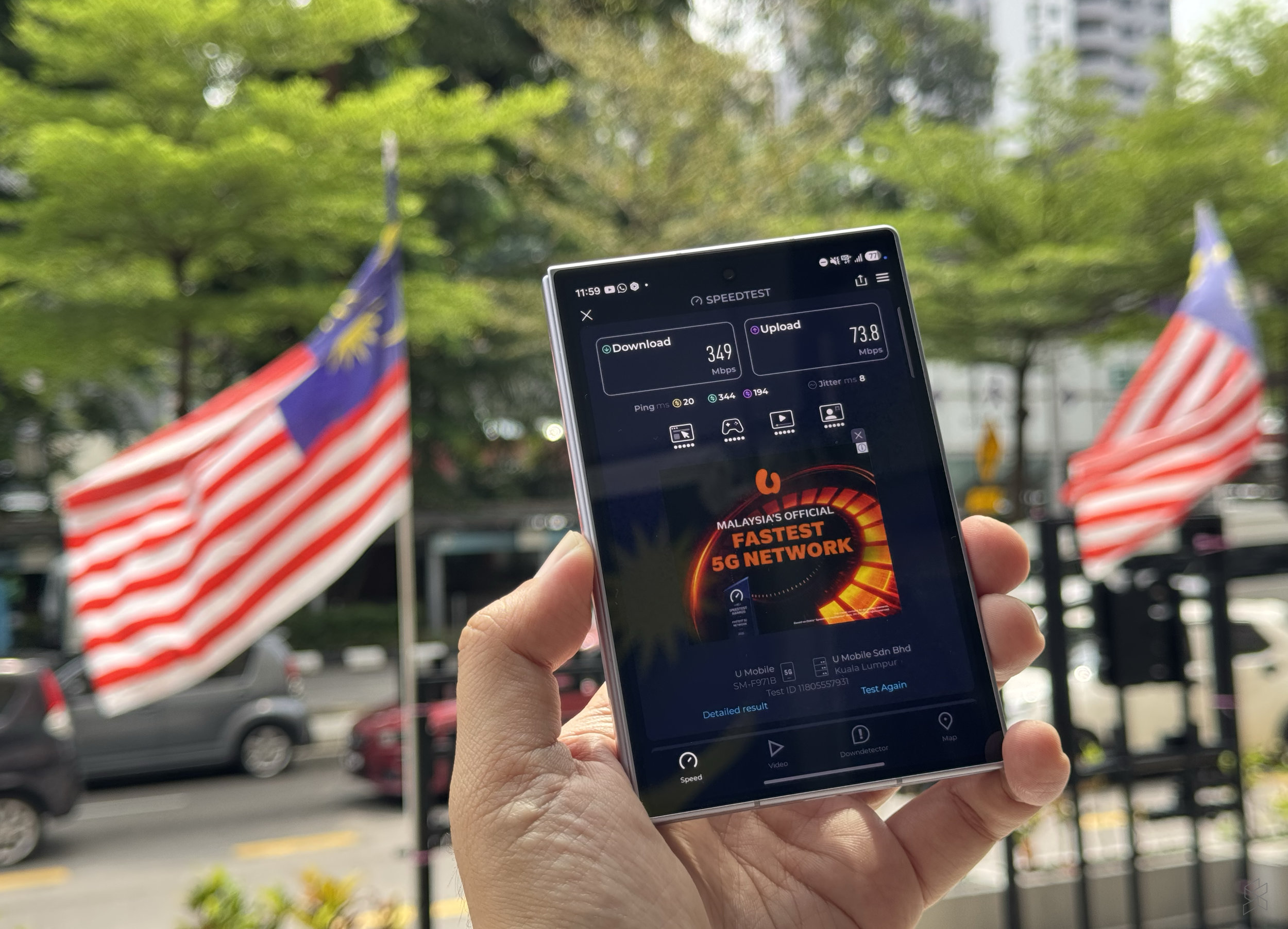
A recent report based on Ookla’s Speedtest data named U Mobile Malaysia’s best mobile network for the first half of 2026, before the planned exit of the Digital Nasional Berhad wholesale network arrangement. You can read the source article from SoyaCincau. U Mobile also promoted UNI5G Postpaid with 500GB of free data in an announcement dated August 20, 2026. That offer is described in the supplied source content, but you should confirm the current terms directly with the provider before making a business decision.
TL;DR
A stronger mobile network can reduce interruptions for field staff, cloud applications, customer communication, and mobile transactions.
Do not choose a business plan based only on headline data allowances. Test coverage at your actual work locations, review staff usage, and prepare a backup connection for critical operations.
What This Means
Mobile network performance is not measured by one number alone. Speed matters when you upload product images, join video calls, access cloud files, or process large system updates. Reliability matters when staff need to stay connected while travelling or working at a customer site. Latency, which refers to the delay before data travels between your device and an online service, affects live conversations, remote support, payment verification, and cloud-based applications.
Ookla’s Speedtest methodology is based on measurements taken through its Speedtest platform. The report mentioned in the source article evaluates network performance using collected user tests rather than only relying on a provider’s advertised maximum speed. That distinction is useful for you because real-world performance depends on location, device, network traffic, building materials, and the distance to nearby network equipment.
A good result at national level does not guarantee identical performance in every shop lot, kampung, industrial area, highway, or customer site. Treat national rankings as a useful starting point, not a substitute for testing the places where your business operates.
The best network for your business is the one that performs reliably where your people actually work.
The UNI5G Postpaid promotion mentioned in the supplied content also highlights a wider trend: providers are offering larger mobile data allowances for businesses and consumers. More data can support heavier use of cloud tools, video communication, digital marketing, and mobile point-of-sale systems. However, a large allowance does not solve weak indoor coverage, congestion, incompatible devices, or poor staff habits.
How This Applies to Malaysian SMEs
1. Retail and food businesses can reduce payment and ordering interruptions. If you run a café, restaurant, convenience shop, or small retail outlet, your staff may use mobile terminals, QR payment services, inventory applications, delivery platforms, and messaging apps at the same time. A connection problem during a busy period can create confusion at the counter and slow customer service. Test the network inside your premises, especially near the cashier, storeroom, and back office. Concrete walls, metal shelving, and basement locations can affect indoor performance.
2. Service businesses can keep field teams connected. Air-conditioning contractors, cleaning companies, repair teams, security providers, event crews, and maintenance businesses often work away from the main office. Your staff may need to receive job details, upload photographs, collect customer confirmation, or update a scheduling system. A dependable connection helps you see job progress without relying on repeated phone calls. Give each team member a simple process: confirm the assignment, update arrival status, upload required evidence, and report completion before leaving the site.
3. Wholesalers, distributors, and delivery operators can improve coordination. Drivers and sales representatives may need access to digital invoices, route instructions, stock information, customer locations, and proof-of-delivery records. If an application fails while they are on the road, staff may create handwritten notes or delay updates until they return to a stronger connection. Choose applications that support offline work where possible, and make sure employees know how to synchronise records later. Network quality should support your process, not replace a sensible fallback procedure.
4. Small offices can support hybrid and cloud-based work. Many SMEs use cloud accounting, shared drives, customer relationship tools, online forms, video calls, and browser-based business systems. A mobile connection can serve as a backup when your fixed broadband fails. It can also provide temporary access during office relocation, renovation, pop-up sales, or a visit to a customer. Keep a properly configured backup device or router available instead of waiting until the main connection stops working.
5. Tourism and customer-facing businesses can improve visitor service. Homestays, tour operators, small hotels, travel agencies, and activity providers often depend on instant communication. Staff may share maps, booking information, digital tickets, photographs, and emergency updates. Good connectivity is helpful, but you should also protect customer information. Use approved business accounts, strong passwords, device locks, and clear rules about what staff may send through personal messaging accounts.
Numbers to Review Before Choosing a Mobile Plan
The following figures are practical planning benchmarks, not claims about any particular provider. Measure your own usage before selecting a plan.
| Area to review | What to measure | Why it matters |
|---|---|---|
| Work locations | Test at least 3 places: office, main operating site, and a frequent customer or delivery area | National results may not reflect your local coverage |
| Testing times | Test during at least 2 periods, such as morning and peak afternoon | Network performance can change when more users are connected |
| Business users | Group staff into office, field, sales, and management users | Different roles have different data and reliability needs |
| Critical applications | List every system that must remain available, including payment, scheduling, and messaging tools | It helps you prioritise testing and backup arrangements |
| Fallback options | Prepare at least 1 documented backup method for critical workflows | Staff know what to do when the main connection fails |
Practical Takeaways
- List the business tasks that depend on mobile connectivity, including payments, customer replies, delivery updates, and cloud applications.
- Test candidate networks at your office, warehouse, shop, and common customer locations.
- Run tests at different times instead of relying on one quick result.
- Check whether your current phones, tablets, routers, and point-of-sale devices support the required network technology.
- Review actual data consumption by role. A field salesperson may use data differently from an office administrator.
- Ask providers about coverage, device compatibility, account controls, usage notifications, and support procedures.
- Do not assume a large data allowance means unlimited practical performance. Congestion and coverage still matter.
- Set up offline procedures for invoices, delivery records, job notes, and customer contact details.
- Keep a backup connection for payment processing, customer communication, and urgent operations.
- Review the arrangement every six months, especially when your team expands or starts serving new areas.
The Bigger Picture
Malaysia’s mobile network competition will continue to influence how SMEs organise work. As connectivity improves and data allowances become more generous, more businesses can adopt cloud systems without keeping every file or process on one office computer. Field teams can update information from customer sites, and owners can monitor operations while travelling between locations.
That does not mean every SME should immediately move all operations online. You still need access controls, staff training, backups, device management, and a clear recovery plan. A connected business can also create new risks if employees share confidential documents through personal devices or use unapproved applications.
The practical lesson is simple: treat connectivity as part of your operating setup. Review it alongside your phones, software, payment tools, and business processes. If a network ranking suggests that a provider is performing well, use that information to create a shortlist. Then test the service where your team actually works and decide based on reliability, support, device fit, and workflow needs.
For a Malaysian SME, better mobile connectivity is valuable when it produces a clear operational result: faster customer response, fewer stalled updates, smoother field coordination, or a more dependable backup when your main connection is unavailable.
Ready to Streamline Your Operations?
Your business should run itself. AutoRunBiz deploys AI agents to automate your daily operations — WhatsApp orders, invoicing, customer follow-ups, and accounting. Book a free 15-min ops audit to see where automation fits your business →