
Which Mac Mini Fits the Way Your Business Works?
Choosing a desktop for your business is rarely about buying the machine with the biggest specification sheet. You need to know whether it will handle your daily workload, fit your team’s software, connect to your existing equipment, and remain useful as your operations grow.
The latest Mac mini comparison creates an unusual choice. The M6 model uses newer technology and is designed for most everyday tasks, while the more expensive M5 Pro model offers greater capacity for demanding professional workloads. The higher-end model is not simply a faster version of the entry-level machine; each is suited to a different type of user.
For a Malaysian SME, that distinction matters. A marketing agency, architecture practice, online retailer, accounting firm, and video studio may all need a desktop computer, but they will not stress it in the same way.
TL;DR
The M6 Mac mini is suitable for most office work, web applications, coding, photo editing, and light on-device AI. The M5 Pro is better for sustained video production, 3D work, large software builds, scientific workloads, local AI models, and high-speed external storage.
Choose based on your actual workload and future requirements, not only the processor name. The M6 supports up to 32GB of unified memory and 2TB of storage, while the M5 Pro reaches 64GB of memory and 8TB of storage. Source
What This Means
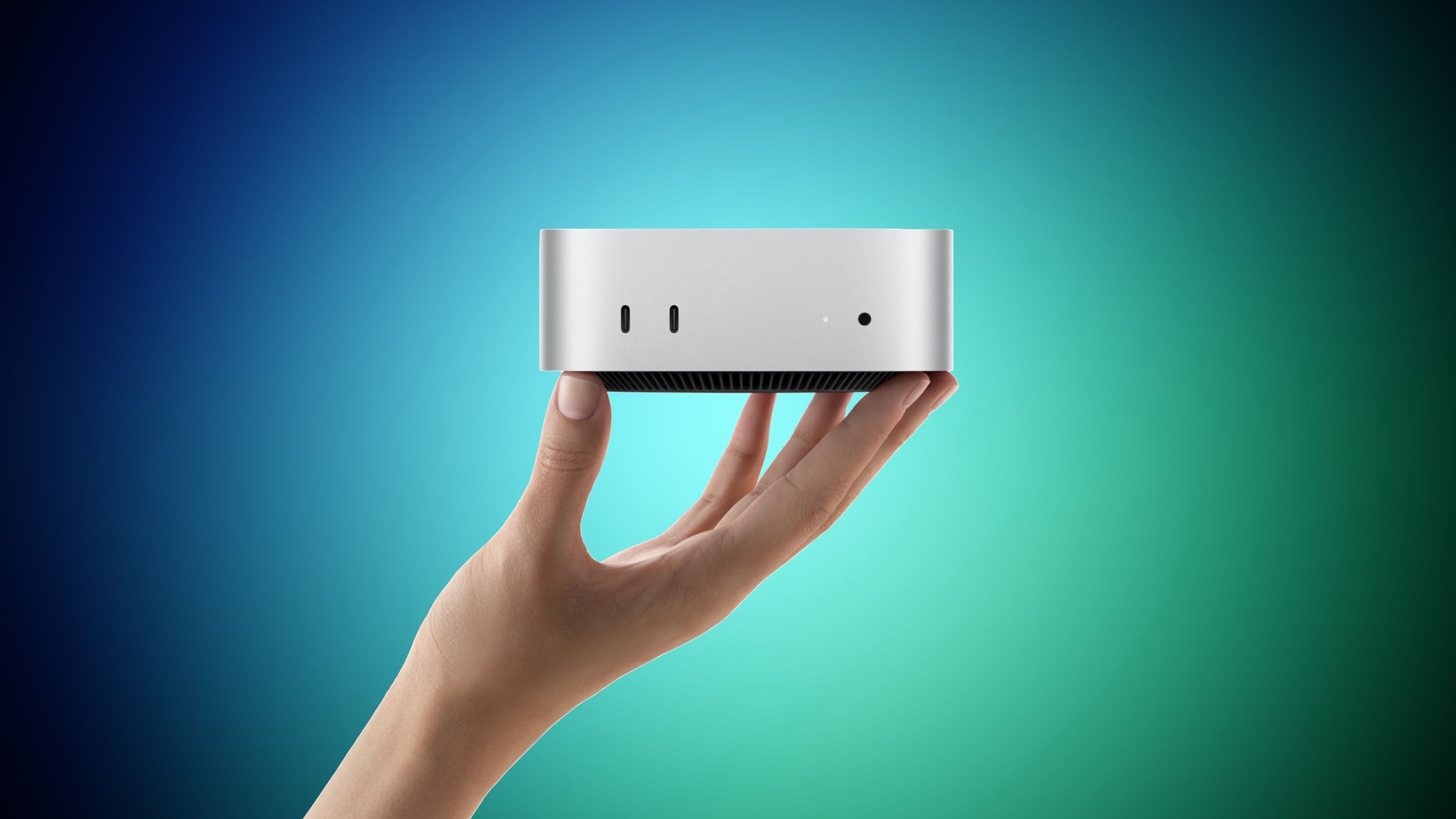
The two Mac mini models share the same compact aluminium enclosure, measuring 5.0 by 5.0 inches. Both include Wi-Fi 7, Bluetooth 6, 2.5Gb Ethernet, two front USB-C ports, a headphone jack, HDMI, and support for up to three external displays. Source
The main difference is how they handle workload intensity. The M6 has a 12-core CPU and 12-core GPU, while the M5 Pro starts with a 15-core CPU and 16-core GPU and can be configured with an 18-core CPU and 20-core GPU. Source
In plain language, the M6 is focused on responsive everyday performance. It is a strong fit for browser-based business tools, documents, spreadsheets, customer relationship management systems, accounting platforms, email, presentations, and moderate creative work.
The M5 Pro is designed to keep working efficiently when several demanding tasks run for a long time. This includes rendering a video, compiling a large software project, processing complex 3D scenes, or working with large datasets. Its memory bandwidth reaches 307GB/s, compared with up to 170GB/s on the M6. Source
The right Mac mini is the one that matches your busiest regular workload, not your most impressive occasional task.
Key Differences at a Glance
| Feature | M6 Mac mini | M5 Pro Mac mini |
|---|---|---|
| CPU | 12 cores | 15 or 18 cores |
| GPU | 12 cores | 16 or 20 cores |
| Unified memory | 16GB, 24GB, or 32GB | 24GB, 48GB, or 64GB |
| Maximum storage | 2TB | 8TB |
| Memory bandwidth | Up to 170GB/s | 307GB/s |
| Ports | Three Thunderbolt 4 ports | Three Thunderbolt 5 ports |
| External displays | Up to three | Up to three |
All specifications in this table are from the buyer’s guide published by MacRumors. Source
How This Applies to Malaysian SMEs
If you run an accounting, consulting, recruitment, education, or professional services business, the M6 will probably cover your normal requirements. Your team may spend the day switching between cloud accounting software, Google Workspace or Microsoft 365, customer records, online meetings, messaging tools, and browser tabs. These workloads benefit from a responsive computer, but they usually do not require the maximum number of CPU and GPU cores.
For a small retail or e-commerce business, the M6 can also be a sensible operations desktop. You might use it for inventory management, online orders, payment administration, product listings, customer service, and reporting. If your staff also edit product images or short promotional videos, the M6 should provide a practical balance of speed and flexibility. Before choosing, check that your essential business applications work properly on macOS and that your barcode scanners, receipt printers, label printers, and other peripherals are supported.
A digital marketing agency, production house, architecture firm, or design studio needs to examine the workload more carefully. If your team regularly edits high-resolution video, exports multiple projects, renders 3D models, works with visual effects, or manages very large media libraries, the M5 Pro’s additional CPU and GPU capacity may reduce waiting during sustained tasks. Its higher memory ceiling is also important when applications, project files, preview windows, and other tools must stay open together.
Software development teams should distinguish between ordinary coding and large-scale compilation. A developer building websites, internal tools, automations, and business applications may be perfectly comfortable with the M6. However, if your team compiles large codebases frequently, runs several virtualised environments, tests local AI models, or maintains complex development datasets, the M5 Pro’s additional memory and Thunderbolt 5 connectivity deserve attention. The M5 Pro supports up to 64GB of unified memory, compared with 32GB on the M6. Source
For a Malaysian business using automation tools, the important question is where the work happens. If your customer management, invoicing, workflow approvals, and reporting run in the cloud, either model may be suitable. If you plan to run local databases, on-device AI tools, large document-search systems, or data-processing workloads inside your office, memory capacity and storage may become more important than normal office speed.
Think Beyond the Starting Configuration
Many buyers compare the entry-level M6 with the entry-level M5 Pro and stop there. That can be misleading. The M6 starts with 16GB of unified memory and 256GB of storage, while the M5 Pro starts with 24GB of memory and 512GB of storage. Source
If you already know that your business needs more memory and storage, compare the complete configurations you are considering. A computer that looks suitable at its base specification may become less attractive after you add the capacity required for your real work. More importantly, the M6 still has a maximum of 32GB memory and 2TB storage, so configuration changes cannot overcome those limits.
Storage planning is especially important for video teams, photographers, engineering practices, and businesses handling large local files. The M5 Pro can be configured with up to 8TB of storage, while the M6 is limited to 2TB. Source
Practical Takeaways
- Choose the M6 if your work is mainly office applications, browser tools, cloud systems, coding, photo editing, and light AI tasks.
- Choose the M5 Pro if your team performs frequent video rendering, 3D production, large software compilation, or scientific and data-heavy processing.
- Check memory requirements first. Select the M5 Pro if you expect to need more than 32GB of unified memory. Source
- Review your storage habits. Businesses managing large local media or project files may need the M5 Pro’s support for up to 8TB. Source
- Audit your accessories. Confirm compatibility for printers, scanners, displays, storage devices, cameras, and networking equipment.
- Measure your waiting time. If staff regularly wait for exports, renders, builds, or data processing, document how often this happens before choosing.
- Plan for growth. Consider what your business is likely to do over the next few years, not only what it does this month.
A Simple Decision Checklist
- List the five applications your team uses most often.
- Identify the most demanding task performed every week.
- Check whether that task requires local processing or runs mainly in the cloud.
- Estimate whether 32GB of memory and 2TB of storage will remain adequate.
- Check the number and type of external displays and storage devices required.
- Test business-critical software and accessories on macOS before standardising across the team.
- Choose the model that leaves practical headroom without paying for capacity your team will not use.
The Bigger Picture
This comparison shows that compact desktop computers are becoming more specialised. A small enclosure no longer tells you whether a machine is meant for basic administration, creative production, software engineering, or local AI work. The meaningful differences are inside the machine: memory ceiling, storage capacity, sustained processing ability, and connectivity.
It also highlights an important planning issue for SMEs. Cloud tools can reduce the need for high local specifications, but they do not remove the need to understand your data and workflow. A business that keeps media files, customer datasets, development environments, or AI models on local systems has different requirements from one that uses browser-based services for nearly everything.
The M6 is the more broadly suitable option because it combines newer silicon with strong everyday performance. The M5 Pro earns its place when your business needs scale: more simultaneous processing, more memory, more storage, and faster connections to demanding equipment. Apple’s guide notes that Thunderbolt 5 enables clustering multiple Mac mini systems for large on-device AI workloads, while the M6 uses Thunderbolt 4. Source
For most Malaysian SME owners, the best approach is straightforward: document your actual work, identify the tasks that slow your team down, and select the model that handles those tasks comfortably. If your business mainly runs cloud software and standard office operations, the M6 should be the practical starting point. If your business produces large creative files, compiles substantial projects, or runs memory-intensive local workloads, the M5 Pro is the safer fit.
Ready to Streamline Your Operations?
Your business should run itself. AutoRunBiz deploys AI agents to automate your daily operations — WhatsApp orders, invoicing, customer follow-ups, and accounting. Book a free 15-min ops audit to see where automation fits your business →