
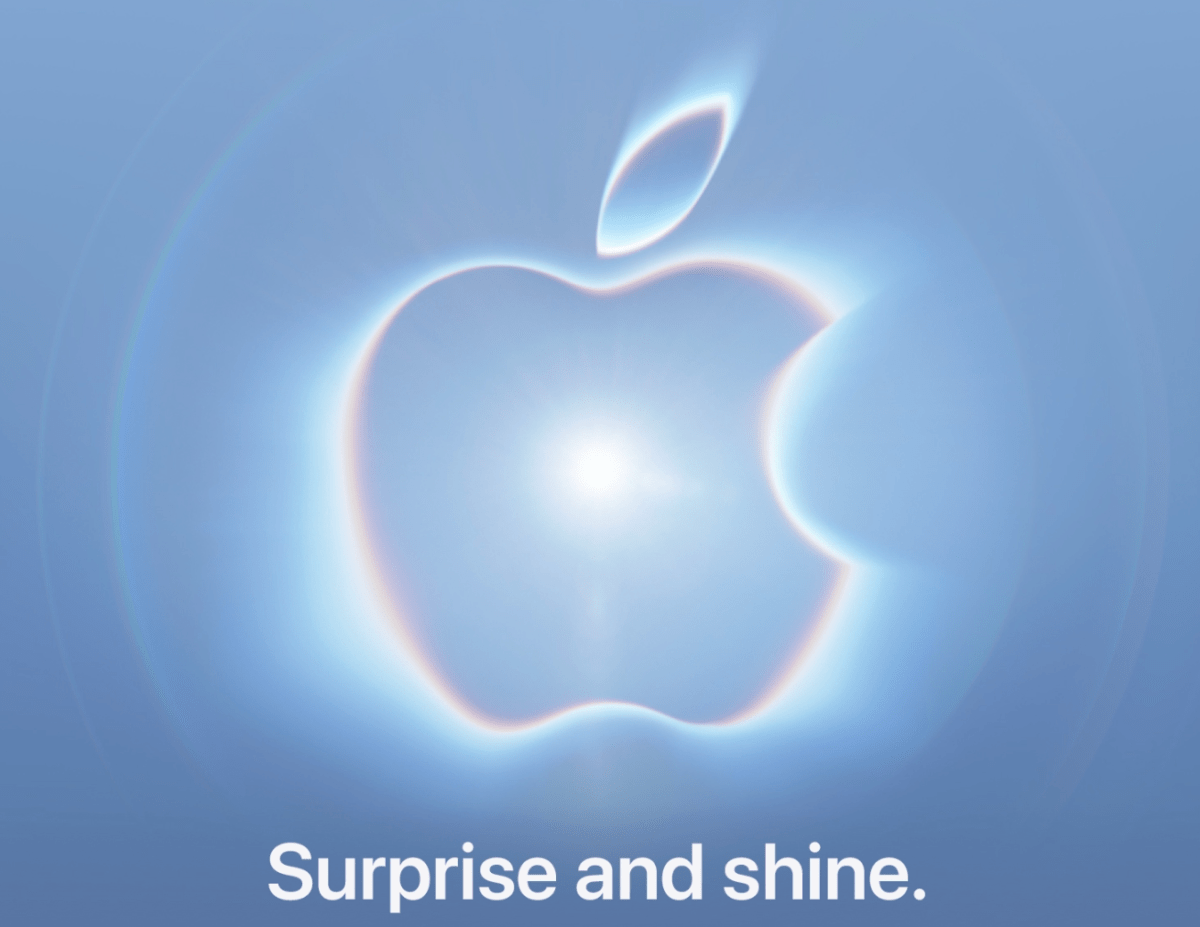
Why Apple’s September Event Matters to Your Business
If you run a Malaysian SME, a new iPhone announcement may seem like consumer news rather than a business concern. However, your team may use Apple devices for sales, customer service, delivery coordination, content creation, field inspections or management tasks. A major hardware and software update can affect how those daily activities are handled.
Apple has announced that its next launch event will take place on September 9, with the tagline “Surprise and Shine.” The event is expected to include new iPhone models, Apple Watch devices, smart home products and software updates. The event is scheduled for 10 a.m. Pacific Time at Apple Park in California, according to TechCrunch. For Malaysian businesses, that means the practical questions are not simply “Should I buy the new iPhone?” but “Will our current tools still work properly, and do we need to prepare?”
TL;DR: Treat the September 9 Apple event as a planning checkpoint, not a reason for immediate device changes. Review the Apple devices and applications your team depends on, wait for confirmed specifications and software compatibility, then update your device policy and testing process.
Apple is expected to announce the iPhone 18 Pro and iPhone 18 Pro Max, while reports suggest the standard iPhone 18 may arrive next year. A foldable iPhone is also rumoured, although Apple has not confirmed these details. The company may additionally announce launch dates for iOS 27, iPadOS 27 and macOS Golden Gate. These expectations are reported by TechCrunch, so you should treat them as possibilities rather than confirmed specifications.
What This Means
Apple’s launch event is a product announcement, but its business effect comes from the wider device ecosystem. New iPhones often arrive alongside a new operating system, updated security controls, changes to camera and communication features, and adjustments to how applications access files, contacts or notifications.
For example, your sales staff may use an iPhone to photograph products, send quotations through messaging apps and update a customer record. Your operations team may use iPads for stock checks or delivery confirmations. Your manager may rely on a Mac to approve documents and review dashboards. If a system is not tested against a new operating system, a small change can interrupt an otherwise ordinary workflow.
The event is also expected to be the first Apple event with John Ternus as CEO. He is scheduled to take over from Tim Cook on September 1, as reported by TechCrunch. For you, the leadership change is less important than the product and software decisions that follow. The useful approach is to separate confirmed information from rumours and separate personal interest from business need.
The right question is not whether the newest Apple device is attractive. It is whether your business process becomes more reliable, secure or productive after a change.
How This Applies to Malaysian SMEs
Consider a Malaysian café, restaurant or retail shop where staff use iPhones for product photography, social media replies and customer enquiries. A new camera or software feature may improve content creation, but the more important checks involve the applications your team already uses. Confirm that your point-of-sale system, delivery platform, messaging tools and cloud storage continue to work after an operating system update. If a device is shared between employees, review passcodes, account access and photo storage before the next update is installed.
For a property agency, renovation firm or field-service company, mobile devices may support site photographs, customer approvals, location sharing and job status updates. A new iPhone could be useful for staff who work outdoors or capture detailed images, but purchasing devices before testing your workflow can create inconsistency. Decide which tasks require a newer device and which can remain on existing hardware. Your priority should be a dependable process for collecting information, naming files and sending updates to customers.
Professional service firms such as accountants, clinics, consultants and small legal practices also need to consider privacy. Staff may access confidential documents, client messages or appointment information on Apple devices. Before adopting a new operating system, check whether your document-management, video-call, authentication and appointment applications support it. Review whether company data is stored under business-controlled accounts rather than personal Apple IDs. This matters when an employee leaves, loses a phone or changes role.
Manufacturers, wholesalers and distributors can use the launch as a prompt to review device roles across the business. A warehouse worker may need a durable device for scanning and stock updates, while a manager may need a larger screen for reports. These are different requirements. Do not use a single “latest model for everyone” rule. Document which roles need mobile access, which applications they use and what happens if a device is unavailable.
Malaysian SMEs should also consider timing. Apple’s event is in California at 10 a.m. Pacific Time, as reported by TechCrunch. The announcement will occur outside normal Malaysian business hours, depending on the exact date conversion and local calendar. You do not need your team waiting for the presentation. Assign one person to review confirmed announcements later, record relevant changes and share only the information that affects your operations.
A Simple Planning Table
| Business area | What to review | Action after the event |
|---|---|---|
| Sales and customer service | Messaging, CRM, camera and contact access | Test enquiry, quotation and follow-up workflows |
| Operations and delivery | Location, scanning, forms and photo uploads | Test a complete job or delivery record |
| Finance and administration | Approval, document and authentication applications | Confirm access and permission controls |
| Marketing | Camera, editing, social and cloud-storage tools | Test content creation and publishing |
| Management | Dashboards, email, calendars and video meetings | Check reporting and notification reliability |
The table is a planning framework rather than a claim about particular product capabilities. Confirmed specifications, operating-system details and supported applications should come from Apple and your software providers after the event. Apple’s event announcement and expected product information are covered by TechCrunch.
Practical Takeaways
- List your Apple devices: Record the model, assigned user, business purpose and operating-system version.
- Map critical workflows: Write down how a customer enquiry becomes a quotation, order, delivery or completed service.
- Identify application dependencies: Ask software providers whether their applications support the announced operating-system updates.
- Separate essential from optional upgrades: Replace devices when a role has a genuine performance, reliability or security requirement.
- Protect business accounts: Use company-controlled email accounts, strong authentication and clear offboarding procedures.
- Test before broad updates: Install major software updates on one approved test device before applying them across the team.
- Prepare a fallback: Make sure staff know how to handle a customer, delivery or approval if a device or application is temporarily unavailable.
- Review data handling: Check where photographs, documents, contacts and customer information are stored and who can access them.
What You Should Wait to Confirm
Do not make business decisions based solely on rumours about a foldable iPhone or expected model names. The source article describes the foldable device as a rumoured product and the iPhone 18 Pro and iPhone 18 Pro Max as expected announcements, not confirmed specifications. Those details come from TechCrunch.
You should also wait for clarity on software release dates, supported devices and application compatibility. Apple may announce iOS 27, iPadOS 27 and macOS Golden Gate, but your existing business tools may need separate updates. Check the documentation from your CRM provider, accounting platform, security vendor, communications provider and device-management provider.
The Bigger Picture
Apple’s September event highlights a broader issue for SMEs: technology changes do not happen in isolation. A phone, operating system, application, cloud account and business process are connected. When one part changes, the reliability of the whole workflow may be affected.
That is why a simple device register and workflow checklist can be more valuable than chasing every new feature. If you know which tools your staff use and what information moves between them, you can make calm decisions after each major technology announcement. You can also spot opportunities to automate repetitive steps, such as sending customer updates, organising documents or notifying managers when an approval is needed.
For now, mark the September 9 event as a review point. Watch for confirmed announcements, identify changes that affect your team and test carefully. The goal is not to own the newest device. The goal is to keep your business responsive, secure and easy for your employees to operate.
Ready to Streamline Your Operations?
Your business should run itself. AutoRunBiz deploys AI agents to automate your daily operations — WhatsApp orders, invoicing, customer follow-ups, and accounting. Book a free 15-min ops audit to see where automation fits your business →