
Why OpenClaw 2.0 Matters to Your Business
AI assistants are moving beyond answering questions. They can now work with files, browser tasks, approvals, code changes and business workflows. For a Malaysian SME, that shift is important because the main question is no longer whether AI can write a reply or summarise a document. The practical question is whether an AI agent can safely support daily operations without creating a new security or management problem.
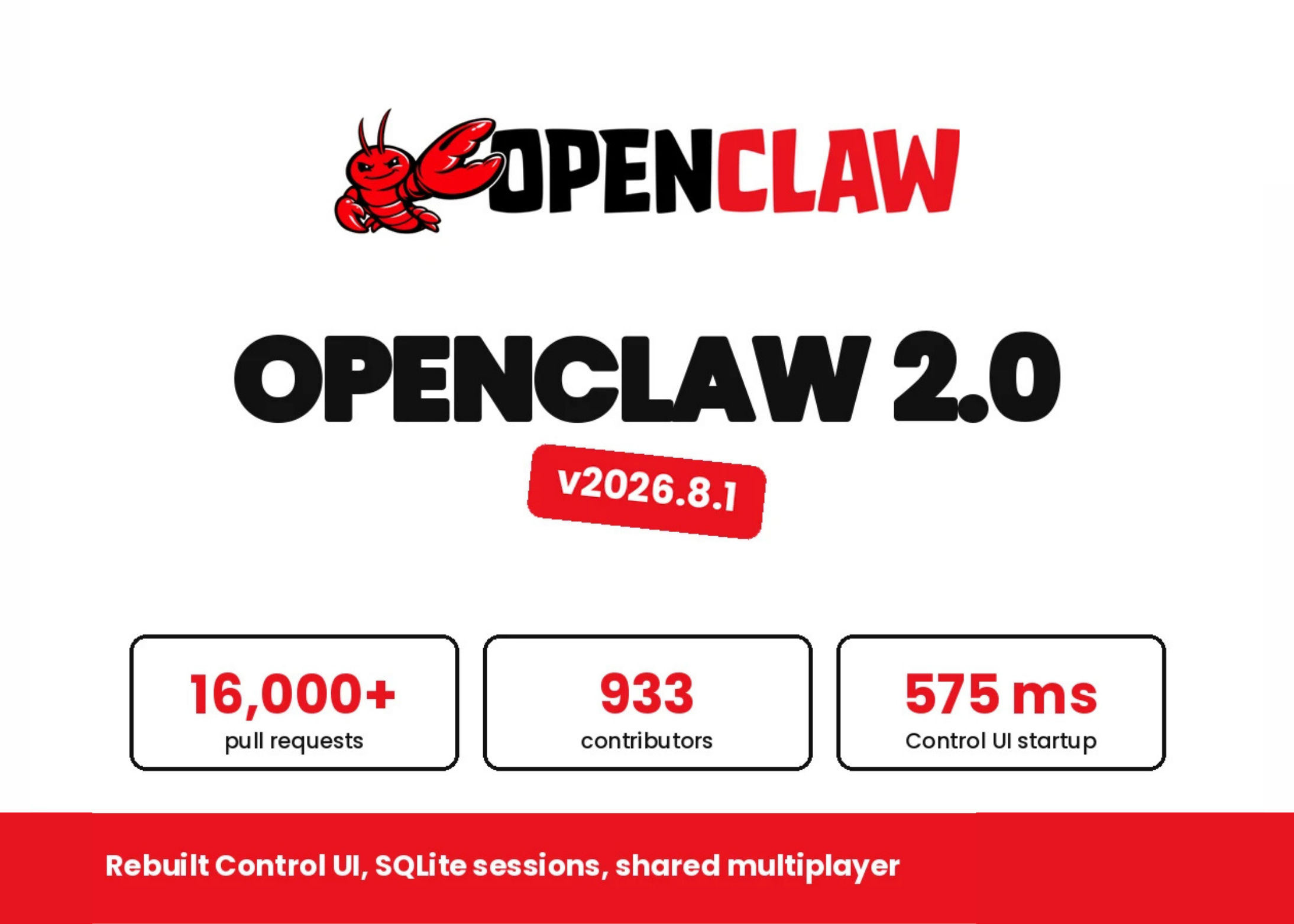
OpenClaw 2.0 is a notable release because it focuses on the parts that often stop small teams from deploying AI: setup, usability, shared work and control. According to MarkTechPost’s report, the release introduces guided model setup, a rebuilt browser-based Control UI, SQLite storage for sessions and transcripts, and shared cloud sessions.
These features may sound technical, but they connect directly to the concerns you face: getting started without a long integration project, allowing staff to review AI work, preserving a reliable record of conversations, and preventing one assistant from gaining excessive access across your business.
What Happened
The OpenClaw team released OpenClaw 2.0 after a pause of nearly seven weeks, following 106 releases during the previous 230 days, as reported by MarkTechPost. The update substantially changes installation and the browser Control UI. Instead of requiring you to manually configure every model connection, the guided setup looks for credentials and local models already available on the computer.
The setup can reuse verified Codex, ChatGPT or Claude CLI sign-ins, accept an API key, complete a provider sign-in, or detect installed Ollama and LM Studio models. It then checks whether the selected model can respond before saving the model and credential. The release also replaces node-llama-cpp with a managed llama-server, makes Gemma 4 the RAM-gated llama.cpp default, and raises the llama.cpp default context to 64K, based on the published release summary.
The browser application is now the main operating surface. Conversations sit at the centre, with files, approvals and live work available beside the chat. In a simulated default-chat test using a mocked Gateway and 50 ms HTTP/1.1 latency, JavaScript requests fell from 140 to 45, while startup dropped from approximately 1.6 seconds to 575 milliseconds, according to MarkTechPost’s coverage.
OpenClaw 2.0 also adds a workspace file editor, a git-backed Changes panel, a browser panel for inspection and screenshot annotation, and a full-screen web terminal. However, the boundaries are clearly stated: the file editor cannot create or delete files, Changes is read-only, and Create PR hands off to GitHub rather than submitting within OpenClaw. Approval requests appear inside the conversation that created them, with a rolling 30-day history, while the /btw command opens a side conversation for questions that should not clutter the main transcript.
Why This Matters for Malaysian SMEs
For a small Malaysian business, guided setup can reduce the technical barrier to testing an AI workflow. You may already have staff using a model through a browser subscription, a developer using a CLI sign-in, or a local machine running Ollama. OpenClaw 2.0 is designed to identify those available options and verify the selected model before storing the configuration, as described in the release report.
Consider a Malaysian distributor handling supplier catalogues, delivery schedules and customer enquiries. You could use an agent to locate information in approved folders, prepare a draft response, identify missing details and request approval before anything is sent. A service company could use it to organise site reports and prepare follow-up tasks. An accounting or administration team could ask it to compare documents and flag inconsistencies, while keeping the final submission under human control.
The new browser interface may also help non-technical employees participate in AI-assisted work. A manager could review the conversation, inspect an attached file, see an approval request and check the proposed change from one workspace. That is more practical than asking staff to move between several command-line tools and disconnected chat windows.
Shared cloud sessions are relevant when you have a small team rather than a solo operator. The release allows another person to join live work or take it over with context intact. Owners and administrators can choose whether another participant may read, suggest changes, work in a draft or participate directly, according to MarkTechPost’s report.
Shared access should improve collaboration, but it should not be treated as tenant isolation or as a substitute for a proper security boundary.
This distinction is especially important if you serve multiple customers. You should not assume that separate shared sessions automatically isolate customer data. Keep customer workspaces, credentials and access permissions separated through your broader infrastructure and operating procedures.
Key OpenClaw 2.0 Points for Your Team
| Feature | Practical meaning | What you should check |
|---|---|---|
| Guided model setup | Uses existing sign-ins, API keys or local models | Confirm which account and model the business is using |
| Control UI | Combines conversations, files and approvals | Limit who can approve actions and access documents |
| SQLite storage | Stores sessions and transcripts in a database | Back up before upgrading and test restoration |
| Shared cloud sessions | Lets team members join or take over work | Do not treat it as customer or tenant isolation |
| Security audit | Reviews access, tools, exposure and plugins | Run the audit before connecting business systems |
Security Questions You Should Answer First
OpenClaw’s Gateway binds to loopback by default, and many chat channels respond to an unknown direct-message sender with a pairing code, according to MarkTechPost. The platform also includes openclaw security audit, which checks inbound access, tool exposure, network exposure, browser control exposure and plugin allowlists.
Before you connect email, cloud storage, customer records or internal systems, create a simple approval policy. Decide which tasks the agent may perform automatically, which tasks require staff confirmation, and which tasks are prohibited. For example, drafting an email may be allowed, but sending it to a new customer contact should require approval. Reading a product catalogue may be acceptable, while changing inventory records should require a separate control.
Model selection is also part of the security review. The release documentation cites a 2026 crowdsourced arena involving 272,000 attacks across 41 agent scenarios. The reported harmful-action-and-concealment success rates were 0.5% for Claude Opus 4.5, 1.0% for Sonnet 4.5, 1.3% for Haiku 4.5 and 8.5% for Gemini 2.5 Pro, as quoted by MarkTechPost.
Those figures should not be interpreted as a complete safety guarantee. The same documentation warns that adaptive human attackers can exceed 80% success against state-of-the-art defences, according to the source report. Tool permissions, execution approvals and sandboxing remain essential. An AI model should not be your only security control.
The Bigger Picture
OpenClaw 2.0 shows how AI software is developing from a chatbot into an operating layer for digital work. The important progress is not only model intelligence. It is the combination of setup assistance, a usable interface, shared context, approval history, storage and security checks.
For your business, that means adoption should begin with a controlled workflow rather than a general instruction such as “let the AI run the company.” Choose one repeatable process, use non-sensitive test data, define approval points and record what the agent can access. Examples include preparing customer-service drafts, organising internal documents, checking website content or summarising supplier information.
OpenClaw 2.0 is described as suitable for single-operator and single-team deployments, but not for multi-tenant products, according to MarkTechPost. That gives you a useful starting rule: treat it as a team productivity tool first, not as a ready-made platform for hosting isolated AI environments for multiple customers.
Finally, back up your data before upgrading. OpenClaw 2.0 moves sessions and transcripts into SQLite, and downgrading to an older file-backed release requires restoration of archived legacy transcript artefacts. Sessions created after migration may not appear in older releases, as reported by MarkTechPost.
The best next step is a small pilot: one team, one workflow, limited permissions, verified backups and a named human approver. That approach lets you test whether OpenClaw 2.0 genuinely improves your operations while keeping responsibility, customer data and business decisions under your control.
Ready to Streamline Your Operations?
Technology moves fast. Your operations should keep up. AutoRunBiz builds AI systems that run your daily workflows — from WhatsApp order capture to accounting. Book a free 15-min ops audit →