
Why This Voice AI Release Matters to Your Business
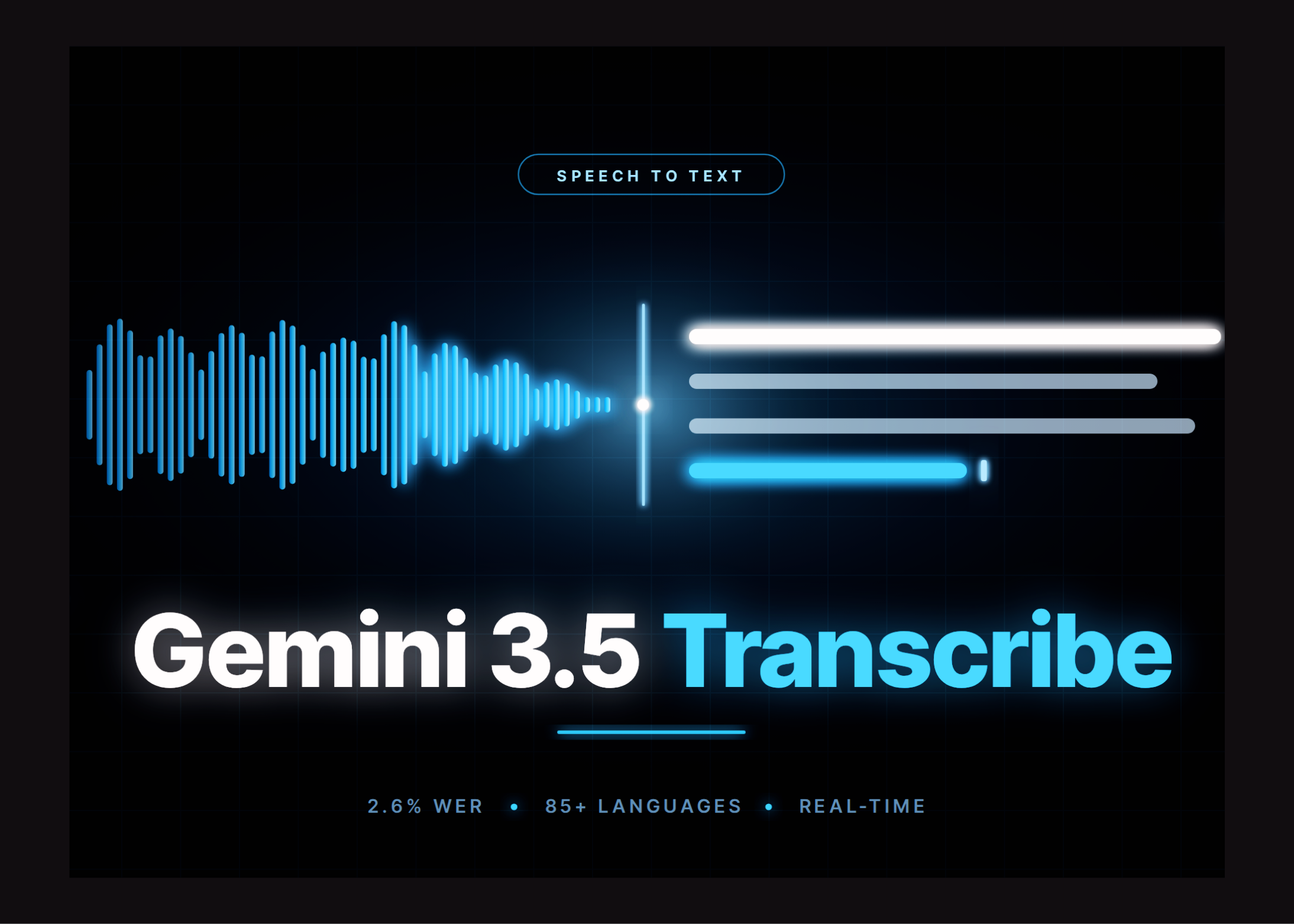
If your team spends hours typing meeting notes, processing customer calls, preparing captions, or recording job details, a new speech-to-text release from Google could change how you handle everyday information. Google has introduced Gemini 3.5 Transcribe, a managed speech-to-text service designed for both live conversations and recorded audio.
For a Malaysian SME, the important point is not simply that the model reports low error rates. The practical issue is choosing the correct transcription method for your workflow. A live customer-service assistant has different requirements from a property agent reviewing a recorded viewing, a clinic preparing consultation notes, or a contractor documenting a site inspection.
According to MarkTechPost, Gemini 3.5 Transcribe is available through two separate API endpoints: gemini-3.5-transcribe for recorded audio and gemini-3.5-transcribe-live for bidirectional streaming.
What Happened
Google reports that the non-streaming model achieved an average word error rate of 2.6%, while the streaming version recorded 4.0%, based on measurements from Artificial Analysis. A lower word error rate generally means fewer incorrectly recognised words, although actual results can vary depending on accents, background noise, microphones, industry terminology, and language mixing. The same report states that final transcription time improves by 70% compared with Google’s previous Chirp 3 model. See the reported figures in the source article.
The model supports automatic language detection across more than 85 languages and can handle code-switching during a conversation. That is particularly relevant in Malaysia, where a single discussion may move between Bahasa Malaysia, English, Mandarin, Tamil, or industry-specific terms. However, you should test the model with your own recordings rather than assuming benchmark results will match your business environment.
The live endpoint is built for continuous voice experiences. It produces interim text while a person is still speaking and a final version when the speaking turn ends. Google’s documented technical setup uses raw 16-bit PCM audio at 16kHz mono, sent in 100-millisecond chunks. Live sessions are limited to 10 minutes of continuous streaming, and the live endpoint does not support speaker diarisation or word-level timestamps, according to the technical coverage.
The recorded-audio endpoint is more suitable when you need a detailed and auditable transcript. It supports speaker diarisation, word-level start and end times, and custom vocabulary biasing. Standard requests can accept up to one hour of audio, while recordings using diarisation or word timestamps are limited to 30 minutes, as reported by MarkTechPost.
Why This Matters for Malaysian SMEs
Many Malaysian SMEs already rely on WhatsApp voice messages, phone calls, Zoom meetings, walk-in enquiries, and informal verbal instructions. The information is useful, but it often disappears into personal devices or remains unrecorded. A transcription workflow can turn those conversations into searchable text that your team can review, assign, and connect to your business automation system.
For example, a renovation company could record a customer’s site discussion and convert it into a written scope for quotation review. A logistics operator could transcribe driver updates and identify delivery issues. A tuition centre could create lesson summaries. A recruitment agency could turn interview recordings into structured notes. A property agency could search past conversations for requested locations, unit sizes, or move-in dates.
For customer service, the live endpoint could support captions or a voice-driven internal tool. A staff member might speak a customer’s request while the system displays text for confirmation before creating a ticket. In a multilingual environment, automatic language detection and code-switching may reduce the need to manually select a language for every interaction. You should still include a human confirmation step for names, addresses, product codes, Malaysian place names, and sensitive instructions.
Another useful application is post-call analysis. Rather than asking employees to write lengthy summaries after every call, your system could generate a transcript first, then extract the customer’s issue, promised follow-up, responsible staff member, and due date. AutoRunBiz can help SMEs think through this wider workflow: transcription is only the first step; the real business value comes when the text triggers an action in your CRM, task board, helpdesk, or document system.
Choose Between “Verbatim” and “Smart” Carefully
Gemini 3.5 Transcribe provides two modes with different business purposes. Verbatim transcription keeps fillers, repetitions, false starts, and self-corrections. Smart mode removes disfluencies, resolves spoken corrections, and applies more structured formatting, according to the source article.
Use verbatim when you need an auditable record. Use smart when you need a readable working document.
This distinction matters for SMEs. A sales manager may prefer a clean summary of a customer call. A legal, insurance, HR, or dispute-related workflow may need the original wording, including pauses and corrections. Smart mode cannot be combined with word timestamps or speaker diarisation, so you may need separate processing calls if your workflow needs both a polished summary and a detailed record.
Key Planning Points for Your Business
| Business need | Better starting point | Important limitation |
|---|---|---|
| Live captions or voice interface | Live endpoint | Sessions are limited to 10 minutes and do not include speaker diarisation |
| Meeting or interview record | Recorded-audio endpoint | Longer files become limited to 30 minutes when diarisation or timestamps are enabled |
| Readable internal summary | Smart mode | Cannot be combined with diarisation or word-level timestamps |
| Audit-friendly transcript | Verbatim mode | Includes fillers, repetitions, and false starts |
| Industry terminology | Custom vocabulary biasing | The vocabulary list supports up to 1,000 terms, with best results below 100 terms |
The Bigger Picture
Gemini 3.5 Transcribe shows that voice AI is moving beyond simple dictation. Businesses can now design systems where spoken information enters an operational process immediately: a call becomes a ticket, a meeting becomes assigned tasks, and a site recording becomes a draft report.
However, this is an API-only managed service. There are no open weights or self-hosted deployment options, according to MarkTechPost. That means you should assess data handling, retention, access permissions, consent, and industry obligations before connecting customer or employee recordings. Do not record conversations secretly, and do not treat an automatically generated transcript as a final legal, medical, financial, or contractual document without review.
Start with one narrow workflow. Select a small set of real Malaysian recordings, measure transcription quality, list recurring errors, and ask staff whether the output saves time. Then connect the approved output to your existing business process. A controlled pilot will reveal more than a technology demonstration.
For an SME, the strongest opportunity is not replacing conversations with automation. It is ensuring that important conversations no longer vanish after they happen.
Ready to Streamline Your Operations?
Technology moves fast. Your operations should keep up. AutoRunBiz builds AI systems that run your daily workflows — from WhatsApp order capture to accounting. Book a free 15-min ops audit →