
Your Business Is Speaking, But Your Records May Be Silent
Every day, your team handles customer calls, voice messages, supplier discussions, site updates, interviews and internal meetings. Important details are often buried in those conversations: a delivery date, a product specification, a customer complaint or a promise to follow up. When nobody writes it down properly, your business relies on memory, scattered chat messages and incomplete notes.
That creates avoidable problems. A salesperson may remember a customer request differently from the operations team. A service technician may return to a site without the full history. You may spend hours listening to recordings just to confirm what was agreed. For a Malaysian SME with a small team, this administrative work can quietly consume valuable attention.
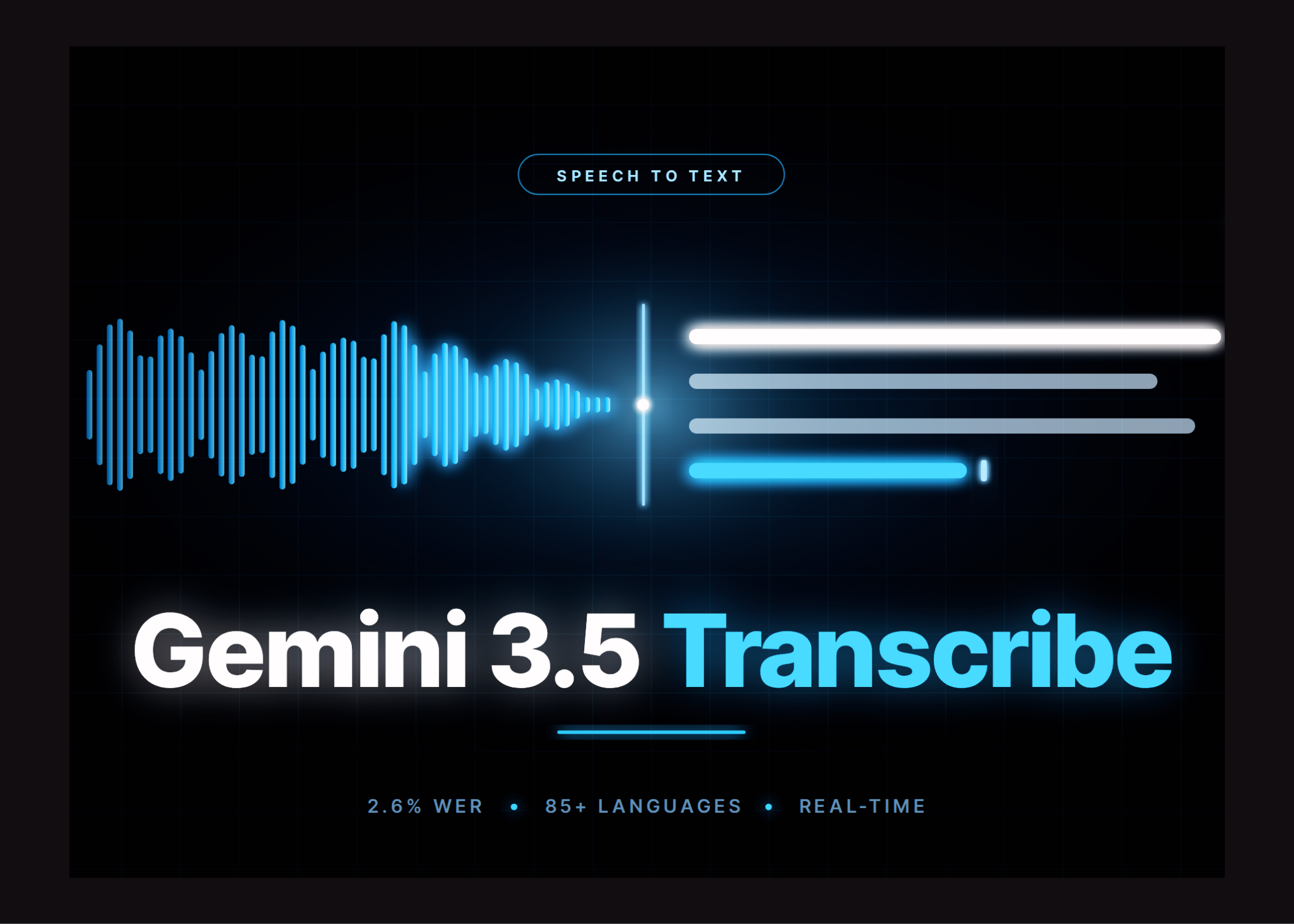
Google’s Gemini 3.5 Transcribe introduces a speech-to-text service designed for both recorded audio and live voice applications. It supports automatic detection across more than 85 languages, including conversations that switch languages mid-sentence. Source: MarkTechPost
TL;DR
Gemini 3.5 Transcribe gives you two choices: live transcription for ongoing conversations, or recorded-audio transcription with speaker labels, timestamps and custom vocabulary.
For your business, the practical opportunity is not simply “converting audio to text”. It is creating reliable records that can feed customer service, sales follow-ups, reporting and workflow automation.
What This Means
Speech-to-text software listens to an audio recording or live conversation and produces written text. Gemini 3.5 Transcribe is split into two separate API endpoints, so you need to choose the right one for each business process.
The Live API is intended for continuous, real-time audio. Google reports a 4.0% average word error rate for streaming transcription, with final transcription arriving 70% faster than its previous Chirp 3 model. Source: MarkTechPost It can provide partial text while a person is still speaking and then provide a final version when the speaking turn ends.
This is useful for live captions, voice assistants and applications where the response needs to happen immediately. However, live sessions are limited to 10 minutes of continuous streaming, and this endpoint does not support speaker diarization or word-level timestamps. Source: MarkTechPost
The Interactions API is designed for recorded audio. It reports a 2.6% average word error rate and supports speaker diarization, word-level start and end times, and custom vocabulary lists. Standard requests can accept up to one hour of audio, although that limit falls to 30 minutes when diarization or word timestamps are enabled. Source: MarkTechPost
There is also a choice between verbatim and smart transcription. Verbatim keeps fillers, repeated words and false starts. Smart removes disfluencies, handles spoken corrections and presents cleaner text. Smart mode cannot be combined with speaker diarization or word timestamps, so you must decide whether you need a readable version or a more auditable record.
The important business decision is not whether to transcribe every conversation. It is deciding which conversations deserve a searchable, structured record and what you will do with that record afterwards.
How This Applies to Malaysian SMEs
Customer service and sales: If you sell through phone calls, WhatsApp voice messages or online consultations, transcription can help your team record customer requirements consistently. A property agent could turn a viewing conversation into a follow-up list. A renovation company could capture room measurements, preferred materials and promised dates. A B2B salesperson could convert a discovery call into actions for quotation preparation. If your customers mix Bahasa Malaysia, English, Mandarin or Tamil during a conversation, automatic language detection and code-switching support may reduce the need for manual rewriting. The source reports coverage across more than 85 languages and locales. Source: MarkTechPost
Operations and field work: Your supervisor may receive voice updates from a warehouse, construction site, clinic, workshop or delivery route. Instead of leaving those updates inside a chat thread, you could transcribe them and turn key details into tasks. For example, “three cartons damaged, replacement needed by Friday” can become a structured incident record. Custom vocabulary biasing is especially relevant when your business uses product codes, local place names, technical terms or internal abbreviations. The recorded-audio endpoint supports vocabulary lists of up to 1,000 terms, with the documentation recommending the best results below 100 terms. Source: MarkTechPost
Meetings, compliance and quality: A small company may not have a dedicated administrator in every meeting. Transcription can provide a consistent record of decisions, owners and deadlines. Speaker diarization helps distinguish who said what in a recorded discussion. Word-level timestamps can help you return to the exact point where a requirement or instruction was discussed. This is useful for training reviews, insurance intake, customer complaints and project handovers. However, you should not treat an automated transcript as unquestionable evidence. Names, numbers and technical instructions still need human review before they are used for contracts, safety procedures or formal disputes.
Healthcare, legal and sensitive work: Clinics, advisers, accountants and professional service firms may handle confidential conversations. Gemini 3.5 Transcribe is API-only, with no open weights or self-hosted option, so using it is a managed-service decision. Source: MarkTechPost Before sending recordings to any external platform, review your data-handling obligations, customer consent process, retention policy and access controls. You should also decide whether transcripts need to be deleted after a defined period or stored as part of a customer record.
Streaming or Recorded Audio?
| Business requirement | More suitable option | Important limitation |
|---|---|---|
| Live captions or a voice assistant | Live API | Continuous sessions are limited to 10 minutes. Source |
| Recorded meeting with speaker labels | Interactions API | Use recorded audio and diarization. |
| Searchable call with exact timing | Interactions API | Word timestamps cannot be combined with smart mode. |
| Clean customer summary | Smart mode | Smart mode cannot include diarization or word timestamps. |
| Technical names and product codes | Interactions API | Use custom vocabulary and review important terms. |
Practical Takeaways
- Start with one workflow. Choose a repeated process such as sales call notes, meeting minutes or field-service updates.
- Decide whether you need live or recorded transcription. Do not assume one endpoint provides every feature.
- Choose your output carefully. Use verbatim when accuracy and auditability matter; use smart when readability is the priority.
- Build a review step. Ask a team member to check names, dates, quantities, addresses and commitments.
- Create a vocabulary list. Include product names, staff names, local locations and industry terms.
- Set a retention rule. Decide who can access audio and transcripts, how long they are kept and when they are removed.
- Get consent where appropriate. Tell customers or participants when conversations are recorded or transcribed.
- Connect text to action. A transcript sitting in a folder is less useful than one that creates a task, updates a customer record or flags a follow-up.
- Test your real audio. Evaluate accents, background noise, mixed languages and mobile recordings before relying on the output.
A Sensible Pilot for Your Business
Begin by collecting a small sample of routine conversations that do not contain highly sensitive information. Compare the transcript with the original audio, focusing on names, numbers, dates and action items. Test both verbatim and smart modes if you need to understand the difference between an audit record and a polished summary.
Next, design the workflow around the transcript. For a sales team, the result might be a customer profile, next-step list and quotation checklist. For operations, it might be an incident report with an assigned owner. For management meetings, it might be decisions, deadlines and unresolved issues. This step matters because transcription alone does not improve execution unless someone uses the information.
Finally, document your internal rules. State when recording is allowed, who reviews transcripts, where the files are stored and which information must never be copied into an uncontrolled tool. As a business owner, you are responsible for ensuring that convenience does not create a new confidentiality or accuracy problem.
The Bigger Picture
Voice is becoming a more practical input for business systems. Your employees do not always have time to type complete notes, especially while driving between sites, serving customers or managing a busy operation. A reliable transcription layer can turn natural conversations into information that other business tools can process.
The long-term benefit is not merely having more documents. It is reducing the gap between what your team hears and what your business records. That can improve handovers, shorten follow-up time and make customer history easier to understand.
Still, the technology has clear boundaries. Reported error rates are averages, and performance can vary by language, accent, sound quality and vocabulary. Source: MarkTechPost Live and recorded transcription also offer different capabilities, while the service remains dependent on an external API. Treat it as an assistant for capturing and organising information, not as an automatic replacement for judgement.
For a Malaysian SME, the best starting point is simple: identify one conversation-heavy process where missed details regularly cause delays, then test whether transcription can make the next action clearer. If it does, connect that output to the tools your team already uses and expand carefully from there.
Ready to Streamline Your Operations?
Your business should run itself. AutoRunBiz deploys AI agents to automate your daily operations — WhatsApp orders, invoicing, customer follow-ups, and accounting. Book a free 15-min ops audit to see where automation fits your business →