
Why GPU cloud choices matter to your business
If you run a Malaysian SME, you may not be building a giant AI model or operating a data centre. However, your team may already be using AI for customer support, document processing, product recommendations, marketing content, forecasting or software features. The difficult question is often not whether AI is useful. It is deciding which infrastructure provider can support your workload reliably without creating unnecessary technical and operational headaches.
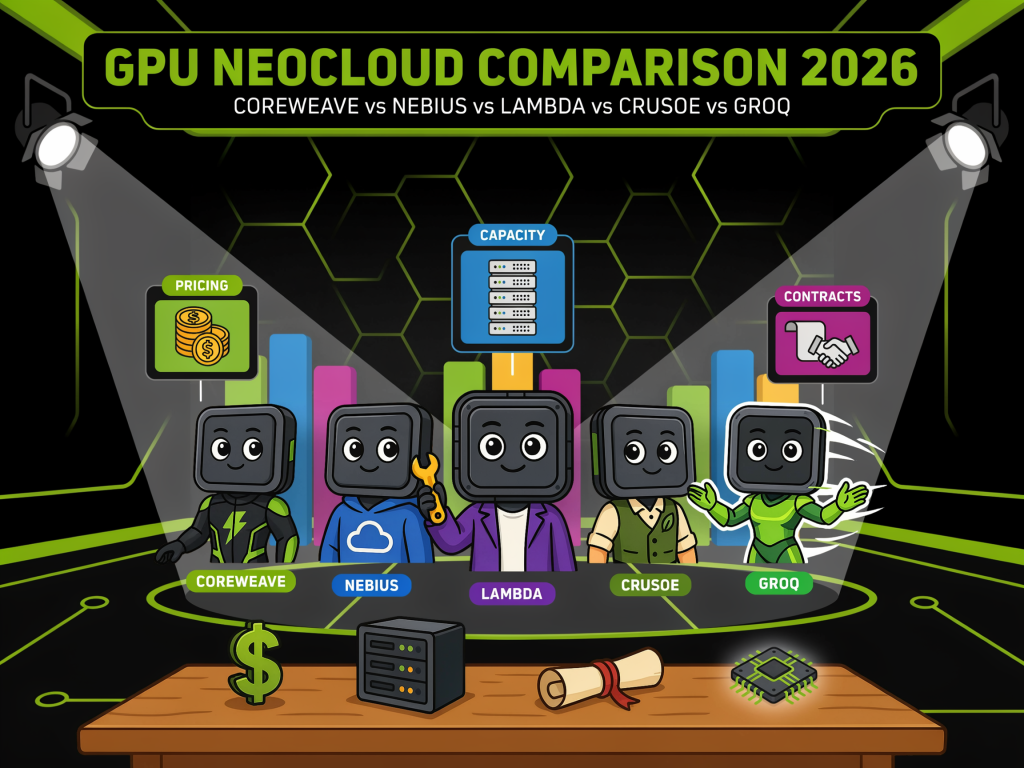
GPU neoclouds are attracting attention because they specialise in providing computing capacity for AI workloads. The main providers discussed in the source article include CoreWeave, Nebius, Lambda, Crusoe and Groq. They do not all offer the same type of service. Some focus on large GPU clusters for training, while others are better suited to fast inference, where an AI model produces answers for your users.
For a smaller business, published hourly rates are only one part of the decision. You also need to consider availability, contract flexibility, technical support, data location, network charges, workload type and whether your application needs GPUs continuously or only occasionally.
TL;DR
GPU neoclouds offer specialised AI infrastructure, but the “cheapest” provider may not be the best fit for your workload.
Before committing, identify whether you need model training, batch processing or real-time inference, then compare capacity, contract terms, reliability, data handling and integration requirements.
What This Means
A GPU neocloud is a cloud provider built primarily around high-performance computing for AI. Traditional cloud platforms offer many services, including virtual machines, databases and storage. Neoclouds concentrate more heavily on GPU clusters, AI networking and the systems needed to run demanding models.
The providers in the source comparison have different strengths. CoreWeave publishes premium pricing and has reported 1.5 gigawatts of active power, with more than 4.2 gigawatts contracted across 51 data centres according to its data-centre information. Source Nebius reported AI cloud annualised run-rate revenue of $3.0 billion and raised its contracted power target to 5 gigawatts. Source
Lambda publishes an on-demand B200 rate of $6.69 per GPU-hour, described in the article as the lowest published B200 rate among the providers reviewed, while Nebius publishes B300 on-demand pricing. Source Crusoe is notable for listing AMD MI300X and MI355X hardware, giving buyers an alternative to NVIDIA-based capacity. Source Groq is different again: it focuses on inference through its own LPU architecture and plans to add NVIDIA GPU capacity alongside that service. Source
In plain language, this means you are not simply choosing a server rental. You are choosing a technical foundation for how your AI service will operate. A provider that suits a research laboratory may be unnecessarily complex for a retail company automating customer enquiries.
How This Applies to Malaysian SMEs
For customer service teams, inference speed may matter more than training capacity. Suppose your company sells products through a website, WhatsApp and social media. You may want an AI assistant to answer questions about delivery, product specifications and returns. Your main requirement is usually fast and consistent responses, not a massive GPU cluster for training a foundation model. A provider focused on inference, such as GroqCloud, may be worth assessing alongside standard GPU services. You should test response speed, supported model formats, uptime and how easily your existing systems can send and receive requests.
For document-heavy businesses, batch processing can reduce pressure on your staff. Accounting firms, logistics companies, property agencies, distributors and manufacturers may need to extract information from invoices, purchase orders, delivery notes or contracts. These tasks can often run in scheduled batches rather than requiring instant responses. In that situation, you may benefit from a flexible GPU environment that can be started when needed. Ask whether the provider supports containers, job queues, persistent storage and automated shutdown. A published on-demand rate is useful, but your actual usage pattern will determine the operational result.
For Malaysian manufacturers and retailers, location and connectivity deserve early attention. If your application connects the GPU service to an inventory system, warehouse platform or customer database, network performance affects the user experience. You should check where the workload and data will be processed, how data moves between systems, and whether your provider can support your chosen region. “Egress free” policies differ by provider and plan; the source comparison states that CoreWeave, Lambda and Crusoe publish egress-free terms, while Nebius lists standard object egress at $0.015 per GiB. Source Confirm the current terms directly before making a decision.
For software companies, hardware compatibility can affect delivery timelines. If you are building an AI feature into a SaaS product, your developers may rely on particular libraries, CUDA support, model-serving tools or GPU memory capacity. Switching between NVIDIA and AMD hardware is not always a simple change. Crusoe’s AMD availability may be useful, but you should run a real workload test before assuming your software will perform identically. Ask your technical team to validate model loading, quantisation, batch size, latency and monitoring requirements on the proposed hardware.
A simple comparison framework
| Business requirement | What to investigate | Why it matters |
|---|---|---|
| Real-time AI assistant | Latency, uptime, API limits and model support | Slow responses can affect customer experience |
| Document processing | Batch queues, storage and automatic scaling | You may not need GPUs running continuously |
| AI software product | GPU compatibility, containers and observability | Integration problems can delay releases |
| Sensitive business data | Data residency, access controls and retention policies | You need clear control over company information |
| Growing usage | Capacity reservations, quotas and contract terms | Demand may rise faster than expected |
Practical Takeaways
- Define the workload first. Separate training, fine-tuning, batch processing and real-time inference. Each has different infrastructure needs.
- Measure your current usage. Record requests per day, average response time, peak periods, model size and data volume before speaking to providers.
- Run a proof of concept. Test your actual application on at least two suitable platforms rather than comparing specifications alone.
- Read the contract carefully. Check minimum commitments, reserved capacity, cancellation terms, support response times, service credits and egress rules.
- Confirm security responsibilities. Identify who controls access, encryption, logs, backups and deletion of data.
- Keep an alternative deployment path. Design your application so that changing model providers or GPU platforms is possible if availability changes.
- Do not overbuy capacity. A small business should match infrastructure to verified demand instead of planning around a future workload that has not arrived.
- Ask about local support. You may need assistance during Malaysian business hours, especially when a production AI service affects customers.
The best GPU provider is not automatically the one with the lowest published rate; it is the one that delivers the required performance, reliability and flexibility for your specific workload.
Questions to ask before signing
Ask the provider how quickly capacity can be provisioned and whether the quoted hardware is guaranteed. Clarify whether an “on-demand” rate means you can start and stop instances freely, or whether other limits apply. Find out how support works when a GPU fails, an image cannot boot or a networking issue affects your application.
You should also ask whether the service supports the tools your team already uses. These may include Docker, Kubernetes, model-serving frameworks, private registries, monitoring platforms and identity-management systems. If your SME does not have dedicated infrastructure staff, prioritise clear documentation and responsive support over a long list of advanced features.
Security and compliance should be discussed before uploading business records. Confirm the provider’s data-centre locations, access controls, encryption options, audit logs and data-retention practices. If your AI system processes customer information, employee details or confidential contracts, involve your legal or compliance adviser before production use.
The Bigger Picture
The source comparison shows that AI infrastructure is becoming more specialised and more competitive. CoreWeave and Nebius are expanding large-scale GPU capacity, Lambda is building around major NVIDIA deployments, Crusoe combines infrastructure development with cloud services and AMD hardware, while Groq is positioning its specialised chips for inference. Source
For Malaysian SMEs, this creates more choice but also more responsibility. You will increasingly be able to select infrastructure according to response speed, model type, hardware, location and contract structure. That is useful, but it also means a simple “which cloud is cheapest?” question will not be enough.
The practical long-term approach is to build an AI operating plan. Start with one measurable business process, define the service level you need, test a small deployment and monitor actual usage. Keep your data and application architecture portable where possible. As demand grows, you can then decide whether a specialised neocloud, a traditional cloud platform or a combination of providers makes sense.
For most SMEs, the sensible first step is not reserving a large GPU cluster. It is identifying one repetitive process where AI can produce a measurable improvement, then selecting infrastructure that is reliable, understandable and easy for your team to manage.
Ready to Streamline Your Operations?
Your business should run itself. AutoRunBiz deploys AI agents to automate your daily operations — WhatsApp orders, invoicing, customer follow-ups, and accounting. Book a free 15-min ops audit to see where automation fits your business →