
Why Your AI Agent’s Setup Matters More Than Its Model
You may be comparing AI models because that feels like the biggest technology decision. Which model writes better replies? Which one understands instructions? Which provider gives the most reliable output?
Those questions matter, but they are only part of the picture. For many business tasks, the way an AI agent runs—the tools it can use, how it remembers progress, how it handles interruptions, and whether someone is waiting—can affect results more than changing the model itself.
This matters when you want to automate customer enquiries, prepare quotations, review documents, update your CRM, or support internal teams. A system designed for a live chat should not be run the same way as a system processing hundreds of documents overnight.
TL;DR: Choose an AI agent setup based on whether your team needs immediate interaction, unattended processing, or background work. Live tasks need fast responses; bulk tasks need efficient processing; background tasks need reliable queues and resumable workflows.
If you match the run mode to the job, you can make your automation more responsive, more dependable, and easier to manage.
What This Means: The Agent Loop in Plain Language
An AI agent is not simply a chatbot that generates text. It usually follows a loop:
- The model decides what action to take.
- A tool performs that action, such as searching a database or creating a file.
- The system sends the result back to the model.
- The model decides what to do next.
This loop continues until the task is completed or a person needs to intervene. The surrounding software is often called the harness. It manages memory, permissions, tools, error handling, task status, and communication with users.
Research from LangChain’s Terminal-Bench experiment reported that changing only the harness moved a coding agent from approximately 30th place into the top five, while keeping the model the same. Source
The lesson for you is straightforward: do not judge an automation project only by asking, “Which AI model are we using?” Also ask, “How will the agent run, pause, recover, and communicate?”
The best AI setup is not the one with the fastest model. It is the one that matches the speed and supervision your business process actually requires.
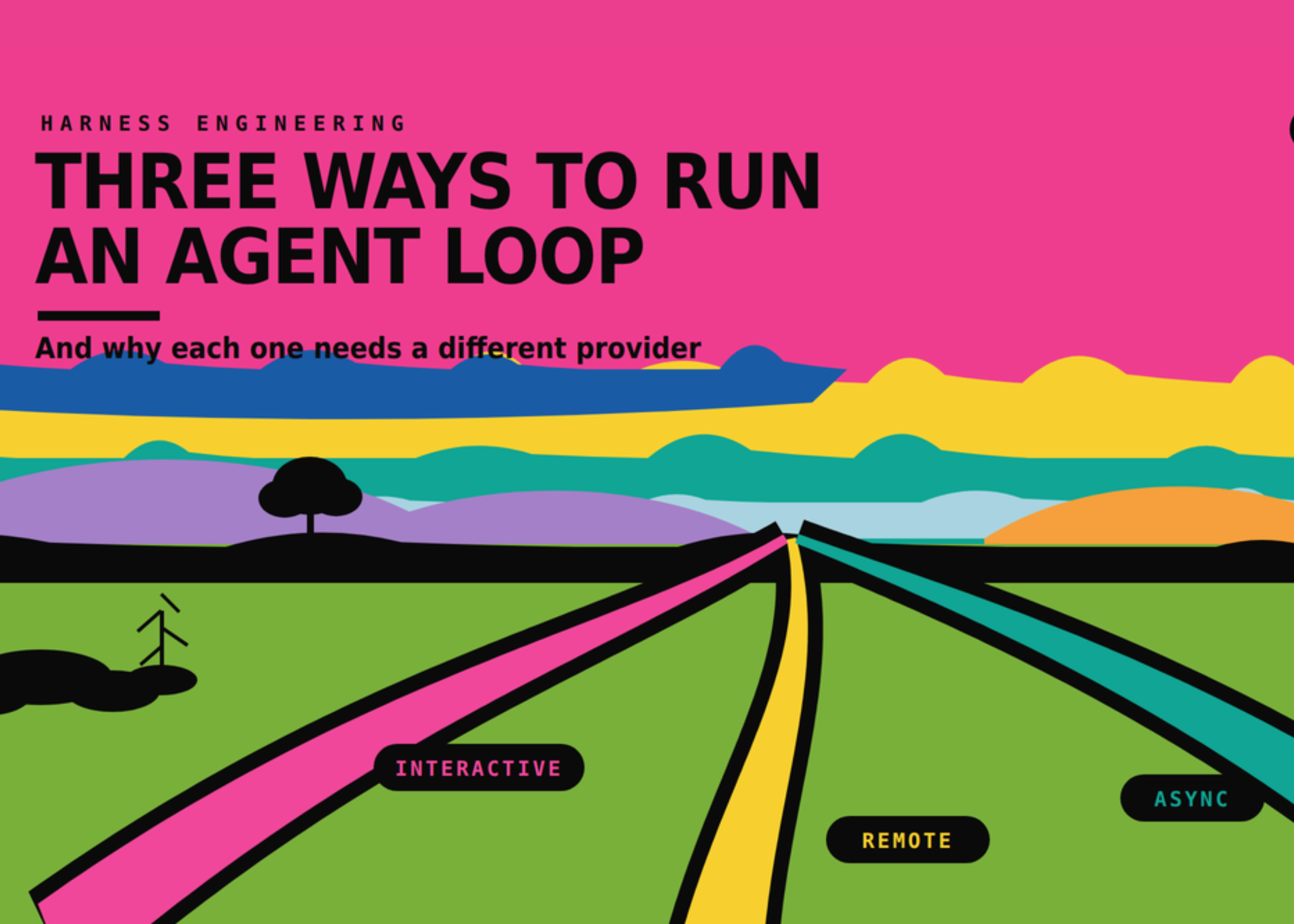
Three Ways to Run an AI Agent
1. Interactive and Online
This is the familiar live-assistant experience. You ask a question, the agent responds, and you guide it while it works. It may search a knowledge base, inspect a document, or prepare a draft while streaming progress back to you.
This mode is suitable when someone is actively watching. For example, a sales manager may ask an agent to prepare a customer reply and adjust the wording before sending it. A service supervisor may review a proposed solution while the agent checks previous tickets.
The main requirement is low latency. When a person is waiting, delays feel disruptive. The agent should also handle interruptions safely. If you type a new instruction while a tool is still running, the system needs to queue that instruction rather than mix it into the current action.
2. Remote and Offline
In this mode, the agent receives work and continues without anyone watching every step. A queue may distribute many tasks across several agent runs. Each run should record its progress so it can resume after a failure instead of starting over.
This is useful for processing product catalogues, classifying enquiries, checking batches of documents, or preparing internal reports after office hours. The key measure is not how quickly the first response appears. It is how much work the system completes reliably in a given period.
A remote offline agent should also pause when it needs human approval. It should not keep running while waiting for a decision. When approval arrives, it can continue from the saved step.
3. Asynchronous and Online
Asynchronous work sits between live interaction and unattended batch processing. You start a task from a chat, form, email, or business system, but the process continues in the background. You receive the result later.
For example, you could ask an agent through WhatsApp or Slack to review a supplier quotation. You do not need to watch every action. When the review is complete, the system posts the findings back to you or creates a task for your team.
This approach is also useful for background customer-service reviews, sales follow-up drafts, invoice checks, and daily operational summaries. The queue keeps the work alive even if the person who started it closes the application.
How This Applies to Malaysian SMEs
If you run a trading business, you may receive purchase orders, delivery notes, invoices, and supplier emails in different formats. A live agent is helpful when you want to ask questions about one document immediately. But processing every document one by one in a live session is inefficient. An offline workflow can extract key fields, flag missing information, and send exceptions to your admin team for review.
For a Malaysian service business, customer enquiries may arrive through WhatsApp, Facebook, email, and your website. A live agent can help your staff draft a response while they are speaking with a customer. An asynchronous agent can handle the follow-up after the conversation—for example, checking whether a quotation was sent, preparing a reminder, or summarising the customer’s requirements for the sales team.
If you operate a clinic, tuition centre, repair company, property agency, or professional-services firm, many tasks require approval rather than constant supervision. An agent can prepare a response, organise information, or identify the next step, then pause until your staff confirms it. This gives you automation without allowing the system to make every decision on its own.
For businesses using accounting, CRM, inventory, or helpdesk software, the harness is especially important. The agent needs clear permission boundaries. It may be allowed to read customer details and draft a document, but not change a payment status or send a final message without approval. Your workflow should define these boundaries before implementation.
Small teams should also design for recovery. Internet interruptions, incorrect file formats, expired login sessions, or unavailable systems can interrupt an agent run. A dependable process records what has already happened, shows the failed step, and lets a staff member retry safely.
Provider Choice Follows the Workload
The source analysis gives a useful comparison. Processing 1,000 documents with approximately 30,000 input tokens and 500 output tokens per document was estimated at about $97 using frontier API rates, compared with roughly $13 for batched serverless GPU processing. Source
These figures are examples rather than a promise for your own workflow. Actual results depend on document length, model selection, concurrency, processing time, and provider terms. The practical point is that bulk work should be assessed by total throughput and utilisation, not only by the response speed of one request.
The reverse problem can occur with interactive systems. The source article cites a Modal H200 SXM rate of $0.001261 per second, equivalent to about $4.54 per hour, and estimates that ten idle hours could add roughly $45 while an interactive agent waits for confirmation. Source
For an SME, this means you should avoid keeping dedicated processing resources running when your workflow has long periods of inactivity. Serverless or on-demand processing can fit businesses with uneven demand. Reserved capacity may make sense only when usage is consistent and predictable.
| Business requirement | Recommended run mode | What to measure |
|---|---|---|
| Staff guides the agent live | Interactive and online | Response speed and safe interruption handling |
| Many documents processed together | Remote and offline | Throughput, completion rate, and recovery |
| Task started now, result needed later | Asynchronous and online | Queue reliability and notification speed |
| Demand changes significantly by day | On-demand or serverless processing | Resource utilisation and idle time |
Practical Takeaways for Your Business
- Map the waiting time: Identify whether a staff member needs an answer immediately or can receive it later.
- Separate live work from batch work: Do not run document processing through the same design used for a customer chat.
- Use queues for background tasks: A queue allows work to continue even when the original user closes the application.
- Make progress recoverable: Save each major step so failed runs can resume rather than repeat everything.
- Set approval points: Require human confirmation before sending messages, changing records, or taking irreversible actions.
- Track useful operational measures: Monitor completion rate, failed tasks, waiting time, retry frequency, and staff approval time.
- Start with one workflow: Choose a repetitive process with clear inputs, rules, and outputs before connecting multiple departments.
- Review permissions: Give the agent only the access required for its task, especially when handling customer or financial information.
The Bigger Picture
AI automation is moving from isolated prompts toward managed workflows. The important design questions are becoming more practical: How does the agent use tools? What happens when it makes a mistake? Can it wait for approval? Can it recover? Does it know when to stop?
For Malaysian SMEs, this is encouraging because you do not need to automate an entire business at once. You can begin with a process where the work is repetitive but still requires human oversight. A well-designed agent can prepare information, carry out routine checks, and route exceptions to the right person.
The long-term advantage will come from building dependable operating habits around AI. Your team should know which tasks are suitable for live assistance, which can run in the background, and which must remain human-led. The model is one component. The workflow around it determines whether the system helps your people or creates more checking work.
Before adopting an AI agent, write down the process from start to finish. Mark where information enters, where decisions are made, where tools are used, and where a person must approve the next step. Then select the run mode that fits the real pace of that process.
That simple discipline can help you build automation that is faster when it needs to be fast, economical with resources when it can wait, and safer when your business requires control.
Ready to Streamline Your Operations?
Your business should run itself. AutoRunBiz deploys AI agents to automate your daily operations — WhatsApp orders, invoicing, customer follow-ups, and accounting. Book a free 15-min ops audit to see where automation fits your business →