
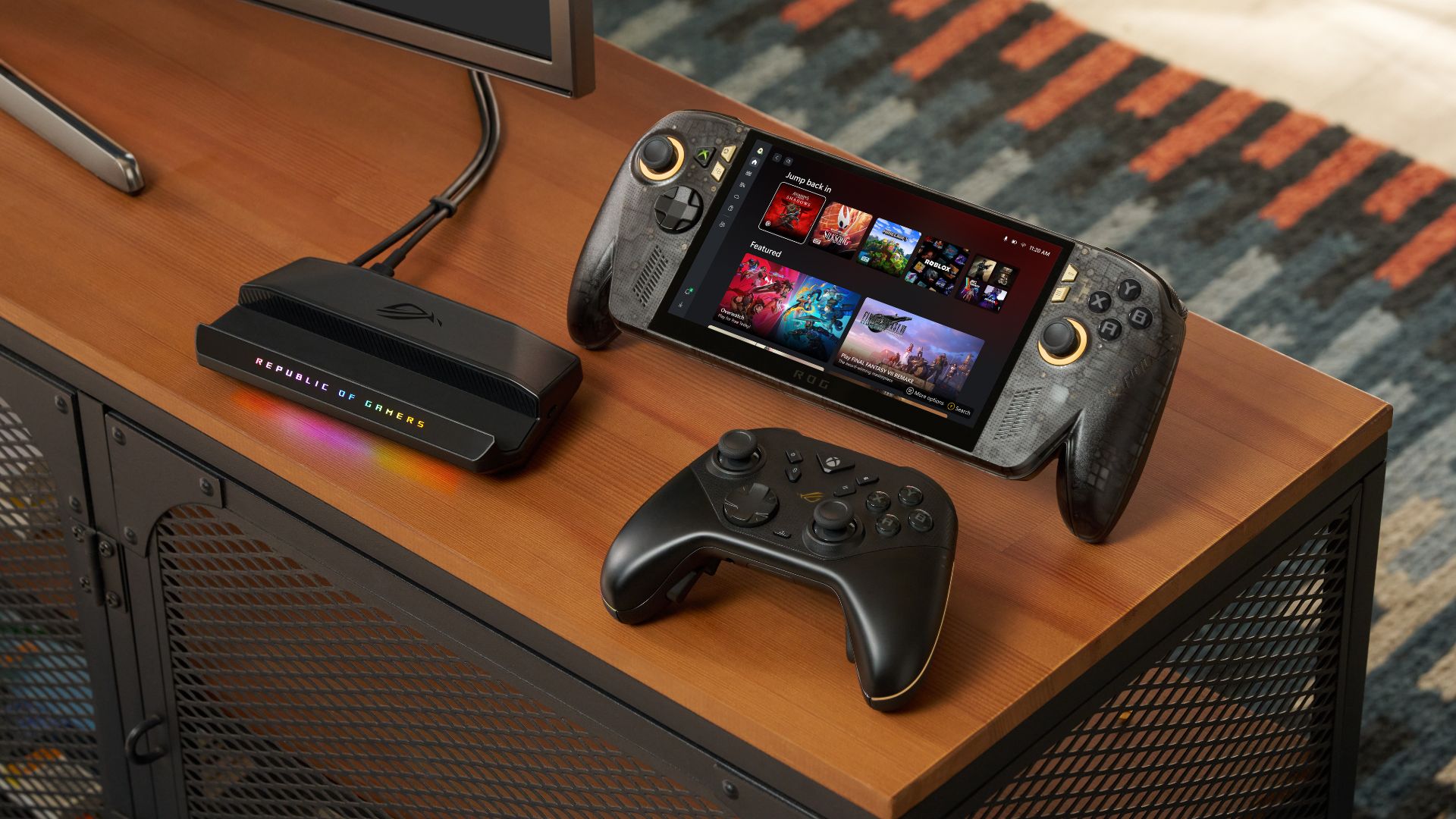
Could a lighter work device help your team get more done?
When you run a Malaysian SME, work rarely stays inside the office. You may approve documents from a café, check sales updates between customer visits, or reply to staff questions while travelling between branches. The challenge is not simply having another device. It is carrying something useful without adding more friction to an already crowded day.
A 509g device described as an AI productivity tablet raises a practical question: can a lightweight computer replace some of the tasks currently handled by a laptop, phone, or office desktop? The answer depends less on the marketing label and more on how you work, what software your business uses, and whether your team can access company information securely.
TL;DR: A 509g AI-enabled tablet could suit SME owners who need portable document, communication, and information-handling tools. Treat it as a focused work device first, and assess compatibility, security, connectivity, and staff workflow before adopting it across your business.
What This Means
An AI productivity tablet is a portable touchscreen computer designed to help with everyday work while using built-in or connected artificial intelligence tools. These tools may assist with summarising notes, drafting replies, organising information, extracting details from documents, or answering questions about files.
The 509g weight is important because portability affects whether you actually bring a device with you. A lighter tablet can fit more easily into a small work bag and may be more comfortable to hold during site visits, meetings, stock checks, or customer demonstrations. However, lightness alone does not make a device suitable for business. You still need to check its operating system, keyboard support, battery performance, screen visibility, storage, connectivity, and compatibility with your accounting, inventory, customer relationship management, and collaboration tools.
AI features also need sensible boundaries. An assistant can help prepare a first draft or locate information, but you remain responsible for checking accuracy. Business documents may contain customer details, supplier terms, staff information, or internal plans. Before uploading anything to an AI service, you should understand where the information goes, how it is stored, and whether your company has permission to process it.
Key insight: The best portable business device is not the one with the most features; it is the one your team can use safely and consistently during real work.
How This Applies to Malaysian SMEs
For a small retail or distribution business, a lightweight tablet could support stock and order activities away from the main desk. Your staff might use it to check product information, record customer requests, compare delivery details, or capture notes during a supplier visit. If your existing business system works through a browser, the device may provide a convenient mobile access point. You should still test whether the interface is comfortable on a smaller screen and whether the device works reliably with your barcode scanner, printer, or other equipment.
For service businesses such as renovation firms, maintenance contractors, training providers, and event teams, portable documentation is often more valuable than entertainment features. You could use a tablet to review a job checklist, show a proposal to a client, photograph completed work, and prepare a follow-up message immediately after a site visit. AI-assisted summaries may help turn rough notes into a structured report, but a supervisor should verify names, measurements, dates, and commitments before sending anything to a customer.
For professional SMEs, the device could help during meetings and travel. You might review a contract, annotate a presentation, summarise a discussion, or prepare a list of follow-up tasks without opening a full laptop. If your team uses cloud-based email, calendars, document storage, or project management software, a tablet may fit naturally into the workflow. If your core system depends on Windows-only applications, specialist desktop software, or complex spreadsheets, the tablet may work better as a companion device than as a replacement.
Malaysian businesses also need to consider connectivity. A device that works well on office Wi-Fi may become less useful when you are at a customer site, warehouse, market, or rural location. Check whether it supports the mobile connection your team needs and whether important functions remain available when the signal is weak. You should also confirm that employees can connect through approved company accounts rather than sharing passwords or storing files locally without protection.
Language and communication habits matter as well. Your business may switch between Bahasa Malaysia, English, Mandarin, Tamil, or industry-specific terms. Test whether voice input, transcription, search, and document summarisation handle the language mix your team actually uses. A tool that performs well only with polished English may create extra editing work rather than reduce it.
Where a 509g device may fit
| Business situation | Potential use | What to verify first |
|---|---|---|
| Customer visit | Show proposals, record notes, prepare follow-up tasks | Screen visibility, keyboard support, mobile connectivity |
| Warehouse or stockroom | Check orders, update records, review product details | System compatibility, durability, scanning accessories |
| Management travel | Read reports, approve documents, summarise meetings | Security controls, offline access, account management |
| Sales presentation | Display catalogues, answer product questions, capture enquiries | Presentation software, storage, battery performance |
| Internal administration | Draft messages, organise notes, search company documents | AI data policies, permissions, accuracy checks |
These uses are workflow examples, not guarantees about any particular model. The source article reports that the device is being promoted in Malaysia alongside the Xreal R1 AR Glasses, with pre-orders expected to begin soon, but you should confirm final specifications, local availability, warranty terms, software support, and business features before making a decision. Read the source article from SoyaCincau.
Practical Takeaways
- Map the task before choosing the device. List the three activities you want to improve, such as site reporting, document approval, stock checking, or meeting notes.
- Separate replacement from companion use. Decide whether the tablet must replace a laptop or simply provide faster access to selected workflows.
- Test your actual software. Sign in to your accounting, inventory, customer, file-sharing, and communication systems using a trial device before committing.
- Check AI privacy settings. Find out whether business prompts and uploaded documents are retained, used for training, or accessible to third parties.
- Create a human review rule. Require staff to verify AI-generated figures, names, dates, quotations, legal wording, and customer commitments.
- Use individual accounts. Avoid shared logins, especially when multiple employees handle customer or operational information.
- Protect the device physically. Use screen locks, automatic timeout, device tracking, protective cases, and remote-wipe controls where available.
- Prepare a short pilot. Give one or two employees a defined workflow and ask them to record time saved, errors found, and problems encountered.
- Check accessories. A keyboard, stylus, stand, charger, or compatible printer may determine whether the device is genuinely useful.
- Keep a fallback process. Staff should know how to continue work if the device is lost, damaged, offline, or unable to access a cloud service.
A simple SME evaluation checklist
- Write down the business problem, not just the device feature you like.
- Identify which employee will use it, where they will use it, and what information they will access.
- Test the complete workflow from login to final submission or customer follow-up.
- Record accuracy issues, connectivity problems, and points where staff need training.
- Review permissions and data handling with whoever manages your business systems.
- Decide whether the device improves a repeatable process enough to justify wider adoption.
The Bigger Picture
Lightweight AI devices point towards a more distributed style of work. Business activity does not always happen at a desk, and smaller companies often need managers and staff to make decisions while moving between customers, suppliers, branches, and job sites. A portable device can bring selected business information closer to that moment.
But portability can also create new risks. When work moves outside the office, company information may be viewed on public networks, left in vehicles, or copied into unapproved applications. AI tools may produce confident but incorrect answers. Your operating procedures therefore matter as much as the hardware. Decide what information staff may access, which tools they may use, and when a person must check the result.
The practical long-term trend is not that every SME will abandon laptops and desktops. Instead, businesses may use different devices for different jobs: a desktop for detailed administration, a laptop for full business work, a phone for alerts, and a lightweight tablet for field activity and quick decisions. Your opportunity is to connect those devices to clear processes rather than adding technology without a purpose.
If you are considering an AI productivity tablet, start with one real workflow. Test it with your own documents, staff, language mix, customer interactions, and business systems. That approach will tell you far more than a specification sheet—and it will help you decide whether a 509g device can genuinely make your working day simpler.
Ready to Streamline Your Operations?
Your business should run itself. AutoRunBiz deploys AI agents to automate your daily operations — WhatsApp orders, invoicing, customer follow-ups, and accounting. Book a free 15-min ops audit to see where automation fits your business →