
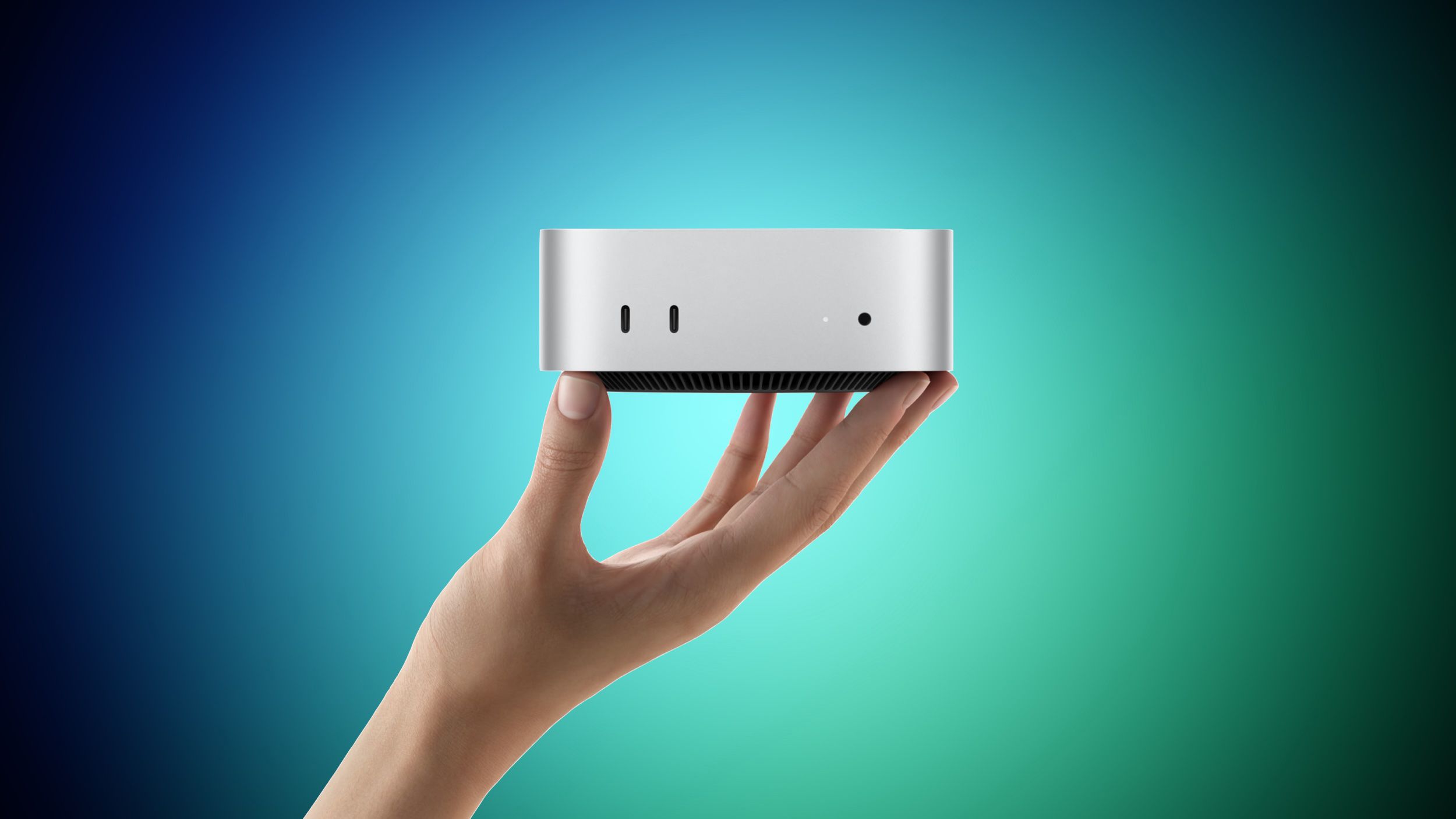
Why Your Next Mac Purchase Needs More Than a Pre-Order
When you run a Malaysian SME, buying a new computer is rarely a simple personal upgrade. You may be choosing equipment for a designer, video editor, developer, accountant, manager, or an entire team. The wrong specification can slow down daily work, create compatibility problems, and force you to replace equipment earlier than expected.
The announcement of new Mac mini and Mac Studio models, with pre-orders opening before a stated September 22 launch, is a useful reminder: you should assess the workflow first and the product second. A reward programme may look attractive, but the more important question is whether the machine fits the work your business actually does.
TL;DR: Treat a computer pre-order as a workflow decision, not just a shopping opportunity. Compare performance, memory, storage, software compatibility, support, and the full operating setup before committing.
For Malaysian businesses, you should also check whether the seller delivers to your location, provides suitable warranty support, issues the documentation your company requires, and supports local payment and tax-record processes. A reward earned from a foreign retailer may not be useful if the device creates support or procurement complications.
What This Means
The source article reports that Best Buy members in its My Best Buy Plus and My Best Buy Total programmes can receive 2% back in Best Buy rewards when pre-ordering a new Mac mini or Mac Studio, with the offer running through September 22. The reward is not an immediate reduction at checkout. It is store credit or points connected to that retailer’s programme.
The article also lists several configurations, including Mac mini versions with different memory and storage combinations, as well as Mac Studio models aimed at substantially heavier workloads. The practical lesson is that the same product family can serve very different users. A small configuration may be suitable for office administration, while a higher specification may be intended for professional creative, engineering, or development work.
When you evaluate a computer, separate four decisions:
- Workload: What applications and tasks will the user run every day?
- Specification: How much memory, storage, processing power, and connectivity are needed?
- Procurement: Can you buy, receive, register, and support the equipment properly in Malaysia?
- Business continuity: What happens if the device fails or the employee needs help?
| Decision area | Questions to ask | Why it matters |
|---|---|---|
| Memory | Will the user run several large applications together? | Insufficient memory can cause slowdowns and interrupt multitasking. |
| Storage | Will files, media, databases, or virtual machines stay on the device? | Limited storage creates workflow friction and more manual file movement. |
| Connectivity | How many monitors, drives, network devices, and accessories are required? | A small desktop may need additional hubs, docks, or adapters. |
| Support | Who will diagnose problems and arrange repairs? | Downtime affects customer service and delivery work. |
The specifications and launch details in the source article should be verified on the seller’s current product pages before you place an order. Product availability, configurations, delivery terms, warranty coverage, and regional compatibility can change.
How This Applies to Malaysian SMEs
If you operate a design studio, marketing agency, architecture practice, or video-production team, a Mac Studio may appear suitable because your employees handle large creative files and demanding applications. However, you should map the actual workflow before choosing a high-end machine. Ask whether the user edits high-resolution footage daily, renders complex scenes, manages large design libraries, or mainly works in browser-based tools. If most work is cloud-based, a smaller desktop may meet the requirement while keeping the setup easier to standardise.
For a retail business, tuition centre, clinic, consultancy, or professional services firm, a Mac mini may be more relevant as an office workstation, reception computer, meeting-room device, or back-office machine. You still need to consider the monitor, keyboard, webcam, network connection, printer access, and backup process because the desktop itself is only one part of the working setup. A compact computer can save desk space, but it may require you to plan accessories carefully.
For software companies and technical teams, the key issue is not simply processor performance. You should check the development tools, container support, test environments, databases, browser profiles, and third-party integrations used by your team. If an application only works properly on another operating system, employees may need a separate machine or a supported alternative. Test the complete working environment with a pilot user before ordering multiple units.
For businesses with remote or hybrid staff, also examine how the device will be managed outside your office. You need a clear process for employee onboarding, account access, software installation, device updates, data protection, and recovery when someone leaves. A powerful computer does not solve weak access controls or scattered company files.
Malaysia-specific procurement also deserves attention. You should confirm whether the seller’s warranty is valid locally, whether service is available through an authorised channel, and whether the model uses the appropriate power connection and keyboard layout for your users. Keep invoices, serial numbers, delivery records, and warranty documents together. If you operate across Kuala Lumpur, Penang, Johor, Sabah, or Sarawak, think about how support will work when the device is not near your main office.
The useful reward is not the one that looks attractive on the product page; it is the decision that keeps your team productive after the device arrives.
Practical Takeaways Before You Order
- List the user’s daily applications. Include accounting, CRM, design, development, communication, browser, and file-management tools.
- Record the current pain points. Is the problem slow startup, application crashes, limited storage, poor video calls, or an unreliable old device?
- Choose specifications based on the next few years of work. Do not select the smallest configuration if your files and applications are already growing quickly.
- Check external equipment. Confirm monitor resolution, dock compatibility, storage drives, printers, webcams, and network requirements.
- Verify Malaysian support. Ask about warranty location, repair channels, replacement procedures, and delivery coverage.
- Plan data migration. Decide how files, browser settings, email accounts, application licences, and security settings will move to the new device.
- Run a pilot. Give one user the proposed setup and test the complete workflow before standardising it across the team.
- Do not confuse rewards with savings. A retailer reward may be restricted to a specific account or store and may not reduce your immediate procurement requirement.
- Prepare a replacement process. Record device ownership, assigned user, serial number, warranty details, and access permissions from day one.
Use Automation to Reduce the Admin Around Devices
New hardware often creates repetitive administrative work. Someone must record the purchase, assign the device, store its serial number, schedule setup, collect signed handover information, and track warranty dates. You can simplify this with a basic automated workflow connected to your purchasing and employee records.
For example, a form can capture the employee name, department, device type, serial number, accessories, assigned location, and setup status. Automatic reminders can notify the person responsible when configuration is incomplete or a warranty review is due. When an employee changes role or leaves, a checklist can prompt you to recover the device, remove access, back up required data, and update the asset register.
This matters because small businesses often depend on one person’s memory. A documented process gives you visibility even when your office administrator, manager, or technical contact is unavailable. It also makes future purchases more consistent.
The Bigger Picture
The long-term trend is not simply about whether one new Mac is faster than an older one. Businesses are increasingly expected to connect devices, applications, people, and information into a reliable operating process. Hardware decisions therefore affect onboarding, security, collaboration, customer response, and business continuity.
As cloud applications become more common, your most important investment may be the process surrounding the computer. Employees need the right access from their first day. Files need clear ownership. Customer information needs controlled handling. Managers need a current view of company equipment without searching through email messages or spreadsheets.
For you as an SME owner, the sensible approach is to standardise where possible without forcing every employee into the same specification. Define a few approved device profiles, document who each profile suits, and connect procurement with onboarding and asset tracking. That gives you a repeatable system while still allowing specialist staff to receive suitable equipment.
Before you respond to any pre-order promotion, pause and compare the complete business setup: the user’s workload, the required accessories, local support, software compatibility, data migration, and internal process. A well-planned purchase should make work easier long after the promotional window closes.
Ready to Streamline Your Operations?
Your business should run itself. AutoRunBiz deploys AI agents to automate your daily operations — WhatsApp orders, invoicing, customer follow-ups, and accounting. Book a free 15-min ops audit to see where automation fits your business →