
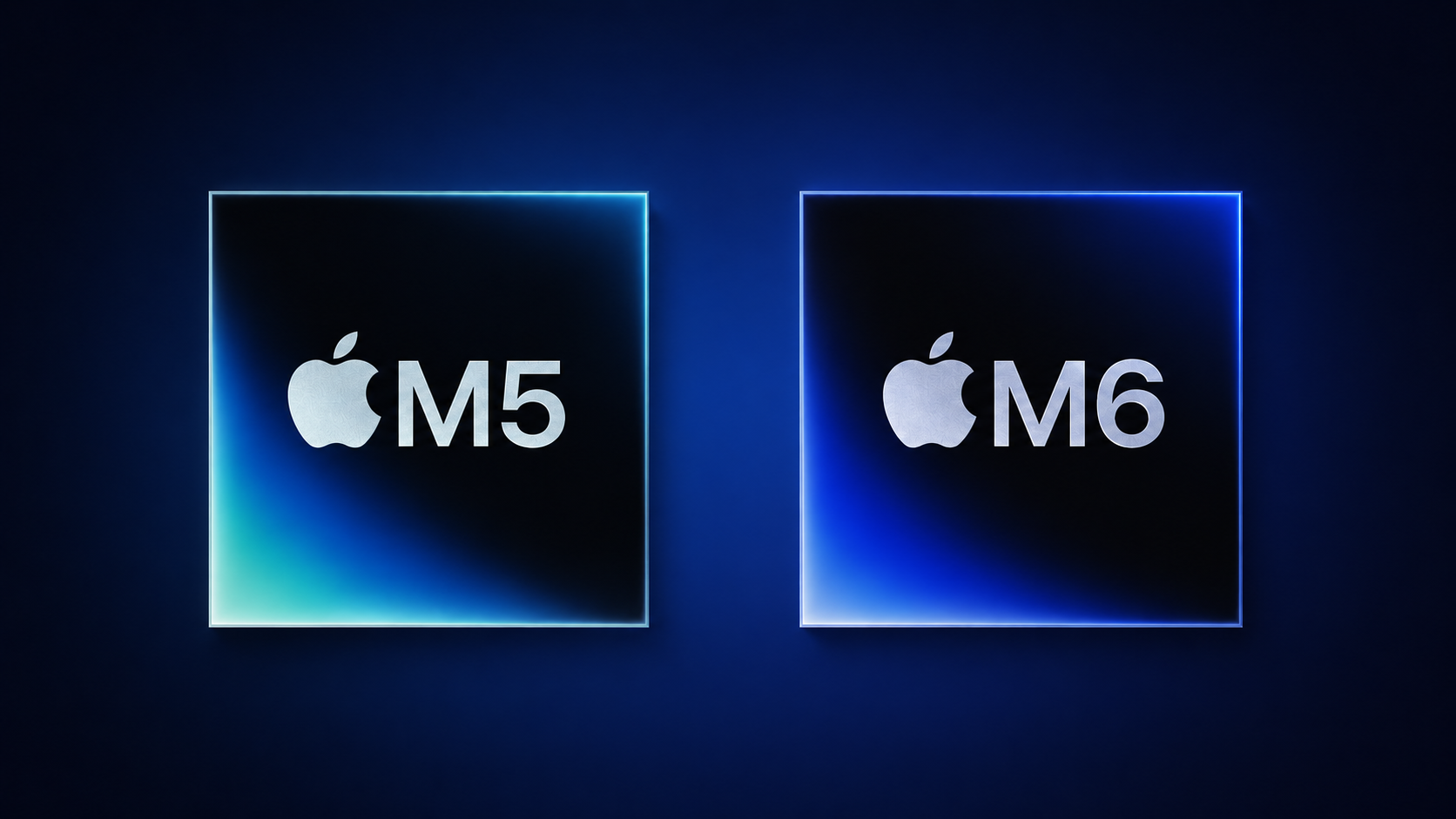
Should You Choose an M5 or M6 Mac for Your Business?
If you are running a Malaysian SME, buying a new Mac is rarely about chasing the newest specification. You are probably asking a more practical question: will the computer help your team work faster, handle heavier software, and stay useful for several years?
The M6 chip brings meaningful improvements over the M5, especially for single-threaded tasks, local artificial intelligence tools, graphics, and demanding workloads. However, the upgrade is not automatically worthwhile for every business. The M5 is already capable for everyday office work, while higher-end M5 Pro, M5 Max, and M5 Ultra options may still suit businesses with heavier requirements.
TL;DR: The M6 is a refinement rather than a dramatic leap for normal business tasks. Choose it if you use local AI, complex graphics, code compilation, or other demanding workflows; otherwise, an M5 Mac may remain more than sufficient.
What This Means
Apple’s M6 is the company’s first chip made using a 2nm manufacturing process and its first Apple silicon chip with three CPU core types. Compared with the M5, Apple reports up to 1.2 times faster multithreaded CPU performance, nearly 30% higher peak GPU compute for AI, up to twice the peak Neural Engine compute, 50% higher geometry rates for complex graphics, and 10% higher unified memory bandwidth. These figures come from Apple’s published specifications as reported by MacRumors.
In plain language, the M6 is designed to handle several kinds of work more efficiently. Its two “super cores” focus on tasks that depend heavily on one fast CPU core. Its four performance cores handle heavier parallel workloads, while six efficiency cores manage background activities. The M5 has ten cores, consisting of four performance cores and six efficiency cores, while the M6 has twelve CPU cores divided into three groups. These architecture details are documented by MacRumors.
The M6 also includes a dual 16-core Neural Engine, compared with the M5’s 16-core Neural Engine. This matters because more software is starting to process AI tasks directly on the device instead of sending every request to a cloud service. The M6 has a 12-core GPU, while the M5 has a 10-core GPU, and memory bandwidth increases from 153 GB/s to 170 GB/s, according to MacRumors.
The right question is not “Is M6 faster?” It is “Will your daily workload use the extra performance?”
There is an important limitation: Apple did not publish direct real-world M5-versus-M6 benchmark results. Instead, its examples compare newer Mac mini performance with older M1 and M4 systems. Apple reported up to 13.5 times faster LLM prompt processing versus M1 and up to 4.8 times faster versus M4 in LM Studio, as well as up to 2.3 times faster spreadsheet calculations versus M1 and up to 1.5 times faster versus M4 in Microsoft Excel. These comparisons are reported by MacRumors, so you should not treat them as direct proof of the M6’s gain over the M5.
How This Applies to Malaysian SMEs
For most office teams, the M5 is already capable. If your employees mainly use Microsoft 365, Google Workspace, accounting software, customer relationship management systems, browser-based platforms, video meetings, and document tools, the difference between M5 and M6 may be difficult to notice. These applications typically depend more on reliable internet access, sensible software setup, and sufficient memory than on maximum processor performance.
For example, a small trading company in Johor Bahru may have staff handling quotations, purchase orders, inventory records, email, customer enquiries, and online banking portals. An M5 Mac can comfortably support these activities, provided the device has enough memory and your team follows good security practices. Moving to M6 may improve responsiveness in some situations, but it will not automatically fix slow business processes, duplicated data entry, or poorly organised files.
For creative and marketing teams, the answer depends on the content you produce. A boutique agency in Kuala Lumpur producing short videos, product photography, animated social media posts, and website graphics may benefit from the M6’s stronger GPU, higher geometry rates, and improved single-threaded performance. Video exports, image processing, code compilation, and complex design operations can place greater demands on the computer than ordinary office applications.
However, do not assess the chip alone. Your decision should also consider memory capacity, storage, monitor support, software compatibility, and the number of applications open at the same time. A designer editing high-resolution video may gain more from a properly configured professional Mac than from choosing a newer chip with insufficient memory.
For businesses exploring local AI, M6 is more relevant. Some companies are testing AI tools that summarise documents, classify customer enquiries, draft internal content, search knowledge bases, or analyse spreadsheets locally. The M6’s doubled Neural Engine and stronger AI-focused GPU performance could make these workflows more responsive. The source article reports up to twice the peak Neural Engine compute and nearly 30% higher peak GPU compute for AI compared with M5; these figures come from MacRumors.
A Malaysian professional services firm could use local AI to search standard operating procedures, summarise meeting notes, or prepare first drafts from internal documents. Keeping some processing on the device may also support privacy requirements, but you still need to review how each application stores and handles information. A faster chip does not remove the need for access controls, staff training, backups, and clear rules about confidential client data.
For developers and technical teams, single-core performance deserves attention. If your company builds websites, mobile applications, internal tools, or automation scripts, compilation, file indexing, testing, and parts of AI-assisted development can depend heavily on one fast CPU core. The M6’s new super cores are intended for these workloads, according to MacRumors. A small software team may therefore notice the M6 more clearly than an administrative team.
Key Performance Differences
| Area | M5 | M6 | Potential SME impact |
|---|---|---|---|
| Manufacturing process | Third-generation 3nm | First-generation 2nm | Newer design may improve efficiency |
| CPU structure | 10 cores | 12 cores, including 2 super cores | Useful for demanding and single-threaded work |
| GPU | 10 cores | 12 cores | Helpful for graphics, video, and AI workloads |
| Neural Engine | 16 cores | Dual 16-core Neural Engine | More headroom for local AI applications |
| Memory bandwidth | 153 GB/s | 170 GB/s | Can support heavier multitasking |
All specifications in this table are sourced from MacRumors.
Practical Takeaways
- Choose M5 if your team mainly handles office software, browser-based systems, email, video calls, accounting, and routine administration.
- Consider M6 if you regularly edit video, create complex graphics, compile software, process large files, or test local AI applications.
- Compare the whole configuration. Check memory, storage, display support, ports, and application requirements instead of looking only at the chip name.
- Test your actual workflow. Ask staff to identify the applications that slow them down and measure those tasks on a trial device where possible.
- Do not upgrade only because of a launch. If your existing M5 machines are stable and your team is productive, a replacement may not be urgent.
- Plan for software support. Confirm that your accounting, design, development, automation, and security tools support the macOS version and Apple silicon configuration you select.
- Protect business information. Use device encryption, strong authentication, managed accounts, automatic backups, and clear rules for AI tools.
- Review your automation bottlenecks. If staff are repeating data entry between sales, inventory, accounting, and customer systems, process automation may produce a larger operational improvement than a processor upgrade.
The Bigger Picture
The M5-to-M6 comparison shows that processor upgrades are becoming more workload-specific. The M6 improves several areas at once, but its strongest reasons for consideration are local AI, single-threaded responsiveness, advanced graphics, and demanding professional applications. For everyday business computing, the practical difference may be modest.
The product lineup also matters. According to MacRumors, Apple is not expected to release M6 Pro, M6 Max, or M6 Ultra variants, with higher-end M5 versions continuing to serve more demanding users. The same source reports that M7 is expected in the first half of 2027, although future product timing can change.
For your business, this means you should separate capacity planning from product excitement. Identify which tasks your team performs, how long those tasks take, where delays occur, and whether the computer is actually responsible. If the bottleneck is manual approval, disconnected systems, slow file sharing, or inconsistent data, a newer Mac will not solve the underlying issue.
A sensible approach is to standardise devices by role. Administrative staff may use M5 systems. Designers, developers, analysts, and AI-focused users may justify M6 or higher-performance configurations. This gives you a clearer technology policy and makes support easier as your team grows.
Bottom line: M6 is a promising choice for specialised workloads and future-facing local AI use, but M5 remains a strong fit for many Malaysian SMEs. Buy based on the work your people need to complete, then improve the surrounding processes so your technology investment delivers useful results.
Ready to Streamline Your Operations?
Your business should run itself. AutoRunBiz deploys AI agents to automate your daily operations — WhatsApp orders, invoicing, customer follow-ups, and accounting. Book a free 15-min ops audit to see where automation fits your business →