
Why This Matters for Your SME
Every day, your team runs on chat. Orders, approvals, customer questions, internal requests — it all lands in Slack or Microsoft Teams. So when you want AI to actually help with the workload, why should it live somewhere else?
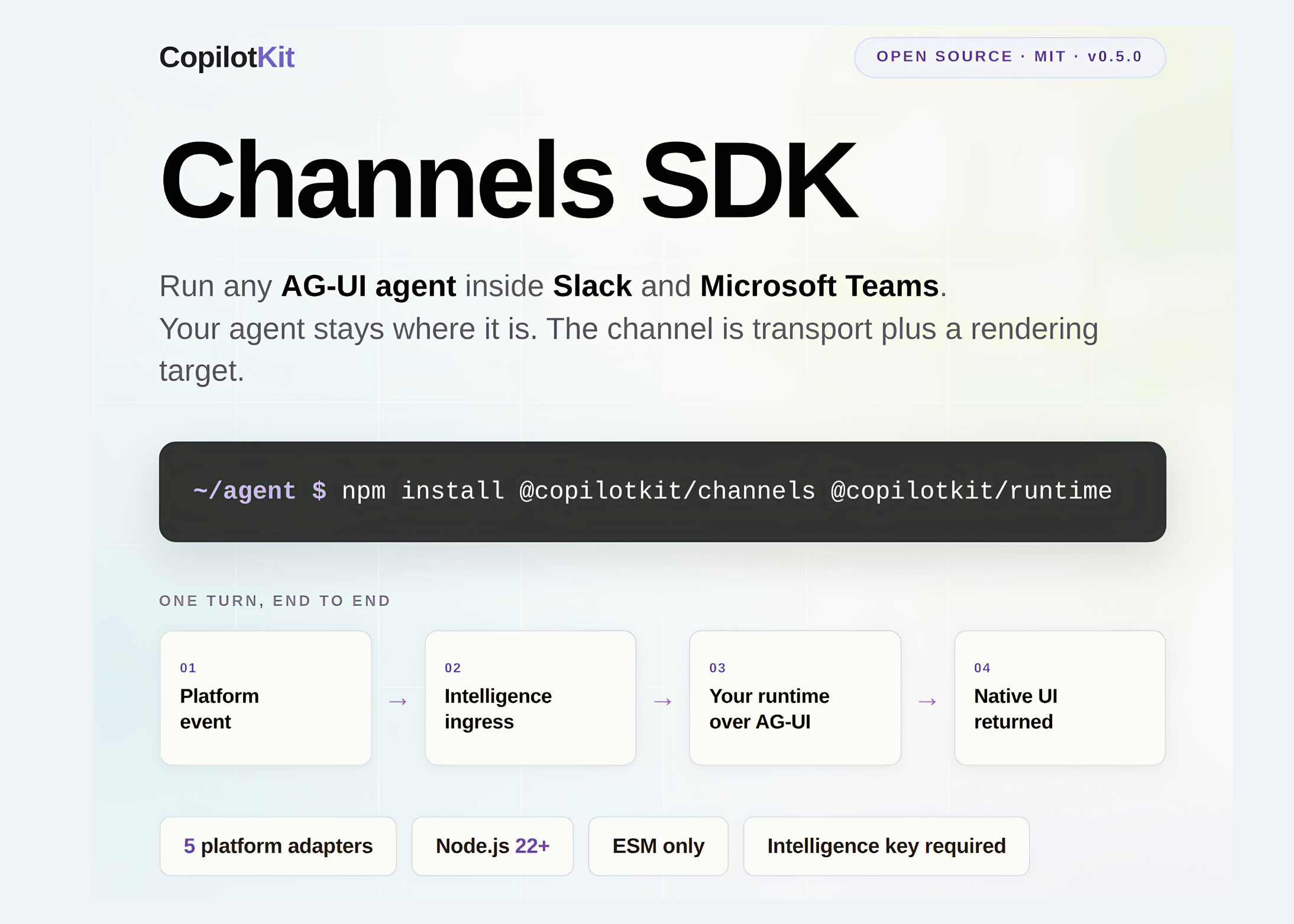
A new open-source release from CopilotKit just made that question easier to answer. The Channels SDK puts an existing AI agent directly inside Slack and Microsoft Teams, without rewriting the agent for each platform. If you already have an agent that handles tasks for your business, this gives it a workspace inside the apps your people use all day.
If you’re not technical, that sounds like developer jargon. Let’s unpack what it actually means for your operations — and why you should care about it this year.
“A channel is not a second agent. It is a transport along with a rendering target.”
TL;DR: An MIT-licensed SDK now lets you plug an existing AI agent into Slack and Teams. The agent keeps its tools and logic; the SDK handles the messaging. For Malaysian SMEs, that means approvals, customer follow-ups, and internal queries can be handled right inside the chat you already use.
What This Means
Imagine you already have an AI assistant that answers common questions, drafts replies, or processes data. That assistant probably sits in a separate web page or back-office system today. The Channels SDK is the connector that drops it directly into the conversations your staff already have open.
It works with the agent you already own. If the agent can speak AG-UI — a simple protocol that CopilotKit maintains — it can run inside Slack and Teams. That covers popular agent frameworks like LangGraph, CrewAI, Mastra, Pydantic AI, Google ADK, or even a plain HTTP agent you wrote yourself source.
What matters here is what a channel is not: it’s not a second AI agent. You write the message once, and the adapter converts it to each platform’s native format — Block Kit in Slack, Adaptive Cards in Teams. No clumsy text blobs pushed through a webhook. That means a user sees the same clean, interactive cards they already trust, just now powered by your AI agent.
The SDK is MIT-licensed, published on npm, and has a documented runtime contract, so you’re not locked into a closed vendor system source.
How This Applies to Malaysian SMEs
Let’s connect this to your real life. Consider a typical 15-person retail trading company in Klang Valley. Your sales team uses Slack to coordinate. When a customer asks about stock status, a staff member leaves the chat, opens the inventory system, types a query, then returns to Slack to paste the answer. With this SDK, you can connect your inventory AI agent to Slack. The agent watches the channel, answers the question using its existing tools, and posts a native response with up-to-date stock levels. No context switching, no 10-minute detour to the backend.
Approvals are an even bigger win. The source article highlights how OpenTag intercepts every mutation to Linear and Notion, requiring human approval before a critical action runs. For Malaysian SMEs, imagine the same pattern for high-value jobs: an agent generates a purchase order, cancels a customer order, or updates a product price — then pauses and asks the manager right in the channel. The manager clicks Approve, and the agent proceeds. The entire trail stays in the chat log, which makes it auditable and easy for a small team to track.
Now the WhatsApp angle. Malaysian SMEs run on WhatsApp. While this initial release focuses on Slack and Microsoft Teams, Discord, Telegram, and WhatsApp adapters are already listed as planned source. Once WhatsApp support arrives, an agent that holds a conversation, verifies an order, and triggers a refund — with human approval — will be reachable for any shop using WhatsApp Business today. That is a genuinely practical evolution for the Malaysian market.
Deployment matters too. You need Node.js 22+ and a long-running process; serverless platforms won’t hold the connection source. For an SME, that means running this on a small VPS or a dedicated machine, not on shared web hosting. It’s a simple infrastructure requirement, but it’s one you should plan for early.
Practical Takeaways
- Pick one repetitive task first. Start with something like answering stock queries or status updates, not a full customer-facing assistant.
- Check your existing agent’s protocol. If it already speaks AG-UI or can be wrapped to do so, you don’t need to rebuild anything.
- Keep write actions behind approvals. Don’t let the agent mutate data — like issuing refunds or changing prices — without a human confirming it inside the chat.
- Start with Slack, not Teams. Slack is generally available on the managed path; Teams is early access with a gating note in the shipped types source.
- Plan your hosting. This needs a long-running process, so prepare a VPS or on-premises machine with Node.js 22+ and an ESM project setup.
- Watch for WhatsApp. If your business lives on WhatsApp, keep an eye on the “planned” adapter — that’s the one that will matter most for Malaysian SMEs.
Channel readiness at a glance
| Channel | Status | Requirements / notes |
|---|---|---|
| Slack | Generally available (managed provider) | CopilotKit Intelligence API key needed on both managed and direct paths |
| Microsoft Teams | Early access | CopilotKit Intelligence API key; gating note in shipped types |
| Discord, Telegram, WhatsApp | Planned | Adapters ship in the package as upcoming integrations |
The Bigger Picture
The bigger shift is that conversation becomes the interface for your entire business. Instead of jumping between an ERP, a CRM, and a chat app, your team stays in the chat and lets the AI agent do the work. For Malaysian SMEs, this is not a distant future — it’s a practical option you can pilot this quarter.
What makes this meaningful is the MIT license. You don’t need to negotiate with a massive software vendor or pay enterprise fees. Local developers and agencies can extend the SDK freely, adapt it to your niche workflow, and even connect WhatsApp when that adapter matures.
Your next step is simple: identify one workflow your staff performs in Slack or Teams every day. If you can describe that workflow in a sentence, you already have a candidate for this technology.
Ready to Streamline Your Operations?
Your business should run itself. AutoRunBiz deploys AI agents to automate your daily operations — WhatsApp orders, invoicing, customer follow-ups, and accounting. Book a free 15-min ops audit to see where automation fits your business →