
Your Business Runs on Paper. Your Systems Run on Data. That Gap Is Costing You Time.
Every day, your team probably prints, scans, types, copies, and pastes data from invoices, delivery orders, purchase orders, and forms into your accounting or inventory system. That process is slow, error-prone, and expensive. A new category of AI tool promises to skip most of those steps by reading documents and extracting exactly the fields your system needs — but not all extraction tools are built the same. The difference between a tool that reads a document and one that understands it can mean the difference between a workflow that works and one that still needs a human to clean up the mess.
TL;DR: Datalab Lift is a 9-billion-parameter AI model that turns PDFs and images directly into structured data based on a schema you define — no multiple steps, no extra conversion. It competes with tools like NuExtract3, Google Gemini, and Azure. Its main advantage is speed and accuracy for field extraction, but the right choice for your business depends on whether you need a model or a full system, whether you can use the cloud, and whether you need features like citations and compliance tracking. The article below helps you decide what fits your actual workflow.
What Datalab Lift Actually Does (and Doesn’t Do)
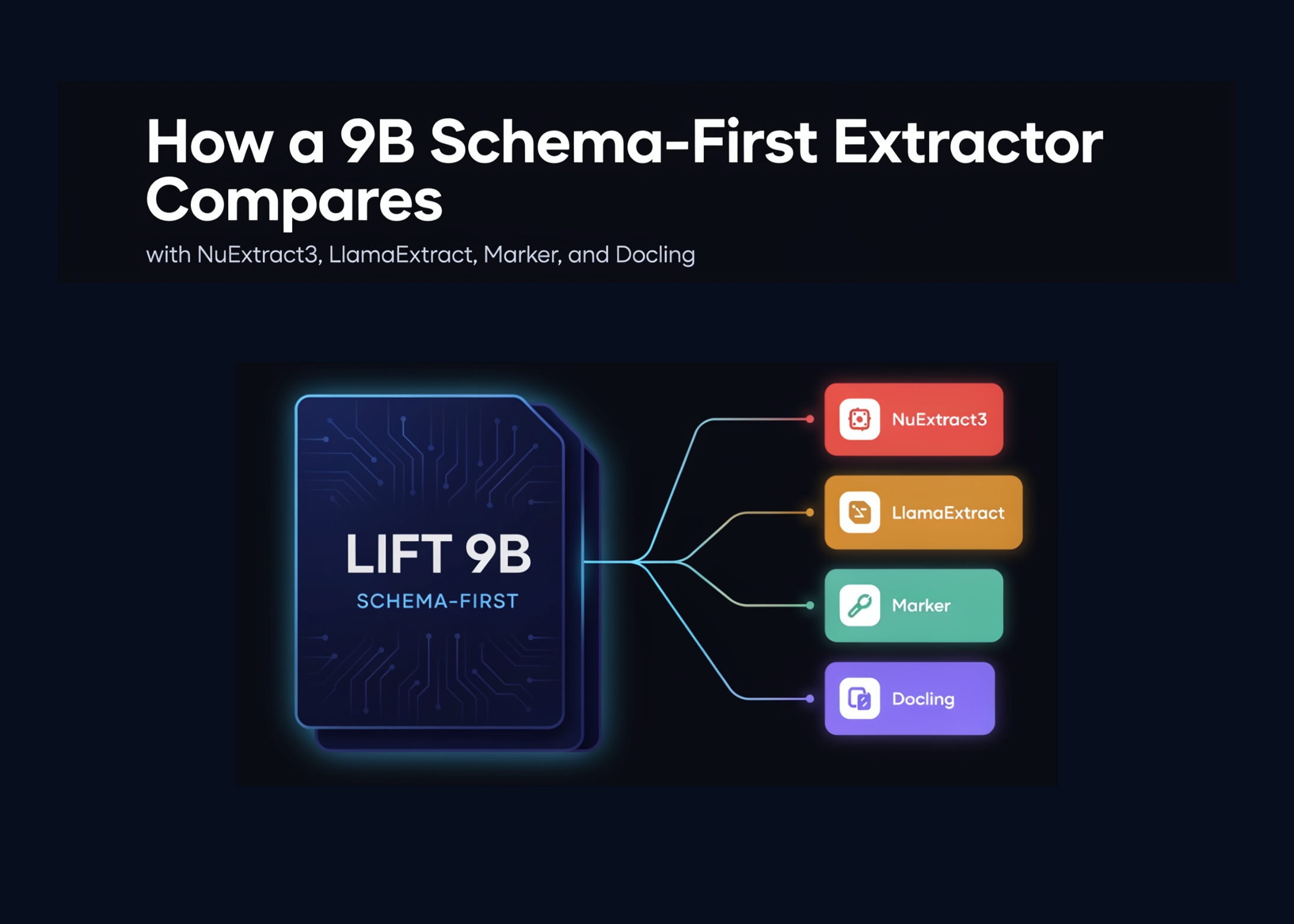
Datalab Lift is a 9B vision-language model designed for one job: take a PDF or image, accept a JSON schema (for example: invoice number, vendor name, total amount, due date), and return the data in exactly that shape. It does not try to recreate the document as Markdown or HTML first. It reads the rendered page image and attempts to output the structured fields in a single pass (source).
That matters because most document processing workflows today use a two-step pattern: first convert the PDF to Markdown or plain text, then ask a separate AI model to extract the fields from that text. Lift collapses those two steps into one. It is not an OCR engine, not a document converter, and not a full enterprise review platform. It is a schema-first extractor: built for turning visually complex documents into application-ready fields.
Lift is best understood as a schema-first document extractor: a model for turning visually complex documents into application-ready fields.
For a Malaysian SME, this distinction matters because your documents — invoices, customs forms, delivery notes, bank statements — are often visual. They contain tables, logos, handwritten marks, and varying layouts. A tool that reads the image directly instead of converting to text first can preserve more of the original structure and context.
Parsing vs Extraction: The One Distinction That Tells You Which Tool You Actually Need
The article makes a critical distinction that most business owners never hear, but that directly affects whether a tool will solve your problem or create a new one.
Parsing tools (like Docling, Marker, Unstructured, OCRmyPDF) turn documents into faithful intermediate representations — Markdown, HTML, layout trees, tables, reading order. Their output is document-shaped. They are great if you want to rebuild the original document or feed it into a retrieval system.
Extraction tools (like Lift, NuExtract3, LlamaExtract, Azure Content Understanding) turn documents into the fields your application actually needs. Their output is schema-shaped. They are what you need when you want to plug data into an accounting system, a CRM, or a database.
| Feature | Parsing Tools | Extraction Tools |
|---|---|---|
| Goal | Faithful document reconstruction | Field-level data extraction |
| Output | Markdown, HTML, JSON blocks | Schema-structured JSON, key-value pairs |
| Example tools | Docling, Marker, Unstructured, PyMuPDF | Lift, NuExtract3, Azure Content Understanding |
| Best for | Document search, chunking, retrieval | Invoice processing, form data entry, automation |
| Number of steps | Often 1 (parse only) or 2 (parse then extract) | 1 (direct extraction with schema) |
If you are an SME owner trying to automate data entry from invoices or purchase orders, you almost certainly need an extraction tool, not a parsing tool. The distinction saves you from buying a solution that gives you a perfectly formatted copy of the document but still requires you to manually pull out the numbers.
How Lift Compares: The Tools You Might Actually Consider
Lift vs NuExtract3: Closest Open-Weight Competitor
NuExtract3 is a 4B model that does both extraction and Markdown conversion. It is smaller and permissively licensed. Lift reports higher field accuracy: 90.2% versus 81.5% (source). For an SME, the decision comes down to priorities: if you value a permissive license and a model that can also convert documents to Markdown, NuExtract3 might fit. If extraction accuracy is your primary concern and you control your deployment, Lift is likely the stronger option.
Lift vs Frontier Multimodal LLMs (Gemini Flash 3.5)
You could also simply send your document to a frontier model like Gemini Flash 3.5 and ask for structured output. In benchmarks, Gemini slightly outperforms Lift on field accuracy, but Lift is significantly faster: 9.5 seconds median latency versus 28.1 seconds (source). For low-volume use, the frontier model may be fine. For high-volume, repeatable processing — say, scanning hundreds of invoices monthly — the latency difference compounds into hours of waiting. Lift also supports self-hosting, which matters if you have data residency concerns or want predictable infrastructure costs.
Lift vs Cloud Document AI Platforms (Azure, Google, AWS)
Cloud platforms like Azure AI Document Intelligence and Google Document AI offer more than a model: they provide deployment controls, monitoring, procurement processes, and compliance infrastructure. In Datalab’s benchmark, Azure Content Understanding reported lower field accuracy and higher latency than Lift, but it includes citations — a critical feature if you need to trace a value back to its source in the original document (source).
For a Malaysian SME already standardized on a cloud provider, the platform route may be easier to adopt. But if you want portability — running the extraction model locally or through your own deployment — Lift gives you that option without sending every document to a hosted API.
The Bigger Picture: Why This Matters Beyond the Specs
Document extraction technology is evolving fast, and the landscape will likely look different next year. What matters for your business is not which model wins a benchmark today, but whether the approach you choose solves your actual bottleneck.
If you process fewer than 50 documents a month, a frontier LLM or even manual entry may be perfectly fine. If you process hundreds or thousands, the speed and repeatability of a dedicated extractor like Lift becomes a real operational advantage.
The article also highlights that for handwriting-heavy, low-quality scans, clinical forms, or regulated workflows, you should benchmark cloud and managed platforms directly against Lift rather than assume one is better (source). The right tool depends on your document types, your team’s tolerance for errors, and whether you need citations and traceability.
The key takeaway is simple: understand whether you need a parser or an extractor, and test a shortlist of tools on your own documents before committing. The technology is good enough now to eliminate manual data entry for many SMEs — but only if you pick the tool that matches your workflow, not the one with the biggest number in a press release.
Not sure which approach fits your document workflow? Book a free 15-min call to see how [topic] applies to your business → https://autorunbiz.com